An AI manga colorizer workflow is a staged review process: prepare one owned page, generate a rendered color pass, inspect the drawing and text, then decide whether a short sequence is safe to process. The workflow matters because a convincing preview can still hide line damage, text contamination, or color drift across pages.
Short answer
Test one difficult page before a chapter. Approve the drawing first, then the palette. A usable result keeps panel borders, faces, small text, and sound effects readable at normal viewing size. If the first page needs structural repainting, stop and repair the source or keep the job manual.
A five-step workflow
1. Choose a page that can fail honestly
Use a page with a face, hair crossing clothing, one speech bubble, background detail, and a dark or toned area. An easy portrait says little about how the same process will behave on a chapter page.
Write down the source filename and scene. That small record prevents a rejected result from becoming the accidental reference for later pages.
2. Prepare the source without redrawing it
Crop scanner borders, correct obvious rotation, and use the cleanest available file. Do not erase screentone or sound effects merely to make the model's job easier unless that edit also serves the finished page.
Keep the editable line art outside the colorizer. The generated file is a rendered image, so later layer work still belongs in drawing software.
3. Review structure before mood
Compare the result with the source at full size. Check pupils, fingers, hair gaps, panel borders, bubble tails, and lettering before deciding whether the palette feels good.
Structural mistakes are expensive because they require repainting. A color mood you dislike is easier to reject than a result that silently changes the drawing.
4. Test continuity on a short scene
After one page passes, process a few adjacent pages that repeat the same character and location. Review them side by side instead of one at a time.
Record the accepted hair, skin, clothing, and prop colors. If those anchors move between pages, the workflow is not ready for a larger batch.
5. Use a stop rule
Stop when a second run repeats the same structural error, when manual correction takes longer than the original coloring step, or when rights and privacy are unclear for the source material.
Continue only when the result reduces repeatable work and leaves the artistic decisions easy to inspect and change.
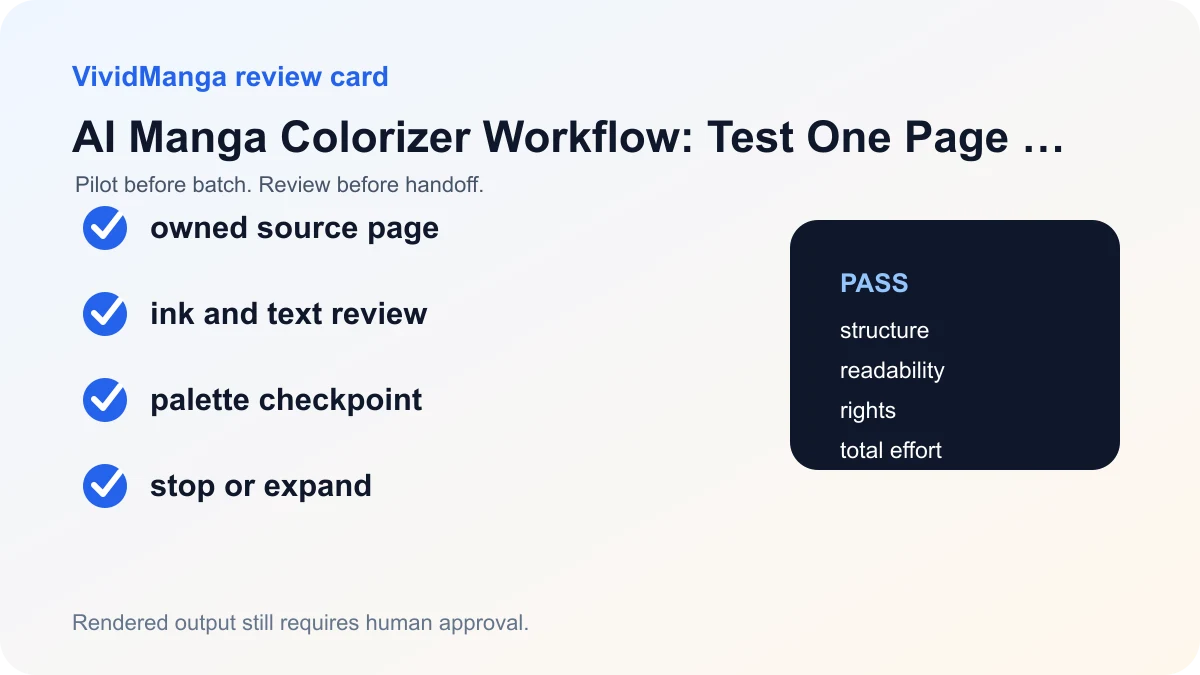
Decision table
| Check | Pass condition | If it fails |
|---|---|---|
| Line art | No broken contours or invented edges | Repair source or color manually |
| Text | Bubbles and effects remain readable | Mask or rerun the page |
| Palette | Recurring colors stay within the approved reference | Return to a smaller test set |
| Effort | Review plus correction is lower than the manual baseline | Stop scaling |
Build palette anchors before the second page
A palette anchor is not a mood board. It is a small record of colors that must remain recognizable when the same character, garment, or prop returns. Start with four to eight anchors from the approved pilot: skin midtone, hair base, eye color, the main garment, one accent, and any story-critical prop. Save a labeled swatch image beside the source page. For each anchor, note whether it is fixed or may change with light. A red coat is fixed in identity, while the visible red may shift darker in a night scene.
Compare anchors in the same viewing conditions. Put the pilot and candidate page side by side, turn off display filters, and sample from similar lit areas rather than a highlight on one page and a shadow on another. The goal is not identical RGB values. It is stable character recognition and scene logic. When a candidate drifts, write the difference in plain language: "hair changed from cool black to brown," or "coat accent became the background color." That note is the reference for a new attempt or a manual correction.
Use a copyable approval record
Create one row per candidate:
| Source | Candidate | Ink and text | Palette anchors | Correction minutes | Decision |
|---|---|---|---|---|---|
| ch01-007.png | ch01-007-natural-v2.webp | pass | hair pass; coat fail | 6 | revise |
Set the threshold before processing. A practical pilot rule might be: no changed contours, no colored bubble interiors, all recurring anchors recognizable, and no more than ten minutes of local correction. That is an example, not a universal quality standard. A studio can tighten it for publication or loosen it for an internal mood reference. The important part is that the rule is written before a colorful result makes the reviewer more forgiving.
"Tighten the reference" should mean a visible change. Crop a clearer costume area, remove an unrelated character from the reference, label the fixed swatches, or choose a source page with neutral lighting. If the input and reference have not changed, another run is only another candidate. After two attempts repeat the same drawing error, route the page to the black-and-white source preparation guide or manual color rather than expanding the batch.
Keep this page as the pilot guide
This article covers the decision from one representative page to a short sequence. The batch workflow covers archives and chapter QA, the page-order guide covers filenames and manifests, and the batch cost guide covers accepted-page economics. Keeping those jobs separate makes each checklist easier to use.
VividManga returns a rendered image, not a layered working file. Keep the editable source project and treat the accepted render as an input, reference, or flattened deliverable according to the brief. Upload only material you own or have permission to process. Read the Privacy Policy and Terms of Service before using confidential or client work.
Colorize one manga page here
Upload one black-and-white page, get a color result, then decide whether to process more pages.
PNG, JPG, or WebP under 5 MB works best.
Use this result to judge palette, line art, and speech bubbles before scaling.
Run the representative page in the single-page Manga Colorizer. Use Colorize Manga Pages only after the written pilot rule passes on adjacent pages.
A useful stop rule for three common briefs
For a mood reference, accept a result when the scene idea is readable and no structural change would distort the discussion. Mark it as reference-only. For a creator preview, also require clean text, recognizable characters, and a correction list that the creator can understand. For a flattened publication candidate, require a full-resolution comparison, documented permission, color continuity, device review, and approval by the person responsible for the final art.
Do not let a looser brief quietly become a stricter deliverable. A mood reference that looks attractive in a meeting should not enter the publication folder without going through the publication checks. Put the intended use in the filename or review row, such as ch01-007-mood-reference.webp or ch01-007-publication-candidate.webp.
The pilot is valuable even when it stops the workflow. A rejected difficult page can show that tiny lettering, dense tone, or a recurring costume needs a different source export or manual method. Record that conclusion and link it to the page condition. The next project can then select a better pilot instead of repeating an untracked experiment.
Archive the pilot as evidence
Keep the source, every candidate, the palette card, and the approval row together. Add the tool style, date, output dimensions, and reviewer. A future workflow change can then be compared against the same authorized page without relying on memory. If the source cannot be reused, keep the written failure categories and threshold as the reusable artifact.
Review the archive after the first larger scene. If correction time or drift is worse than the pilot predicted, update the rule and stop the next expansion. A pilot is a living production control, not a one-time permission slip for the rest of the chapter.
Use the same page again only when the workflow itself changes. A new model, style, source export, or palette reference creates a meaningful comparison. Repeating an unchanged test merely enlarges the candidate pile and weakens the original decision record.
References used for this guide
- Clip Studio Paint Smart Tools guide: Clip Studio Paint describes automatic colorization as a server processed preview that creates a raster color result and still benefits from a hint layer and review.
- U.S. Copyright Office AI initiative: The Copyright Office separates questions about AI output copyrightability, training, and digital replicas, so a coloring workflow should not turn a tool result into a blanket rights promise.
The linked sources explain automatic colorization mechanics and the separate copyright questions around AI. The pilot thresholds and approval record are VividManga editorial recommendations, not claims made by either source.
FAQ
What should an AI manga colorizer do first?
It should help you test a representative page and expose failure modes before you process more files. The first decision is whether the result preserves the drawing and text, not whether it looks colorful in a thumbnail.
Can I edit the output in layers?
The current VividManga output is a rendered image rather than a layered PSD or Clip Studio file. Keep your editable line art, flats, and shading layers in your drawing software and use the generated image as a reviewed input or reference.
How many pages should I test?
Start with one difficult page, then a short adjacent sequence. This checks both single-page structure and cross-page continuity without committing an entire chapter.
Can I process published manga pages?
Only upload pages you own or have permission to process. Access to a page on the web does not grant adaptation, republication, or commercial rights.