
Color a Full Manga Chapter in One Batch
Upload numbered JPG, PNG or WebP pages, or one ZIP/CBZ chapter. Review the page count and credit cost before processing, choose a style, then download the completed pages in order.
A chapter you can review
Test the direction, then color the remaining pages
Use the single-page tool for an actual color test. Once you accept the result, upload the remaining images here, check the estimate and confirm a style. Review neighboring pages before handing over the chapter.
The shared style gives the batch a common direction. You still decide whether the line art, lettering and recurring colors meet your standard.
Follow the 12-page example and review checklist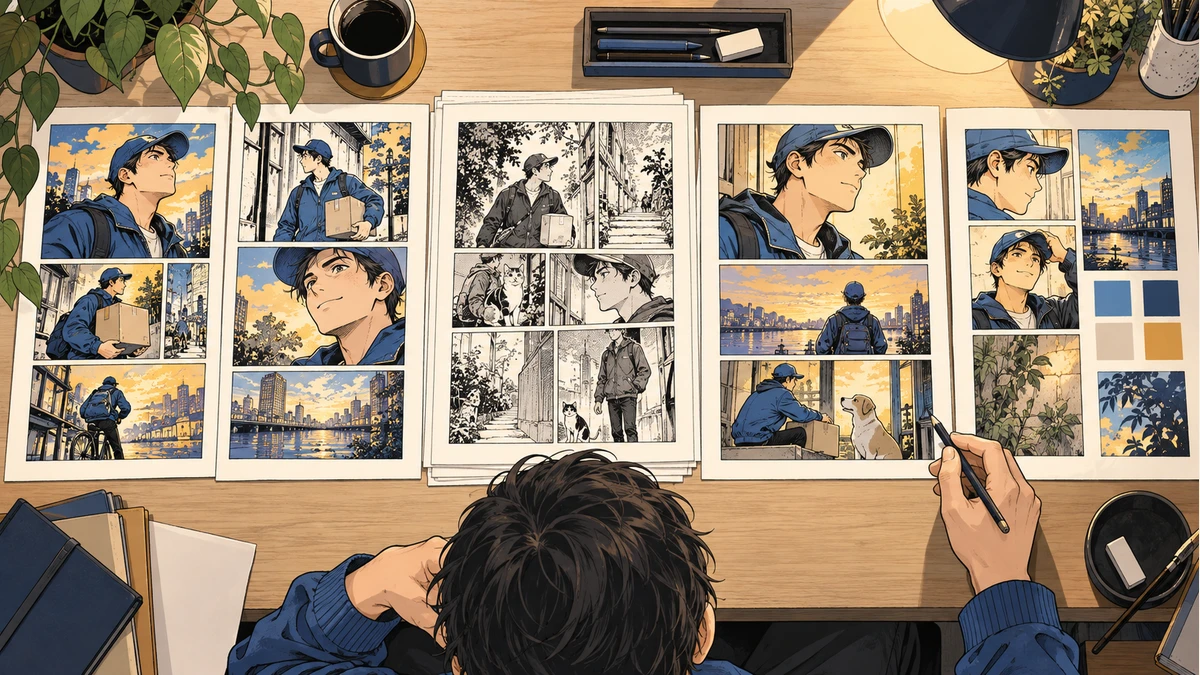
Check the count and cost before starting
1
Select the pages
Choose loose JPG, PNG or WebP images, or one ZIP/CBZ. Number filenames in reading order and remove duplicates. Loose-image selections support up to 100 pages.
2
Review the estimate
New jobs use one credit per input image. Ten remaining images require ten credits. Accepted test outputs are separate files; uploading them again creates new generations.
3
Keep a review reference
Save the test output and chosen style. The source preview is not a generated color sample. Compare character colors across completed pages and make corrections where needed.
One page uses one credit
The current Volume Pass is 150 credits for $9.90, so it can cover up to 150 first-pass pages. Retries and separate generations use additional credits. The checkout screen shows the final price before payment.
For larger jobs, check the credit worksheet and current credit packs. Keep your sources accessible until the uploaded job is saved in history.
Keep control of the final delivery
Return to job history to check processing and download completed pages. Retry technical failures; edit or separately regenerate completed images that need artistic correction. Open the downloaded ZIP, count its images, and compare their order with your source list.
Batch downloads contain rendered WebP images. Keep editable masters in your drawing app. Upload only artwork you own or are authorized to process, and confirm permission before sending confidential client work to an outside AI service. VividManga may store inputs, outputs and job information to provide and support the service. Read the Privacy Policy and Terms of Service before uploading.
Batch coloring questions
Can I upload images without a ZIP?
Yes. Select up to 100 JPG, PNG or WebP images. ZIP and CBZ are also supported when your chapter is already packaged. Use numbered filenames and check the detected page count.
When are credits used?
New batches estimate one credit per image. Uploading and reviewing the estimate do not start colorization. Confirm the style and the job before processing begins. A separate generation or manual failed-page retry can use credits again.
Is the source preview a colored test?
No. The batch preview shows a source page and the style cards show examples. Use the single-page tool to generate a real color test before submitting a longer sequence.
Will character colors match on every page?
The batch uses a shared style direction, but matching character colors are not guaranteed. Compare recurring hair, clothing and props against your reference, then correct unwanted changes.
What happens if a page fails?
Job history shows completed, pending and failed pages. Retry technically failed pages from the job. For a completed image that needs artistic correction, edit it externally or generate the source separately.
What can I download?
Download completed rendered images and a ZIP of completed outputs. Check actual file count and page order before delivery. Keep editable layers in your original drawing app.