
Mewarnai Banyak Halaman Manga
Preview one page, keep character colors consistent, then color multiple manga pages in reading order.
Can I color a whole chapter in one upload?
Yes. Upload one archive, review the estimate, choose a style, then download one finished ZIP.
Coloring does not start here. We only inspect the archive so you can confirm cost, style, and character colors first.
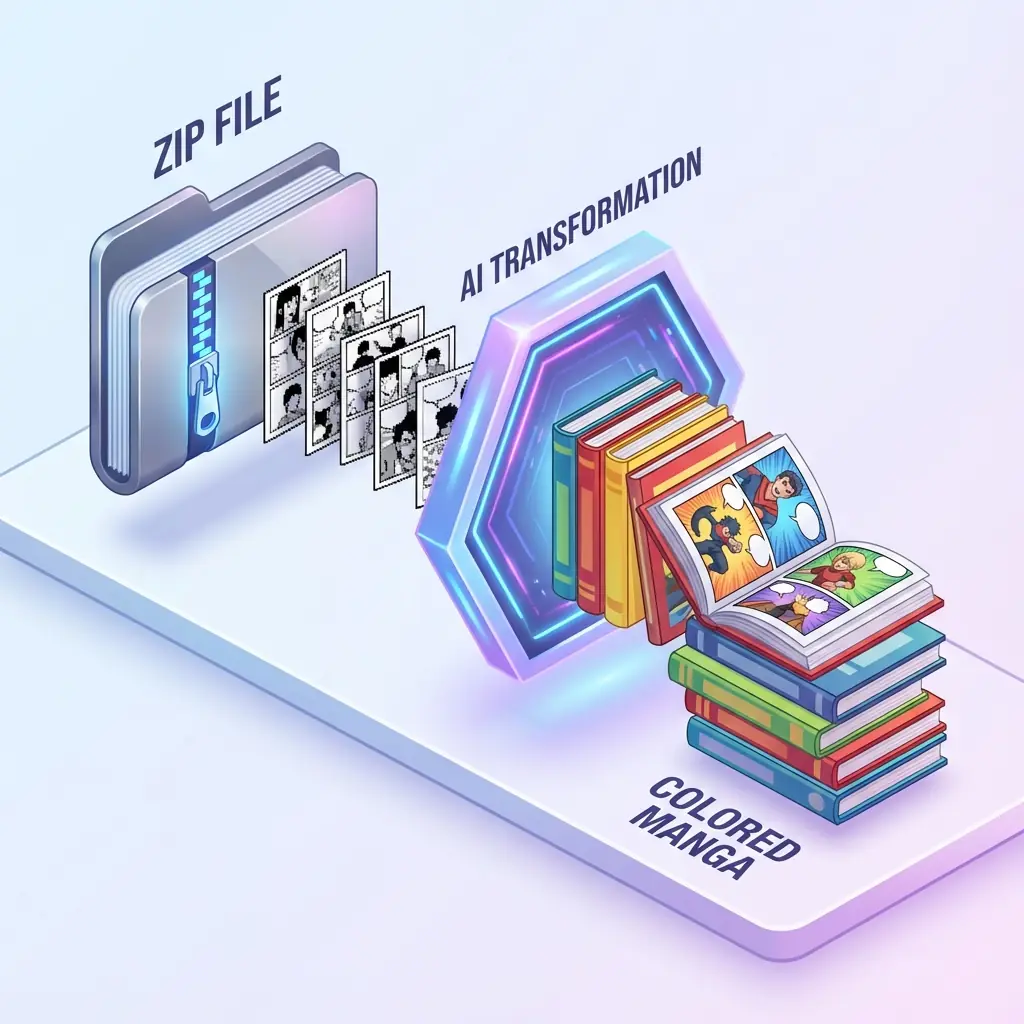
Upload
ZIP or CBZ archive
Cost
Preview before processing
Output
Download as ZIP
Do I need to unzip it first?
No. Drop the ZIP or CBZ archive directly.
Will credits start immediately?
No. You see page count and credits before processing.
Can I choose the look first?
Yes. Pick the style after the first-page preview.
Will the result stay in order?
Yes. Finished pages are repacked into one ZIP.
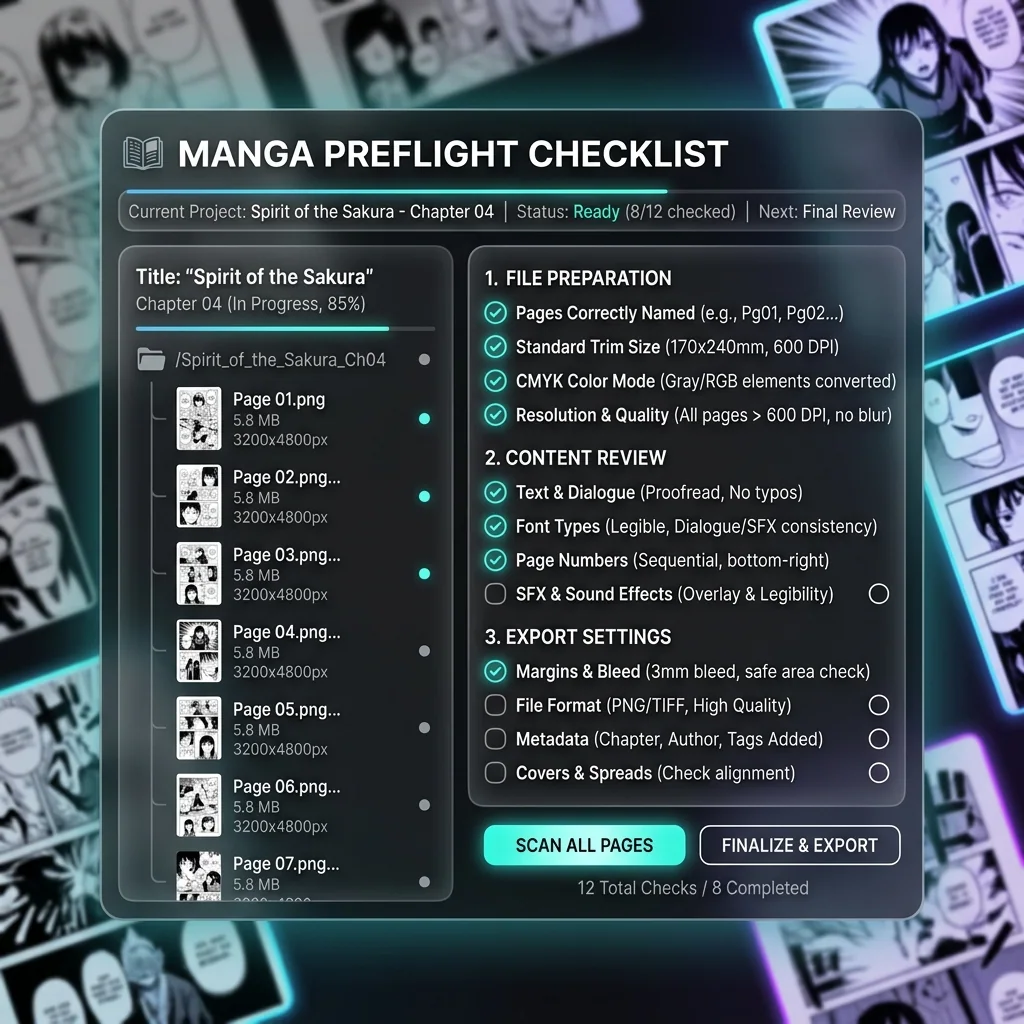
Creator QA
What should I check before uploading a full chapter?
These checks prevent the common problems creators hit after page five: wrong order, unreadable text, huge files, or risky source material.
Keep readable page order
Use names like 001, 002, 003 so the finished ZIP exports in chapter order.
Use clean text pages
High contrast speech bubbles and captions give the text protection step a clearer target.
Split risky chapters
For client or paid work, test a short archive before submitting a full volume.
Upload pages you can process
Keep originals separate and only upload manga you have permission to colorize.
Nothing has been charged yet
When do credits start, and what should I confirm first?
For creator or small-team work, the best time to catch ordering, cost, and quality issues is before processing starts.
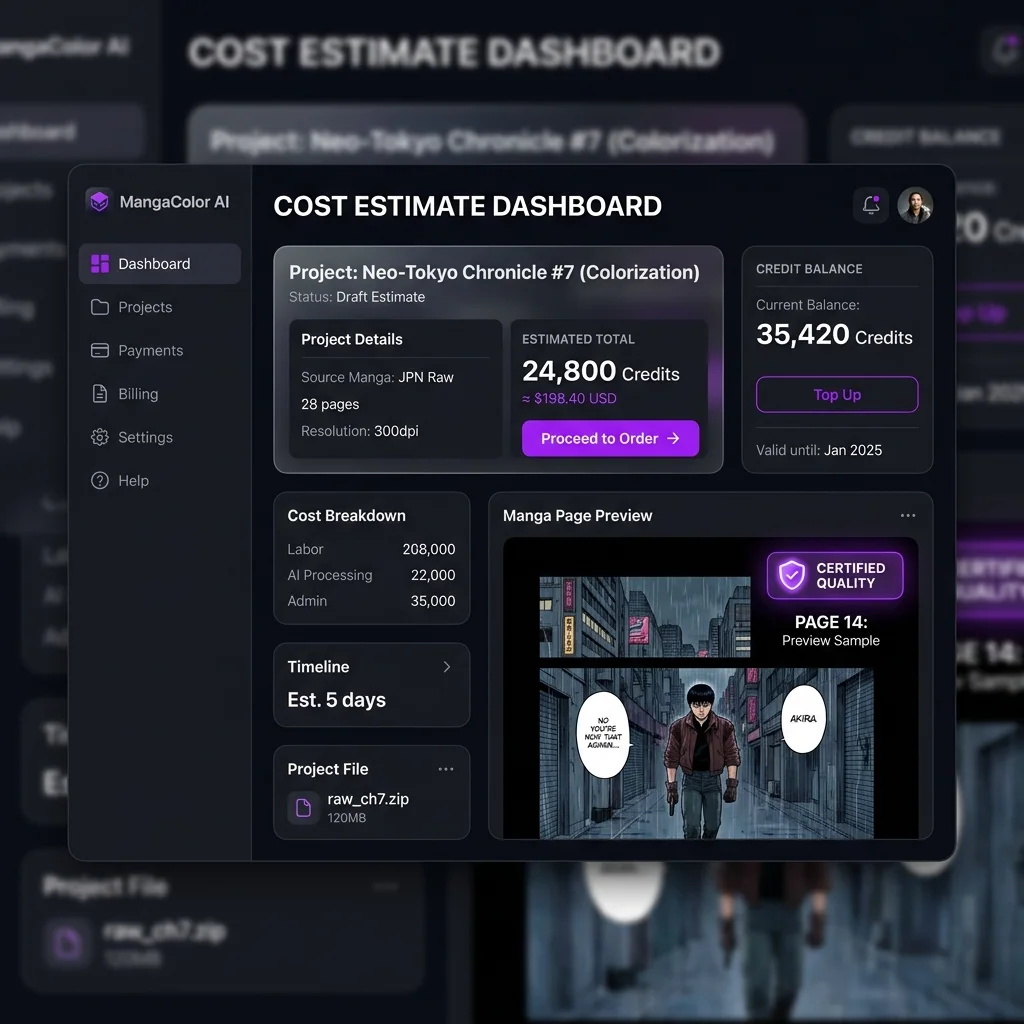
Continue only moves you to the first-page preview. Batch coloring starts after you choose a style and confirm the character colors.
Page count is the cost driver
Credits follow the detected page count, so confirm this number before moving on.
Split scenes when control matters
Separate long chapters by scene or episode if different color directions need separate review.
Keep the archive name meaningful
History and download recovery use this file name, which helps team handoff later.
Yang dicari pengguna saat mewarnai halaman manga
Intinya praktis: mewarnai chapter manga, unggah ZIP atau CBZ, menjaga urutan halaman, melindungi balon teks, dan mendapatkan satu arsip siap baca.
Mewarnai chapter ZIP/CBZ
Bisakah saya unggah satu chapter tanpa memecah setiap halaman?
Pengguna batch ingin lepas dari proses satu per satu. VividManga membaca arsip, menghitung gambar, menjaga urutan baca, dan meminta konfirmasi sebelum memproses.
Concern
Archive handling
ZIP and CBZ files often contain dozens of JPG, PNG, or WebP pages that must stay in sequence.
Answer
Upload once
VividManga reads the archive, counts pages, and moves the job forward without asking you to upload one image at a time.
Check
Name pages clearly
Use filenames like 001, 002, and 003 so the export can be rebuilt in chapter order.
Mewarnai manga batch
Apakah jumlah halaman, kredit, dan risiko terlihat sebelum mulai?
Saat mewarnai banyak halaman manga, kesalahan kecil bisa mahal. Karena itu inspeksi dilakukan dulu, lalu Anda menyetujui gaya dan warna karakter.
Concern
A bad start wastes pages
A 40-page chapter makes wrong order, blurry scans, or the wrong color direction expensive to discover late.
Answer
Preflight first
VividManga separates upload, estimate, style preview, and processing so users can stop before credits are spent.
Check
Split uncertain work
For client, paid, or long-volume work, test a short scene before sending the full archive.
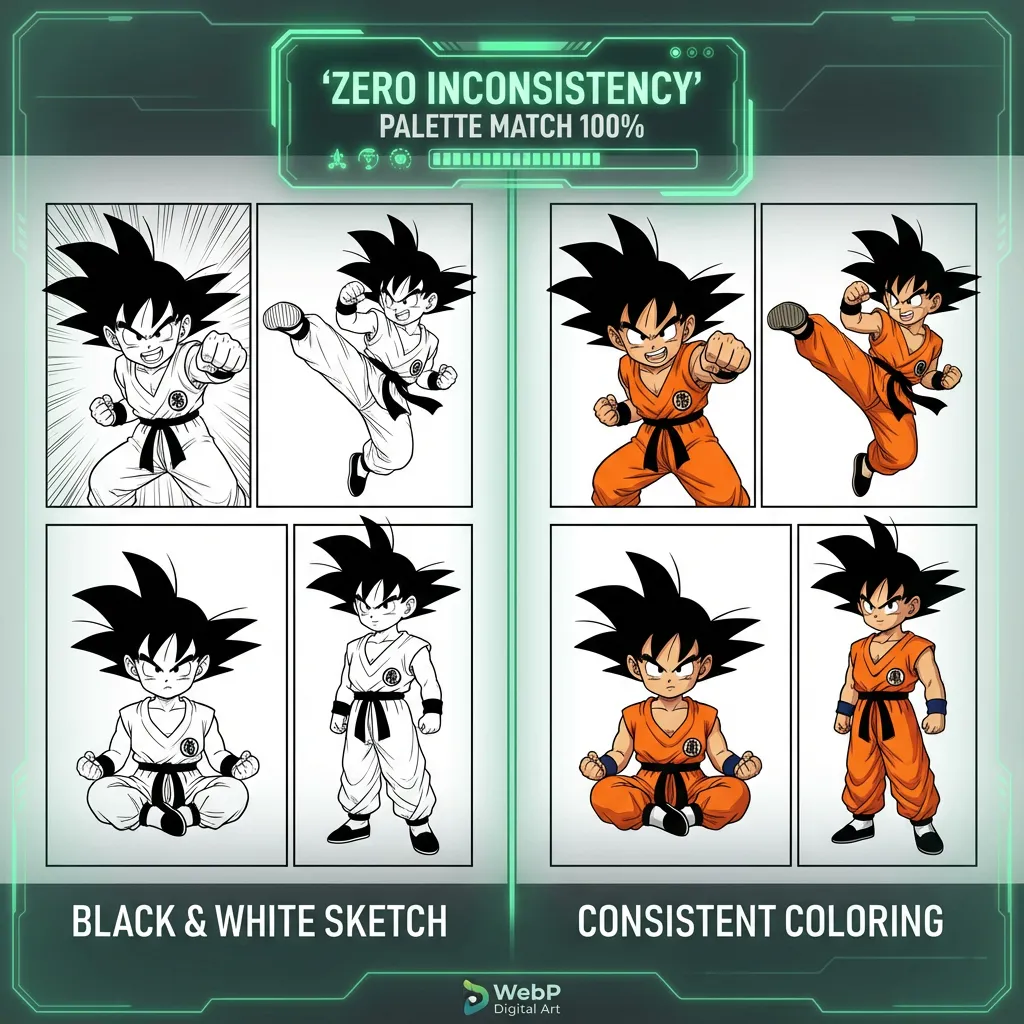
Character consistent manga coloring
How do I keep hair, outfits, and skin tones from changing page by page?
Color drift is the biggest quality fear behind multi-page manga coloring. Searchers want the same character to remain recognizable across panels, scenes, and chapter breaks instead of being recolored randomly on every page.
Concern
Single-image tools forget context
When every page is treated alone, the model can change uniforms, hair tones, and accent colors between scenes.
Answer
Confirm the palette
VividManga gives the batch a shared style and character-color target before the full job runs.
Check
Review recurring characters
Look at main cast hair, eyes, skin, outfits, and signature props before confirming a long batch.
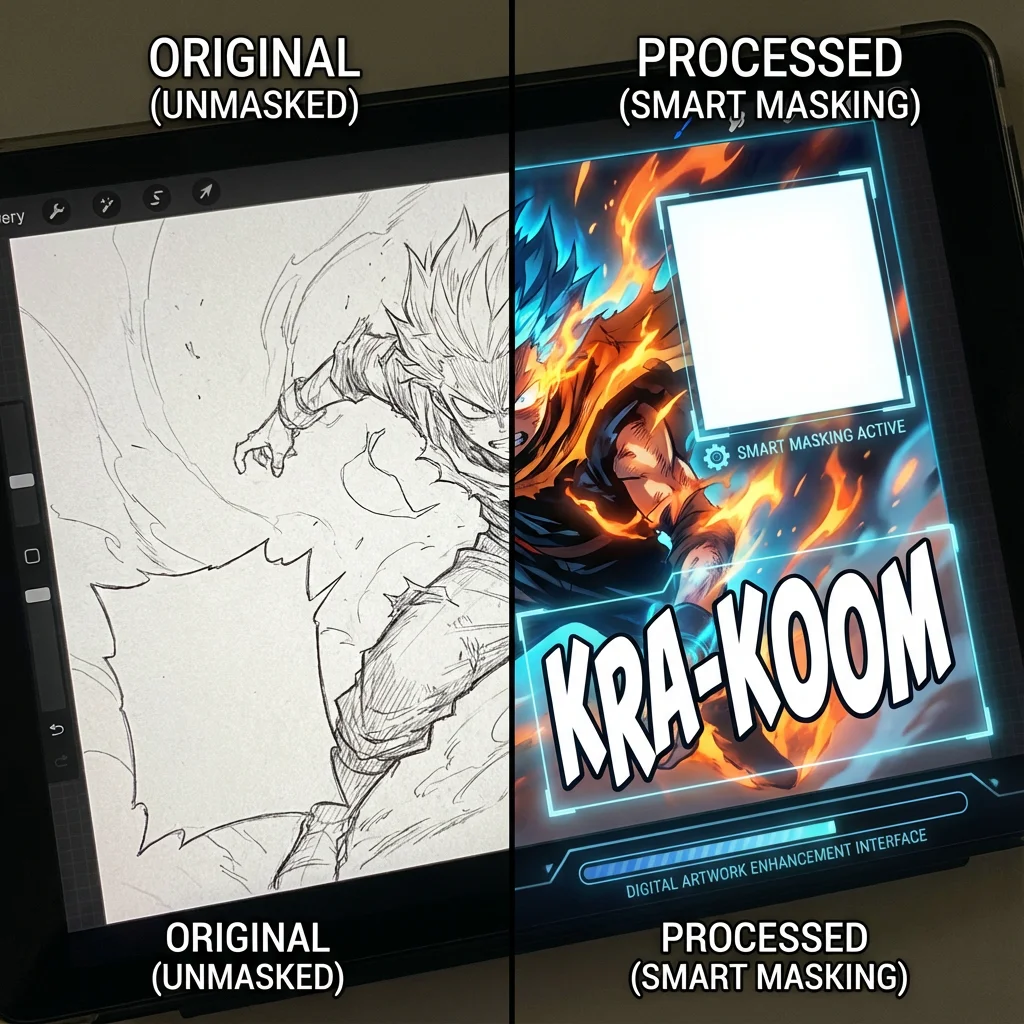
Speech bubble protection
Will dialogue, captions, and sound effects stay readable?
Manga colorization is not useful if it stains speech bubbles or muddies lettering. Batch pages need text-aware handling because a single damaged bubble can make the final chapter harder to read.
Concern
Text areas are fragile
Bubbles, narration boxes, SFX, and dense screentones sit close to artwork and can be easy to overpaint.
Answer
Protect readable zones
VividManga is designed to preserve text-heavy areas while adding color to the surrounding artwork.
Check
Use clean scans
High-contrast pages with clear bubble edges give the protection step a stronger target.

Multi-page manga colorizer output
What happens when a large batch finishes or partly fails?
Batch users also care about recovery. A real chapter workflow needs progress, history, partial results, and a clean ZIP export so creators are not hunting through loose files after a long run.
Concern
Long jobs need a trail
Large folders and volumes are hard to manage if the browser closes, one page fails, or the download link is lost.
Answer
Track and recover
VividManga keeps job status, page progress, history, and download actions tied to the original archive name.
Check
Export as one archive
Finished pages are packaged into a ZIP so the colored chapter can move into reading, editing, or publishing.
Who needs batch manga page colorization?
Use the batch tool when page count, consistency, and repeatable output matter more than a quick one-page preview.
Manga authors
Check color direction before committing a chapter
Upload the archive once, preview page count and first-page direction, then confirm character colors before any batch processing starts.
Less rework: one palette decision can carry through the whole chapter.
Short-video creators
Turn chapters into usable editing assets
Keep page order, readable speech bubbles, and consistent characters so finished ZIP output can move into Bilibili, TikTok, Shorts, or editing software.
Faster posting: no page-by-page upload loop.
Readers and collectors
Improve scans without losing the original archive
VividManga creates a new colored output archive while preserving the input flow, cost preview, history, and download recovery.
Safer archiving: originals stay separate from colorized results.
Manga readers and collectors
Turn black and white ZIP or CBZ archives into readable color editions without manually handling every page.
YouTube and TikTok creators
Prepare colored manga panels for motion edits, thumbnails, and narration videos with less repetitive production work.
Scanlation and editing teams
Review color direction, protect text, and keep page order while producing a full chapter for later typesetting or review.
Artists testing a color direction
Use batch manga page colorization to compare a full sequence and decide whether the palette works across scenes.
Manga colorizer guides and workflows
Read the planned support articles for this tool before publishing related content blocks.
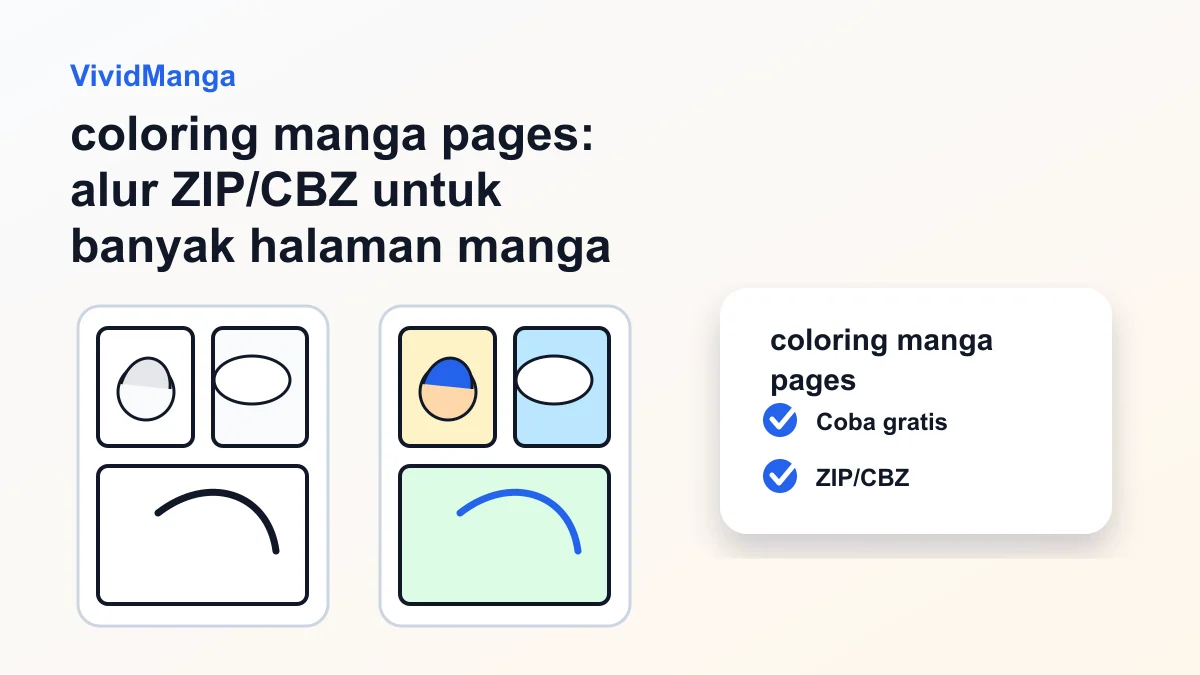
coloring manga pages: alur ZIP/CBZ untuk banyak halaman manga
Rencanakan coloring manga pages untuk bab manga: urutan file, halaman uji, konsistensi warna, balon bersih, dan ekspor akhir.
coloring manga pages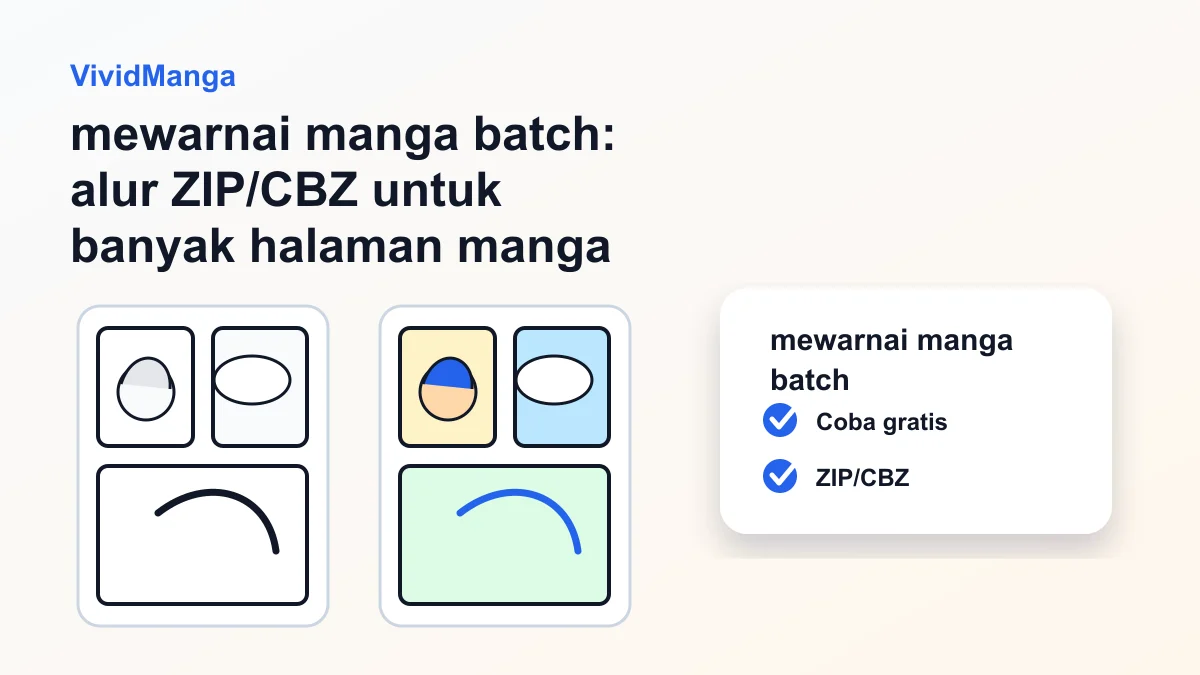
mewarnai manga batch: alur ZIP/CBZ untuk banyak halaman manga
Rencanakan mewarnai manga batch untuk bab manga: urutan file, halaman uji, konsistensi warna, balon bersih, dan ekspor akhir.
mewarnai manga batch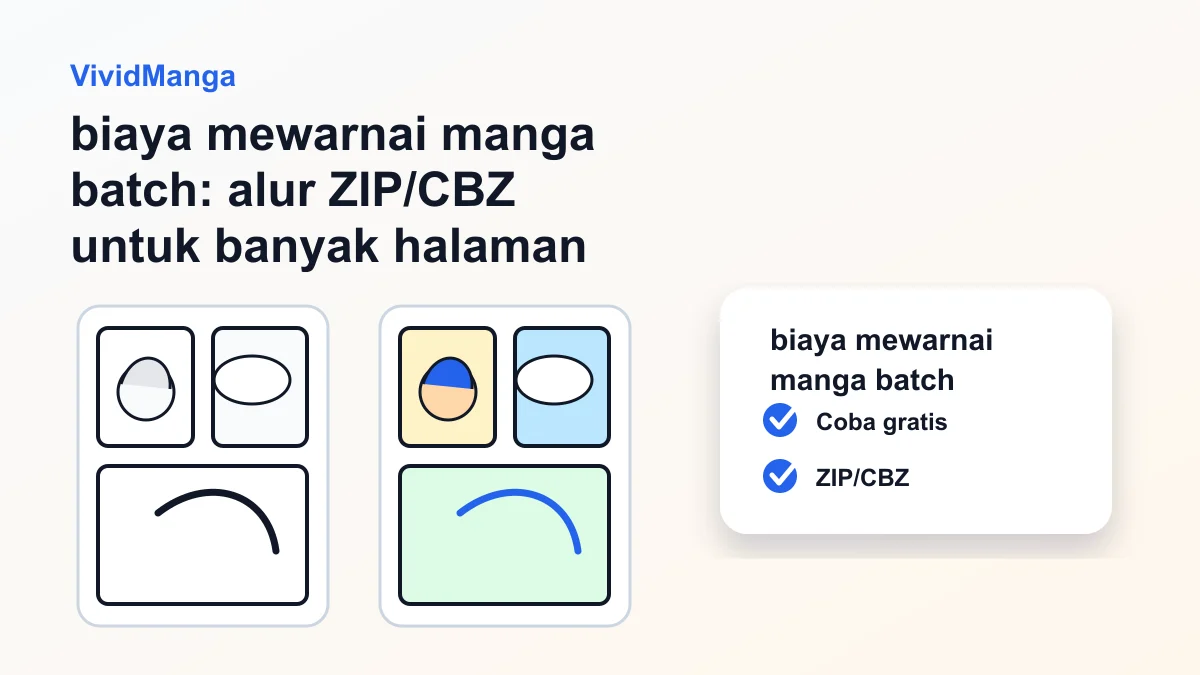
biaya mewarnai manga batch: alur ZIP/CBZ untuk banyak halaman manga
Rencanakan biaya mewarnai manga batch untuk bab manga: urutan file, halaman uji, konsistensi warna, balon bersih, dan ekspor akhir.
biaya mewarnai manga batchPertanyaan Umum
Everything you need to know about batch untuk chapter manga, including ZIP and CBZ uploads, credits, page order, character consistency, protected speech bubbles, history, and downloads.