
漫畫頁面上色
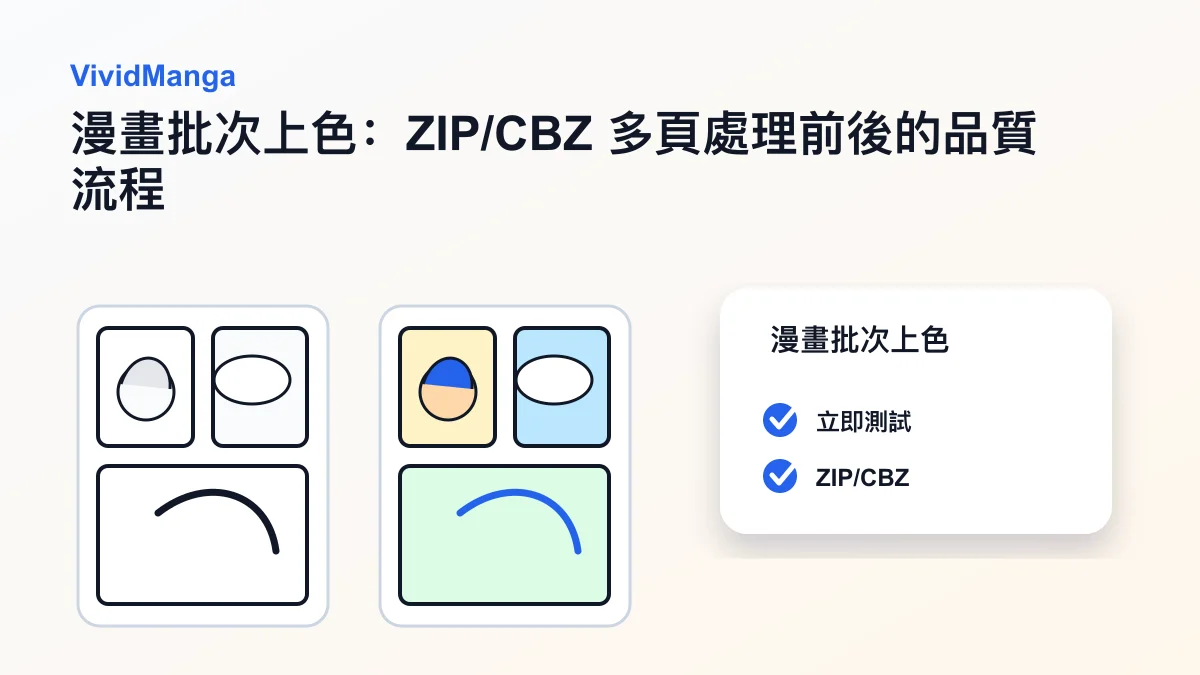
先試一頁,確認風格與角色顏色,再批次完成整章漫畫頁面上色。
为创作者批量任务设计
流程保持简单:上传一次、确认一次,然后让后台批量处理。
這裡不會開始上色。系統只會先檢查頁面數量,讓你確認成本、風格和角色顏色後再處理。
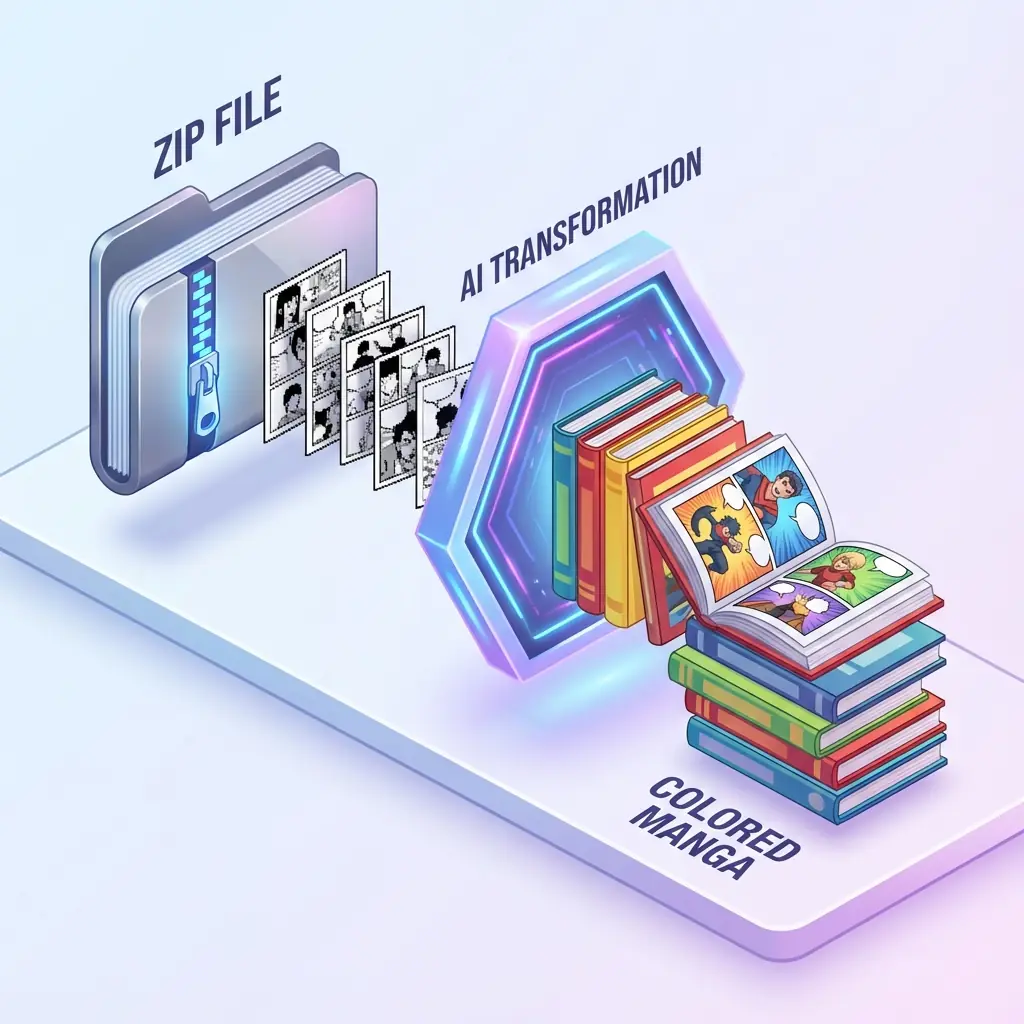
上传格式
JPG / PNG / WEBP
积分成本
处理前先预估
结果导出
打包下载为 ZIP
多圖直接上傳
直接選擇多張漫畫頁圖片即可開始;已有 ZIP/CBZ 時再用相容匯入。
不会突然扣积分
先看到页数和预计积分,再决定是否进入处理。
看第一页再选风格
VividManga 先展示第一页预览,风格不需要盲选。
历史记录放在下方
长章节可以从任务历史找回,但不占用主工作区宽度。
创作者 QA
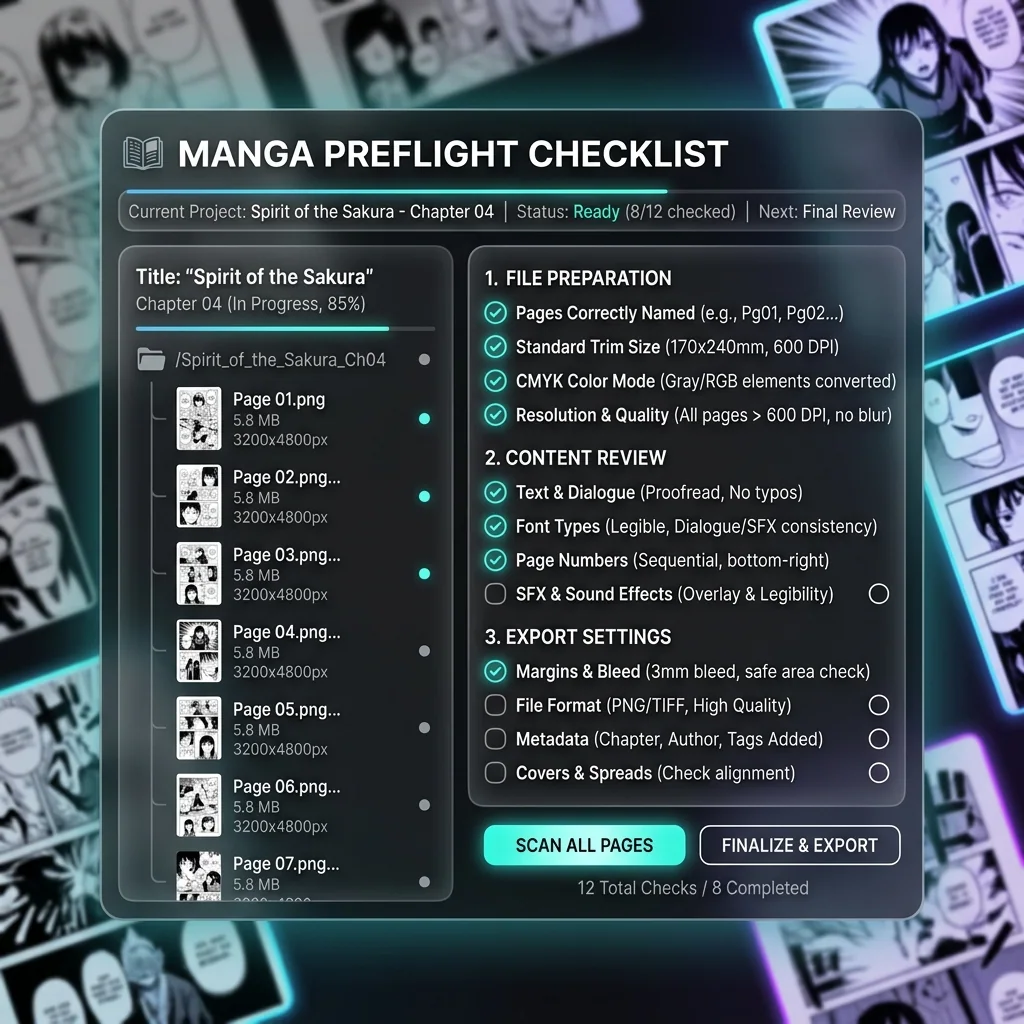
上传正式批量任务前先检查
这些检查能避免创作者在第五页之后才发现的问题。
保持清晰页序
用 001、002、003 这类文件名,确保导出的 ZIP 按章节顺序排列。
使用干净文字页
对白框和旁白对比度越清晰,文字保护越容易稳定。
高风险章节先拆分
客戶稿或付費稿建議先用短場景測試,再提交整批頁面。
上传可处理内容
保留原始文件,只上传你有权处理和上色的漫画页面。
现在还没有扣积分
判斷這個批次是否適合直接處理
创作者和小团队最好在开始处理前发现页序、成本和素材质量问题。
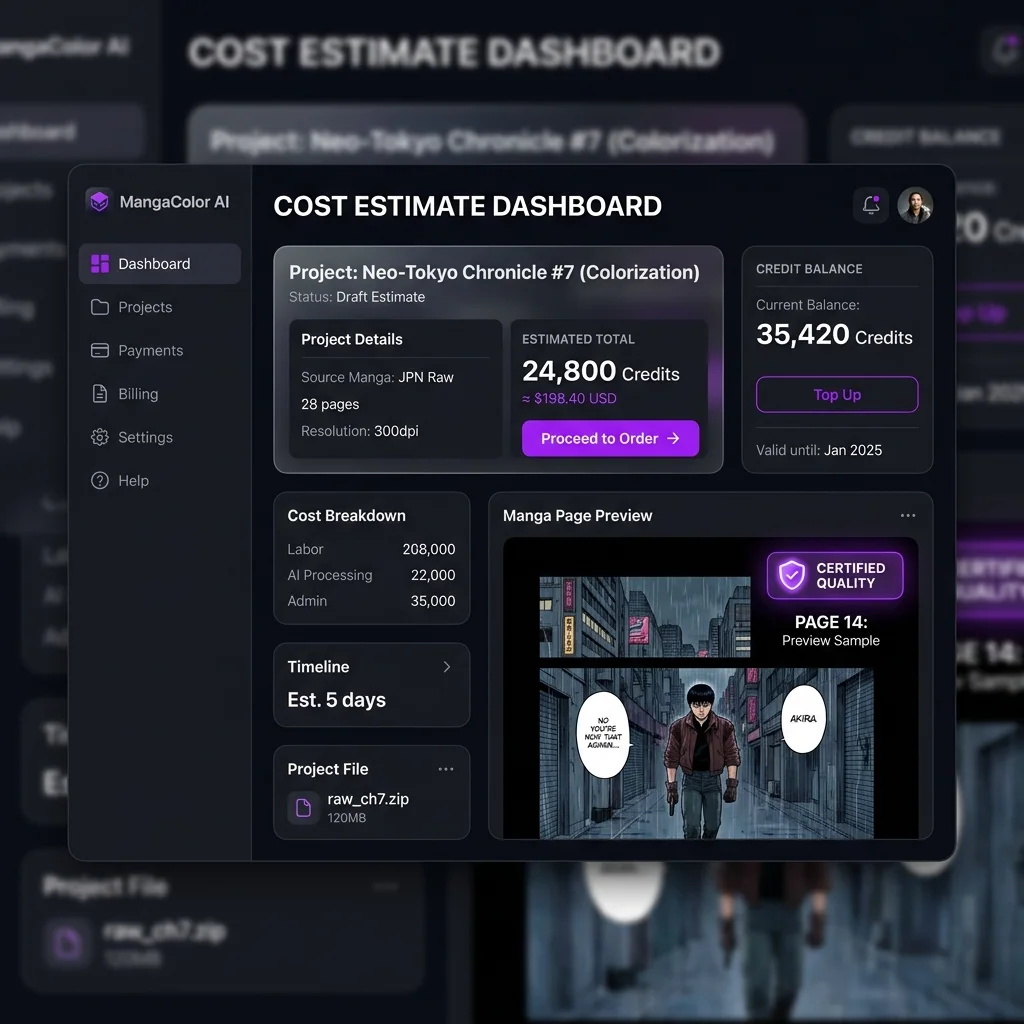
继续只会进入第一页预览。真正开始批量上色,要等你选择风格并确认角色颜色之后。
页数决定主要成本
积分会跟随检测到的页数,请先确认这个数字再进入下一步。
需要控制时按场景拆分
长章节如果有不同色调方向,可以按场景或话数拆成多个批次。
文件名要能交接
历史记录和下载恢复会使用这个名称,方便团队之后找回。
What batch manga colorizer users actually need answered
The repeated search patterns are practical: colorize a manga chapter, colorize a manga volume, upload ZIP or CBZ manga, keep character colors consistent, protect speech bubbles, and get one usable export.
Colorize ZIP or CBZ manga
Can I upload the whole chapter without unpacking every page?
Most batch users are trying to escape the page-by-page loop. A useful workflow should accept the archive they already have, inspect supported images, keep names in reading order, and avoid forcing manual extraction before the estimate is clear.
Concern
Archive handling
ZIP and CBZ files often contain dozens of JPG, PNG, or WebP pages that must stay in sequence.
Answer
Upload once
VividManga reads the archive, counts pages, and moves the job forward without asking you to upload one image at a time.
Check
Name pages clearly
Use filenames like 001, 002, and 003 so the export can be rebuilt in chapter order.
Colorize a manga chapter
Will I see page count, credits, and risk before processing starts?
People searching for chapter or volume colorization are often worried about cost and mistakes at scale. The page should explain that inspection comes first, and batch coloring starts only after the user confirms the style and character colors.
Concern
A bad start wastes pages
A 40-page chapter makes wrong order, blurry scans, or the wrong color direction expensive to discover late.
Answer
Preflight first
VividManga separates upload, estimate, style preview, and processing so users can stop before credits are spent.
Check
Split uncertain work
For client, paid, or long-volume work, test a short scene before sending the full archive.
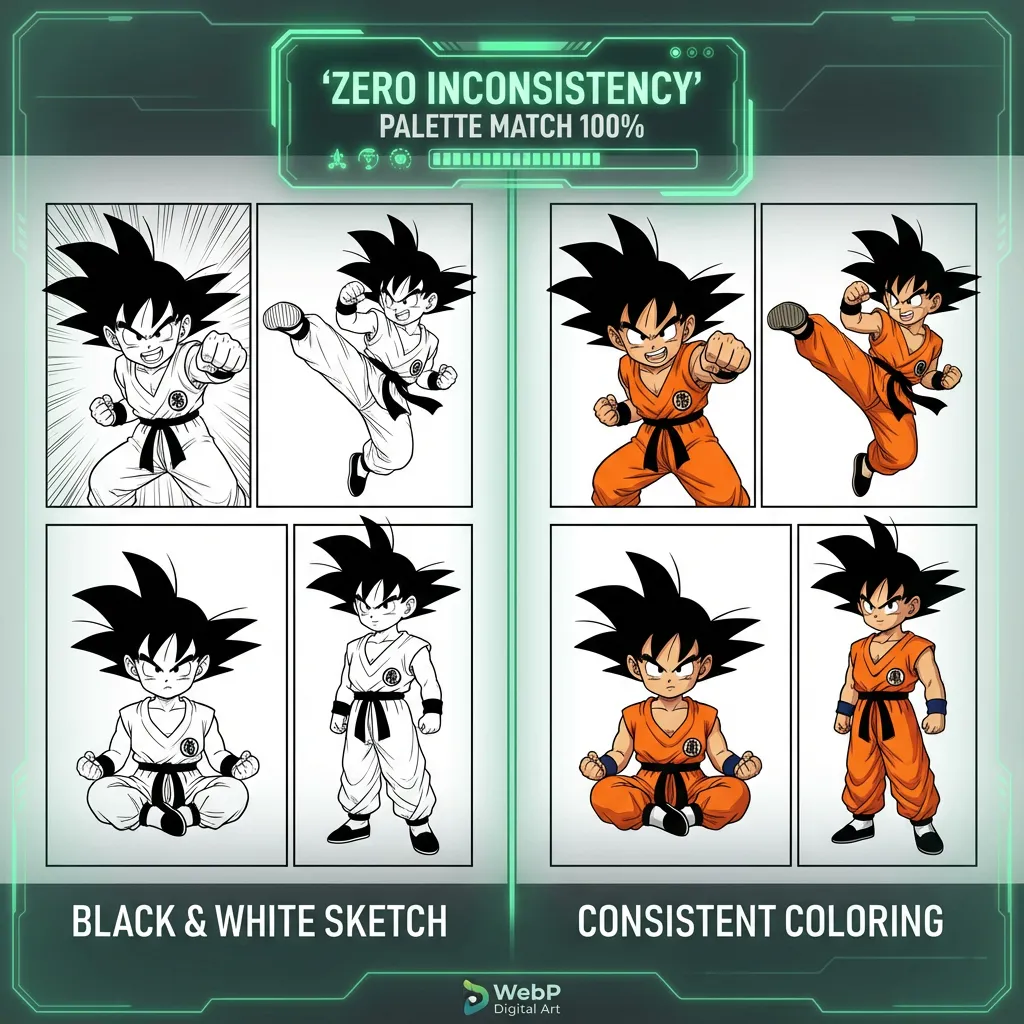
Character consistent manga coloring
How do I keep hair, outfits, and skin tones from changing page by page?
Color drift is the biggest quality fear behind multi-page manga coloring. Searchers want the same character to remain recognizable across panels, scenes, and chapter breaks instead of being recolored randomly on every page.
Concern
Single-image tools forget context
When every page is treated alone, the model can change uniforms, hair tones, and accent colors between scenes.
Answer
Confirm the palette
VividManga gives the batch a shared style and character-color target before the full job runs.
Check
Review recurring characters
Look at main cast hair, eyes, skin, outfits, and signature props before confirming a long batch.
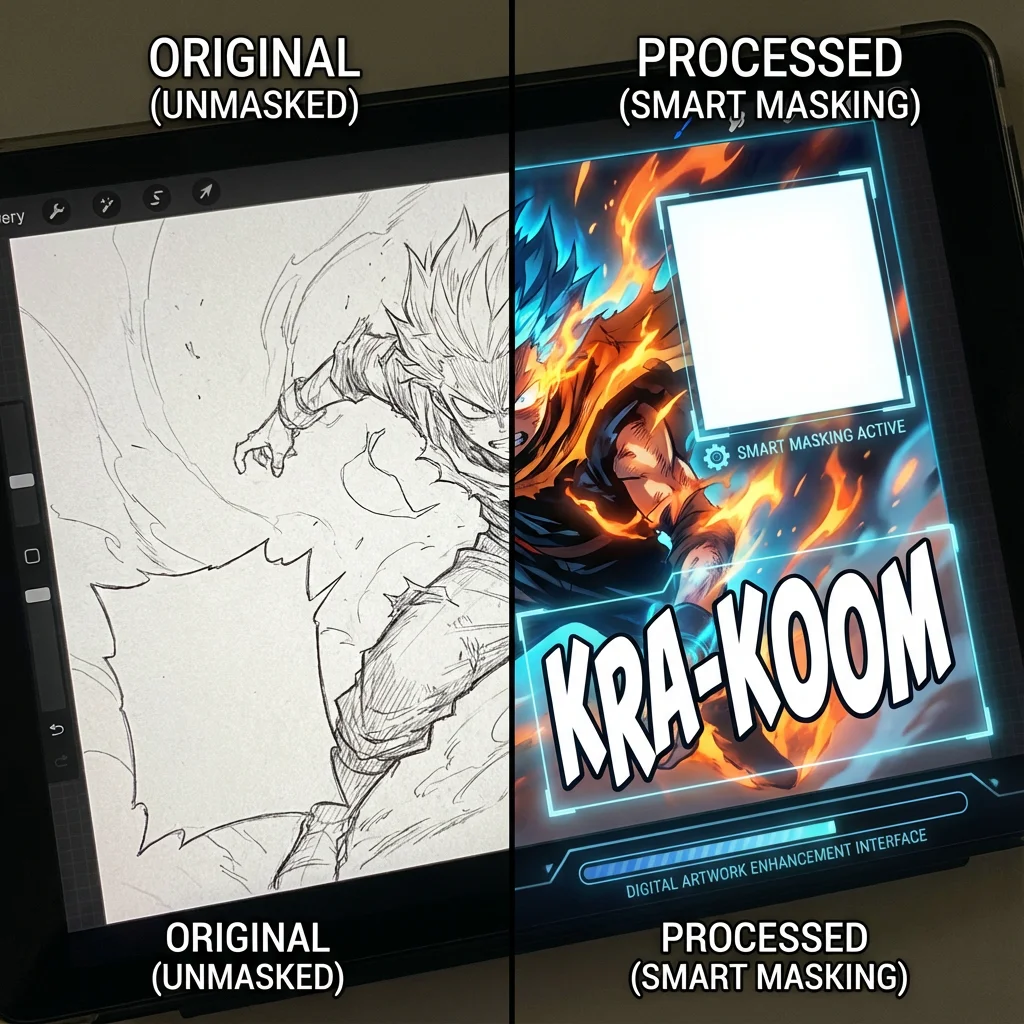
Speech bubble protection
Will dialogue, captions, and sound effects stay readable?
Manga colorization is not useful if it stains speech bubbles or muddies lettering. Batch pages need text-aware handling because a single damaged bubble can make the final chapter harder to read.
Concern
Text areas are fragile
Bubbles, narration boxes, SFX, and dense screentones sit close to artwork and can be easy to overpaint.
Answer
Protect readable zones
VividManga is designed to preserve text-heavy areas while adding color to the surrounding artwork.
Check
Use clean scans
High-contrast pages with clear bubble edges give the protection step a stronger target.

Multi-page manga colorizer output
What happens when a large batch finishes or partly fails?
Batch users also care about recovery. A real chapter workflow needs progress, history, partial results, and a clean ZIP export so creators are not hunting through loose files after a long run.
Concern
Long jobs need a trail
Large folders and volumes are hard to manage if the browser closes, one page fails, or the download link is lost.
Answer
Track and recover
VividManga keeps job status, page progress, history, and download actions tied to the original archive name.
Check
Export as one archive
Finished pages are packaged into a ZIP so the colored chapter can move into reading, editing, or publishing.
谁适合使用 漫畫頁面上色
当页数、一致性和可重复输出比单页预览更重要时,就应该使用批量工具。
漫画作者
先确认整章彩色方向,再决定是否开跑
上傳多張漫畫頁,先看頁數、積分和第一頁方向,再確認角色配色。確認前不會開始批次上色。
减少返工:一次角色配色决定,可以贯穿整章。
小B/短视频创作者
把章节变成可直接剪辑的素材
保留页序、对白气泡可读、角色颜色稳定。完成后导出 ZIP,方便进入 B站、抖音、TikTok、Shorts 或剪辑软件。
更快更新:不用一页一页上传、下载、重命名。
读者和收藏者
優化掃描圖,但不弄亂原始素材
VividManga 會生成新的彩色結果檔案,同時保留成本預覽、任務歷史和下載找回能力。
归档更安全:原始黑白文件和上色结果分开管理。
漫画读者和收藏者
把黑白 ZIP 或 CBZ 收藏转成可阅读的彩色版本,不必手动处理每一页。
YouTube 和 TikTok 创作者
更快准备彩色漫画分镜,用于视频剪辑、缩略图和解说内容。
汉化/编辑团队
在保持页序和保护文字的前提下,审阅配色方向并产出整章素材。
测试配色方向的画师
用批量漫画页面上色检查整段剧情里的配色是否稳定。
Manga colorizer guides and workflows
Read the planned support articles for this tool before publishing related content blocks.
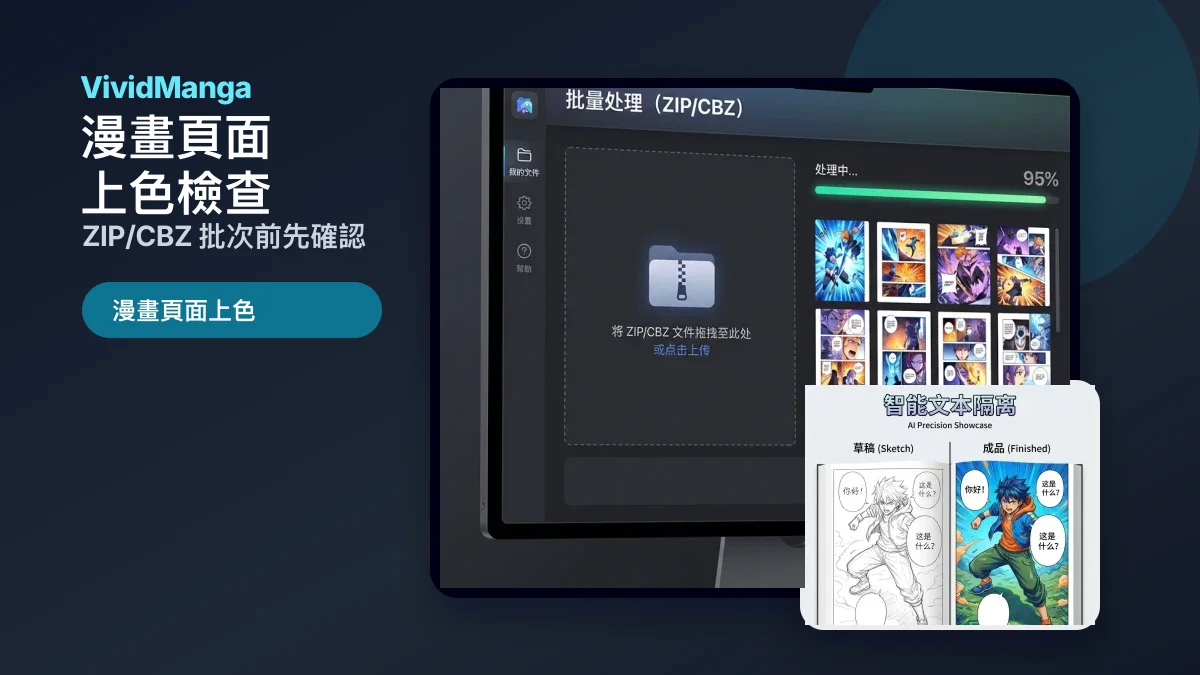
常见问题
這裡整理了 漫畫頁面上色 的常見問題,包括多圖上傳、相容 ZIP/CBZ 匯入、積分計算、頁面順序、角色顏色一致性、對白氣泡保護、歷史記錄和結果下載。