

免費3 頁免費

AI 漫畫上色工具

將你喜愛的黑白漫畫轉換為全彩作品,並在每一頁保持角色色彩一致。

Built for real manga workflows

What you actually get with the VividManga colorizer — no guesswork.

16Available languages
4Color styles to choose from
FreeFirst pages, no sign-up
AnytimeDelete your uploads & results
Character colors stay consistent across every page
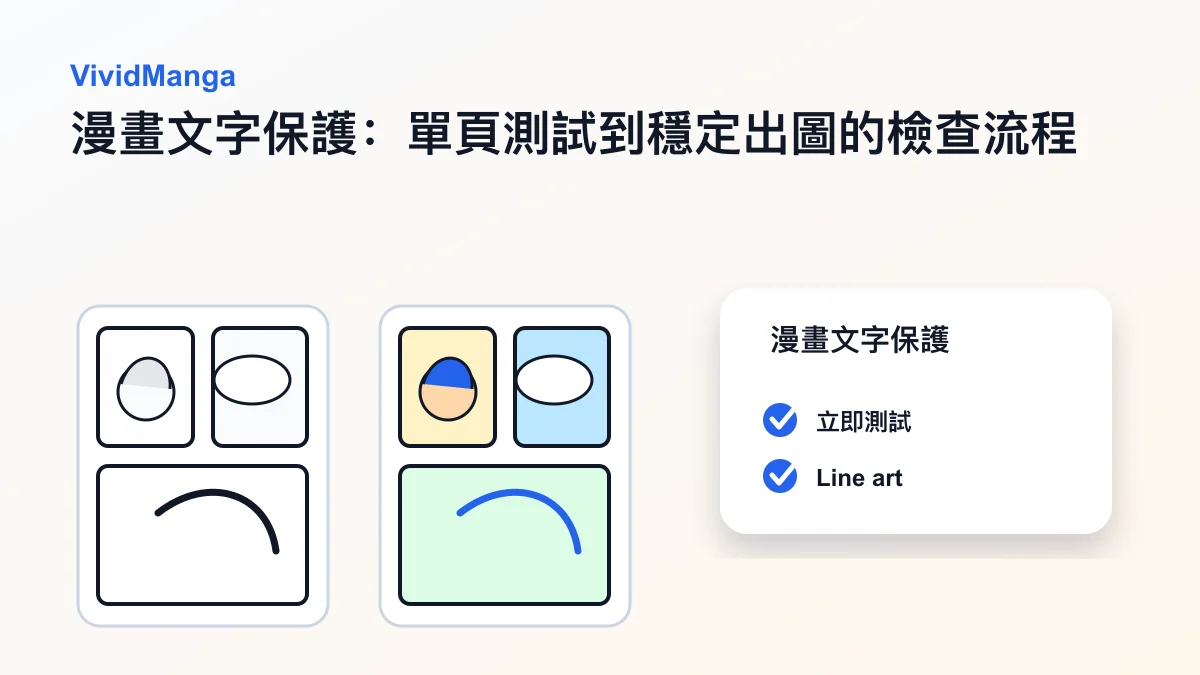
Speech bubbles and text kept readable
Multi-image batch flow when you move to more pages
Clear retention policy — your files are yours to delete anytime

上色設定

上傳黑白漫畫線稿。第一頁免費,無需註冊。

私密上傳 · 付費匯出高清無浮水印

互動預覽

上色后
原圖
上色后

互動預覽

个人工作区

最近的漫画上色记录

每次完成的单页 AI 漫画上色结果都会显示在这里,方便快速回看、下载和对比。登录用户可以在控制台保存更完整的历史记录。

看看转换效果

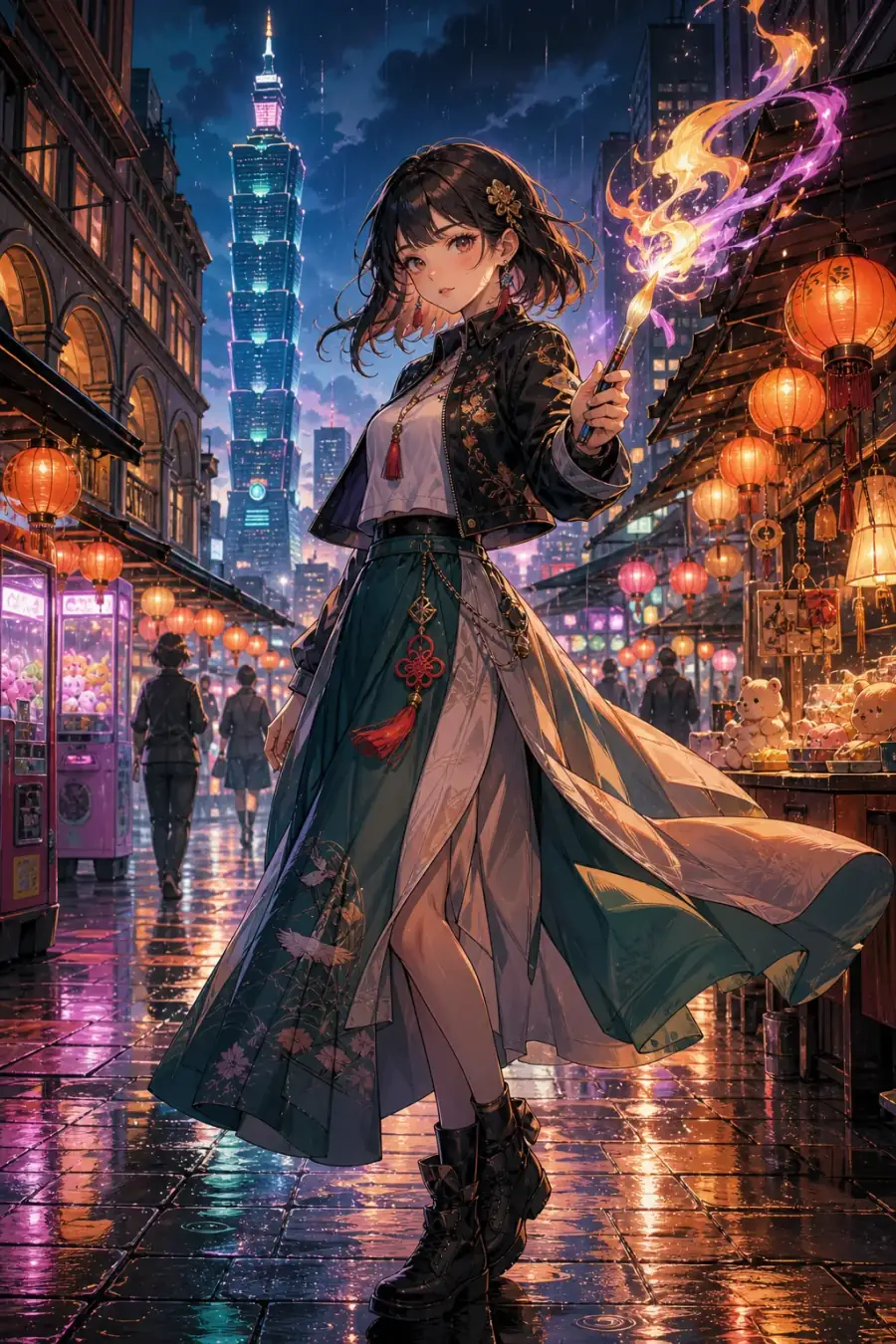
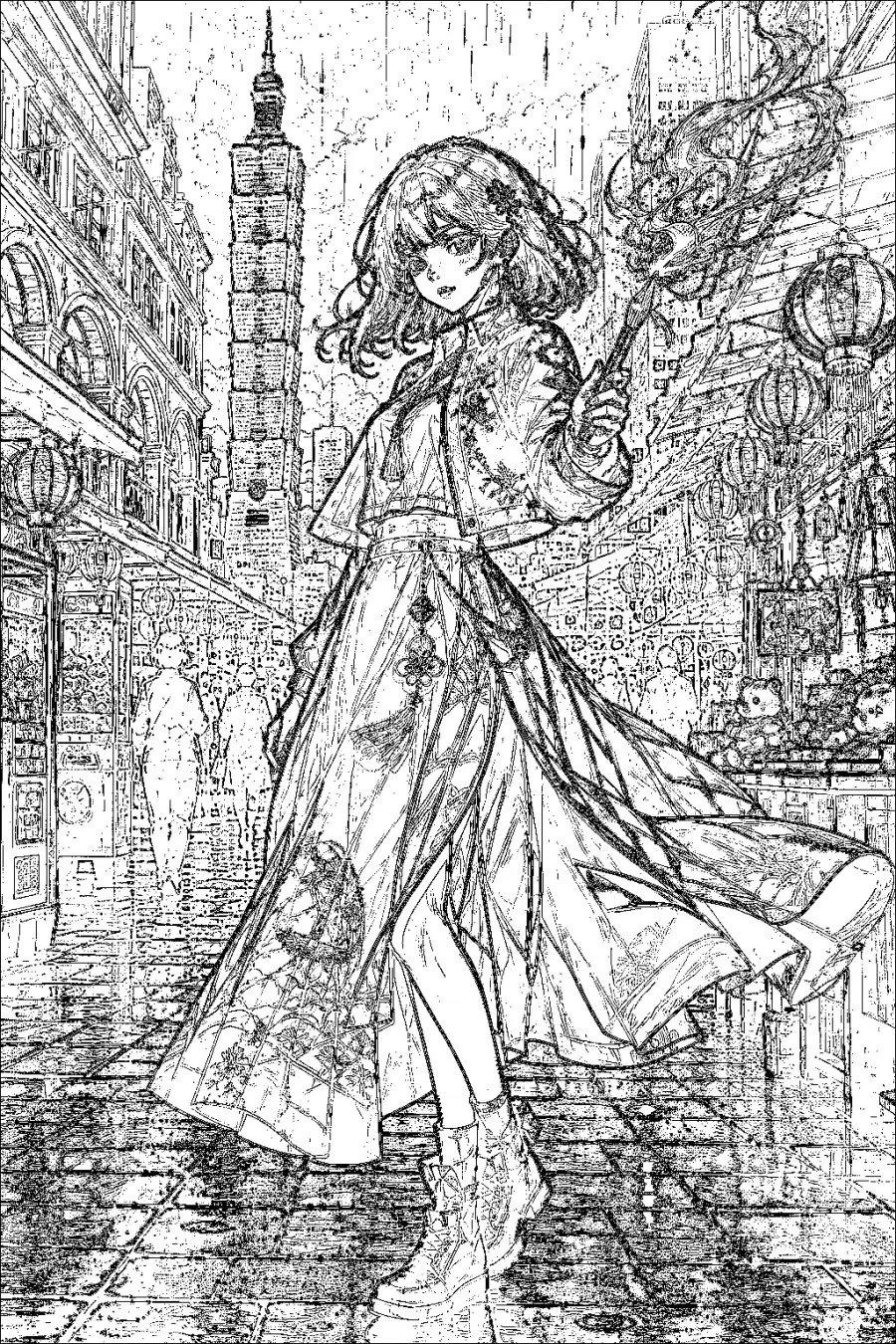
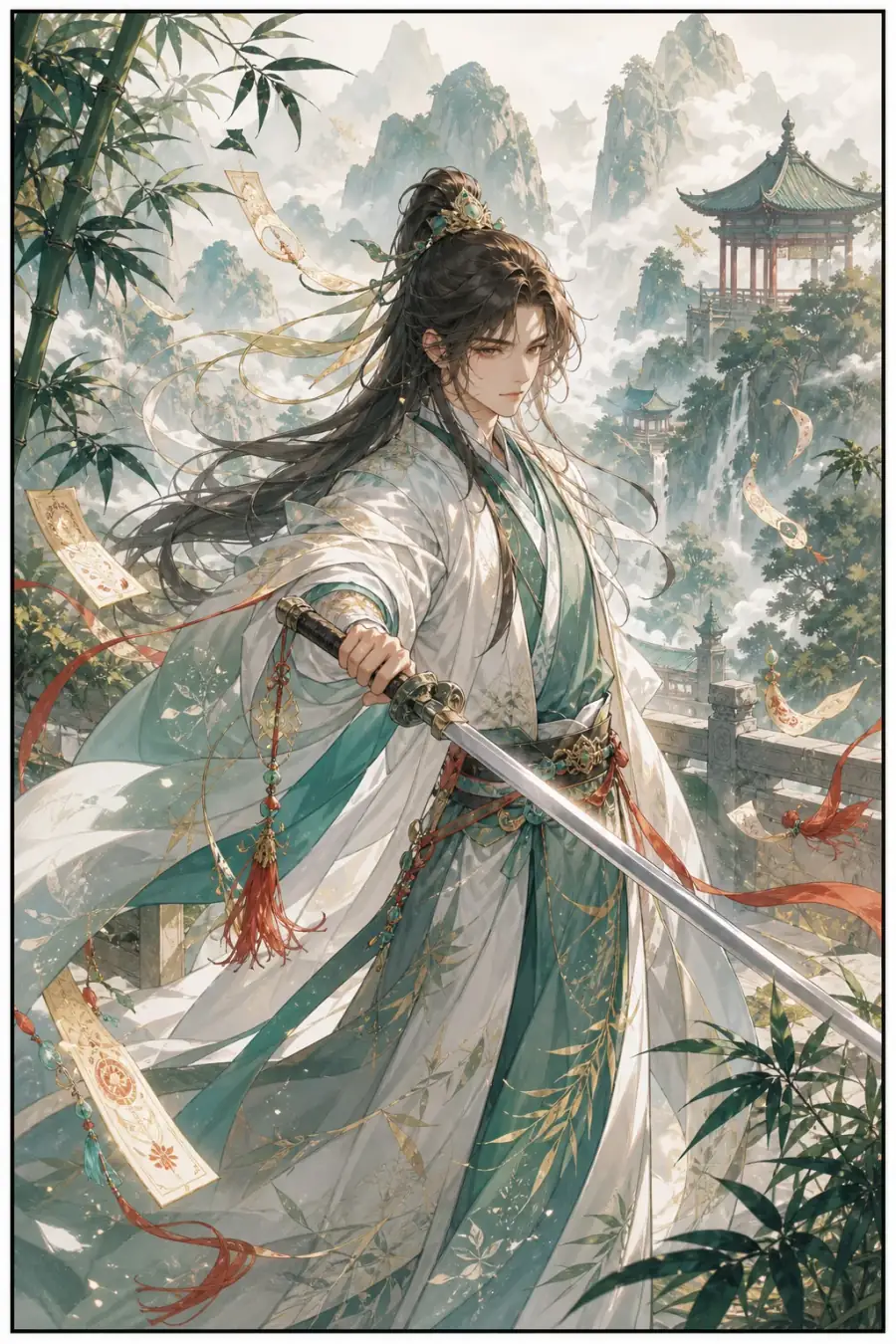
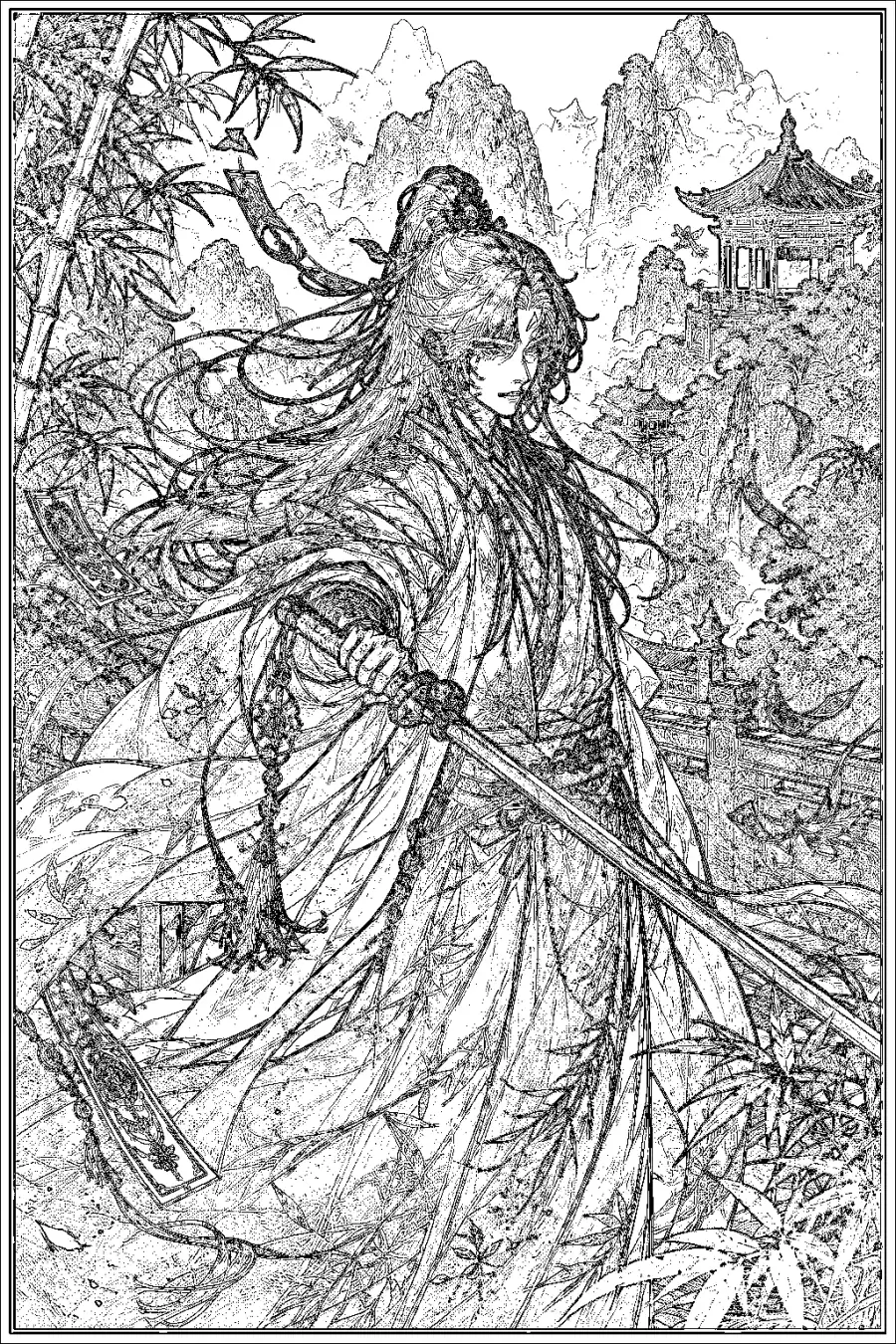
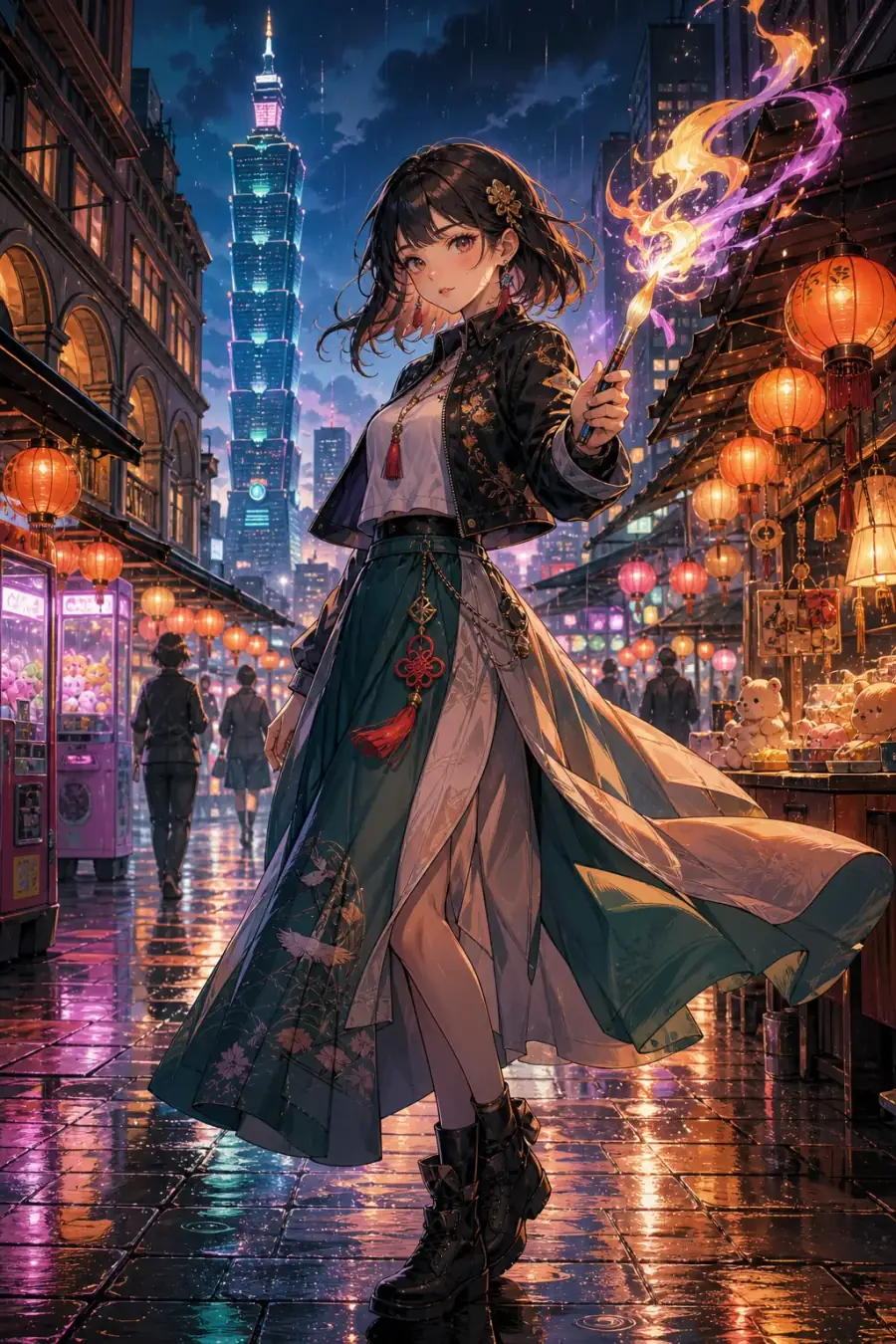
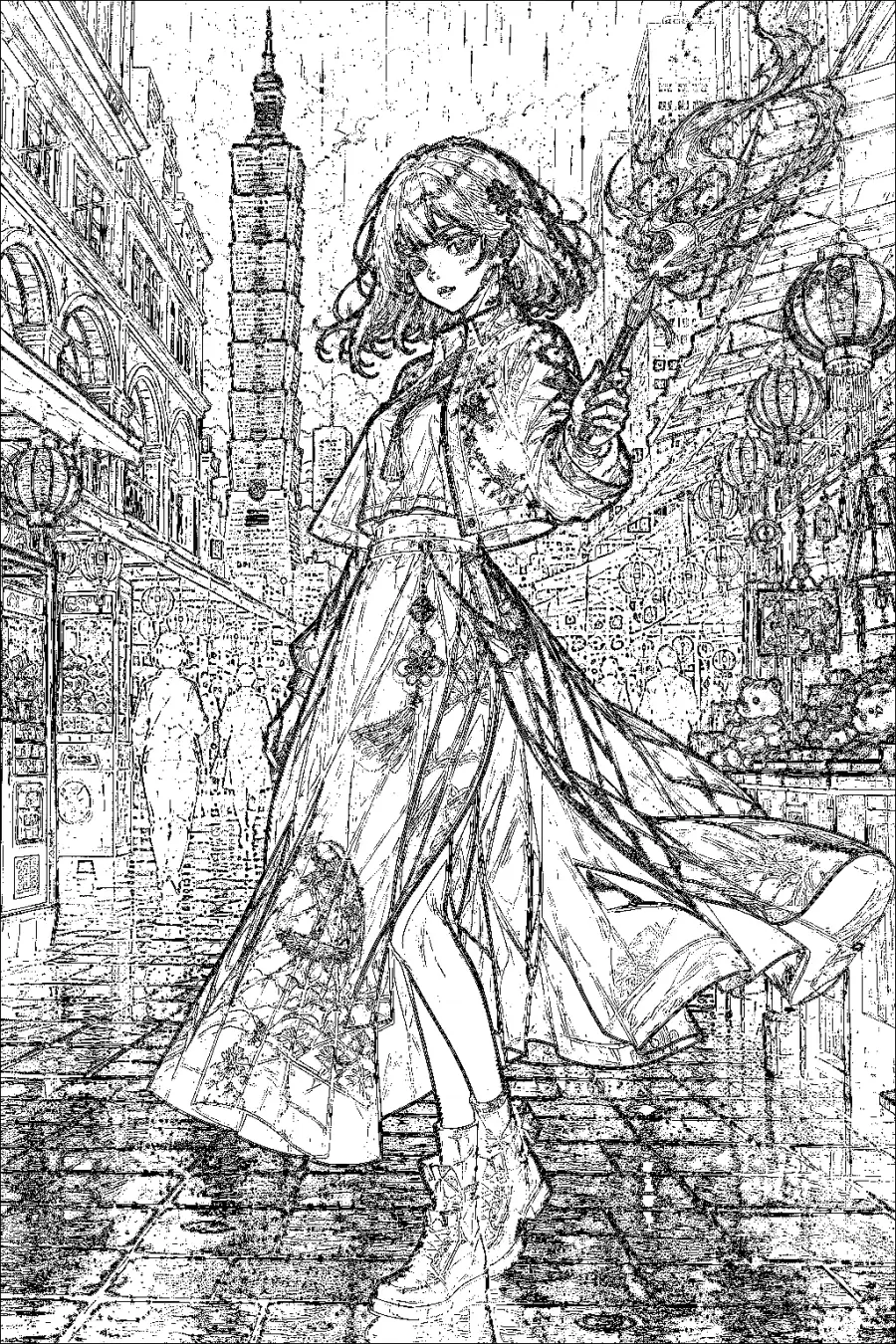
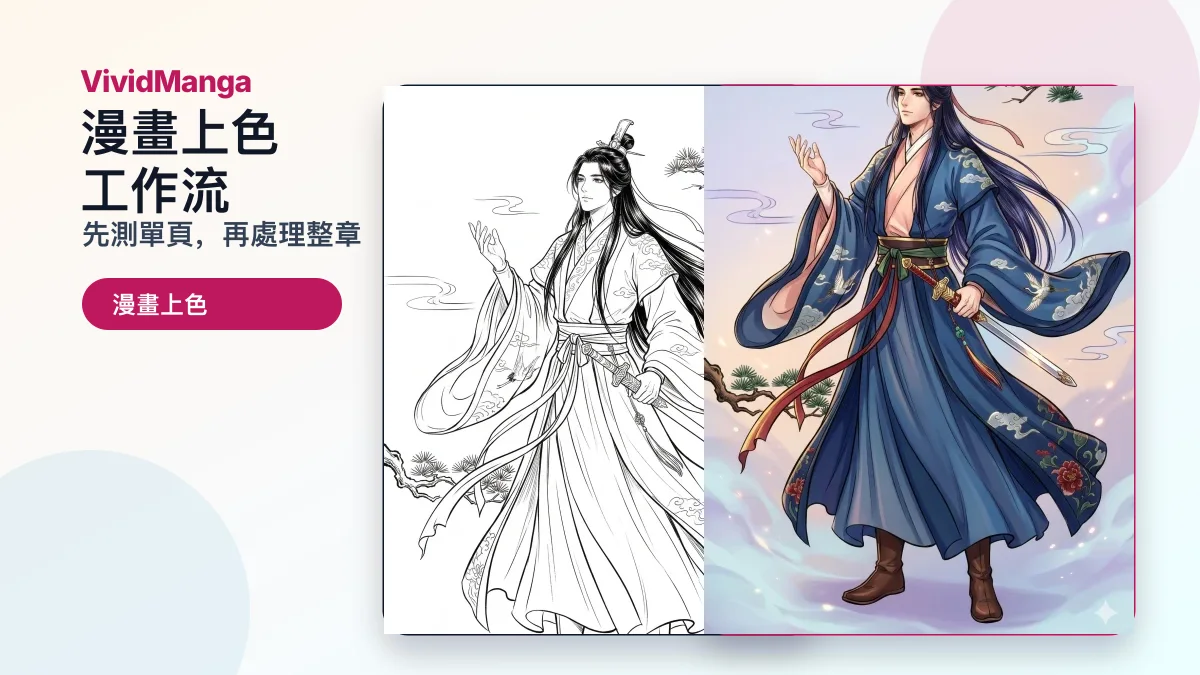
前後對比展示 VividManga AI 漫畫上色工具的效果

上色后
原圖
上色后
上色后
原圖
上色后
上色后
原圖
上色后
靈感靈感圖庫

AI漫畫上色靈感圖庫

查看管理員精選的 AI 漫畫上色靈感圖。對照黑白原圖和 AI 上色結果,再把合適的風格用到自己的漫畫頁面上。

查看靈感圖庫

为什么选择 VividManga?

VividManga AI 漫畫上色工具針對線稿、分鏡和角色一致性設計。

角色色彩一致

我们的 AI 会记住每个角色的配色。鸣人的橙色夹克在第 1 页和第 500 页都保持橙色。

即时结果

上传页面,几秒钟内获得彩色化结果。无需等待,无需排队。

4K 高清导出

下载高清彩色漫画。完美适合打印或分享。

3 步简单上色

从上传到下载只需几分钟

Step 1

上传漫画页面

拖放任何黑白漫画图片。支持 JPG、PNG、WebP。

Step 2

AI 自动上色

我们的漫画上色工具分析艺术风格、角色和场景语境,应用完美的颜色。

Step 3

下载彩色漫画

立即获得生动的全彩结果。付费计划无水印。

谁在使用 VividManga?

我们的漫画上色工具服务于全球创作者和粉丝

漫画粉丝

终于可以用您想象中的颜色看到喜爱的系列了。

YouTuber 和内容创作者

为您的视频和社交媒体创作引人注目的彩色漫画内容。

汉化组

通过 AI 驱动的上色加快工作流程,保持一致性。

艺术家和插画师

作为自己上色工作的起点,或用于快速色彩研究。

单页使用说明

如何获得更干净的 AI 漫画上色效果

当您想先测试一个分镜、封面、扫描页或样张时,单页漫画上色工具适合快速得到反馈,再决定是否进入批量流程。

01

Start with clean line art

A manga colorizer works best when the source page has clean black line art, readable speech bubbles, and enough resolution for the model to separate characters from backgrounds. Blurry or compressed scans can make the colored result look muddy.

02

Test a representative page

Before processing more images, choose one page or panel with the main character, clothing, skin tones, shadows, and at least one background area. This gives you a realistic preview of the final color direction.

03

Match the style to the job

Natural color is safer for reading and archive use. Vibrant color works better for thumbnails, short videos, and social posts. Soft color keeps the original ink mood without making every panel look like a poster.

04

Review results in history

Use recent colorization history as a review workspace. Compare the original and colored page, download the version you like, or run another attempt with a different style before moving on.

05

Move to batch after approval

Switch to colorize manga pages only after one page looks good. The batch workflow is built around multiple images first, with ZIP or CBZ import available when your source files are already packaged.

06

Check text before downloading

Look closely at speech bubbles, captions, sound effects, faces, hands, and dark screen tones. If those areas stay readable, the single-page manga colorizer result is more likely to work in a longer workflow.

使用高分辨率 JPG、PNG 或 WebP
上传前裁掉无关边框
先选定一个风格并对比结果
需要角色跨页一致时使用批量上色

常见问题

关于我们漫画上色工具的一切

AI漫畫上色工具 | VividManga