
GRATIS3 pagine gratis

Colorize manga con AI

Il manga colorizer trasforma pagine in bianco e nero in manga a colori mantenendo line-art e testi puliti.

Built for real manga workflows

What you actually get with the VividManga colorizer — no guesswork.

16Available languages
4Color styles to choose from
FreeFirst pages, no sign-up
AnytimeDelete your uploads & results
Character colors stay consistent across every page
Speech bubbles and text kept readable
Multi-image batch flow when you move to more pages
Clear retention policy — your files are yours to delete anytime

Colora

Carica line art manga in bianco e nero. Prima pagina gratis, senza registrazione.

Upload privati · Export a pagamento in HD e senza watermark.

Anteprima interattiva

Colorato
Originale
Colorato

Demo interattiva

Personal workspace

Recent Colorization History

Every finished single-page result is saved here for quick review, download, and comparison. Signed-in users keep a longer history in the dashboard.

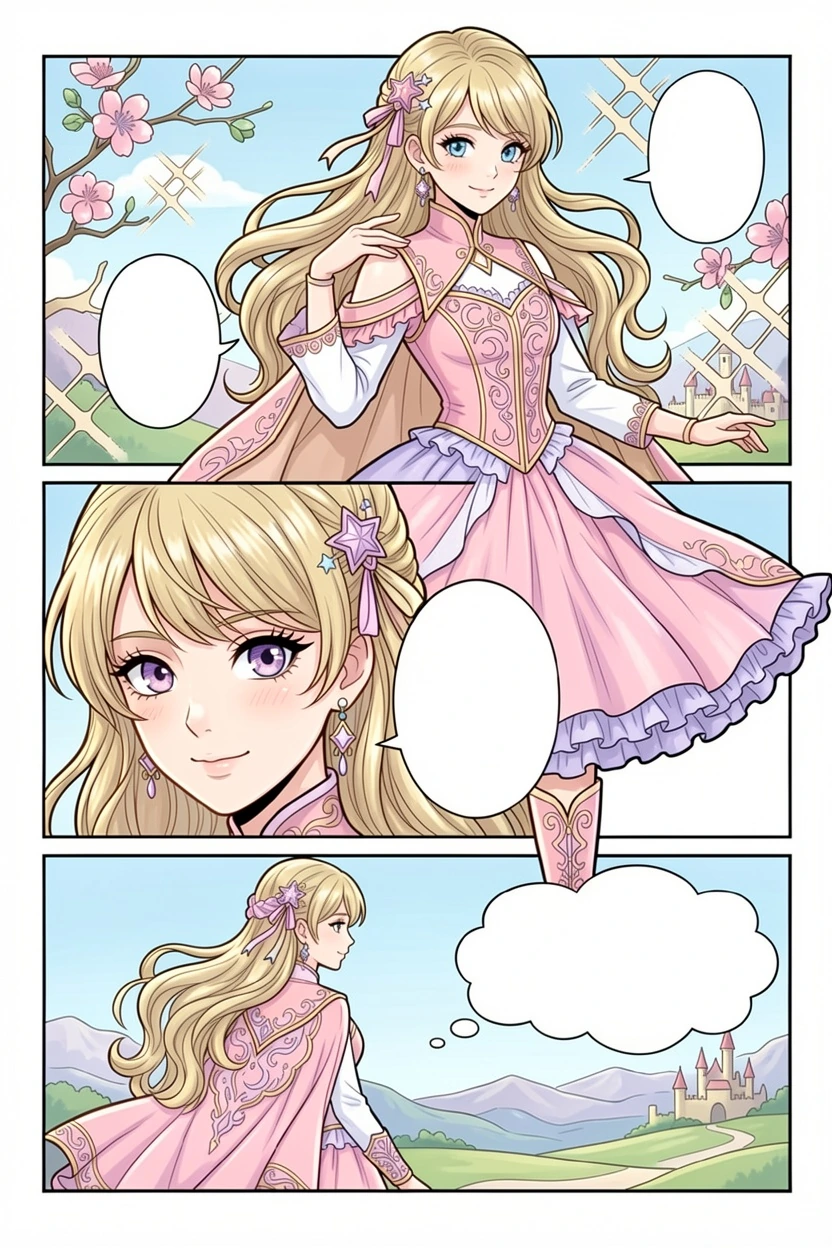
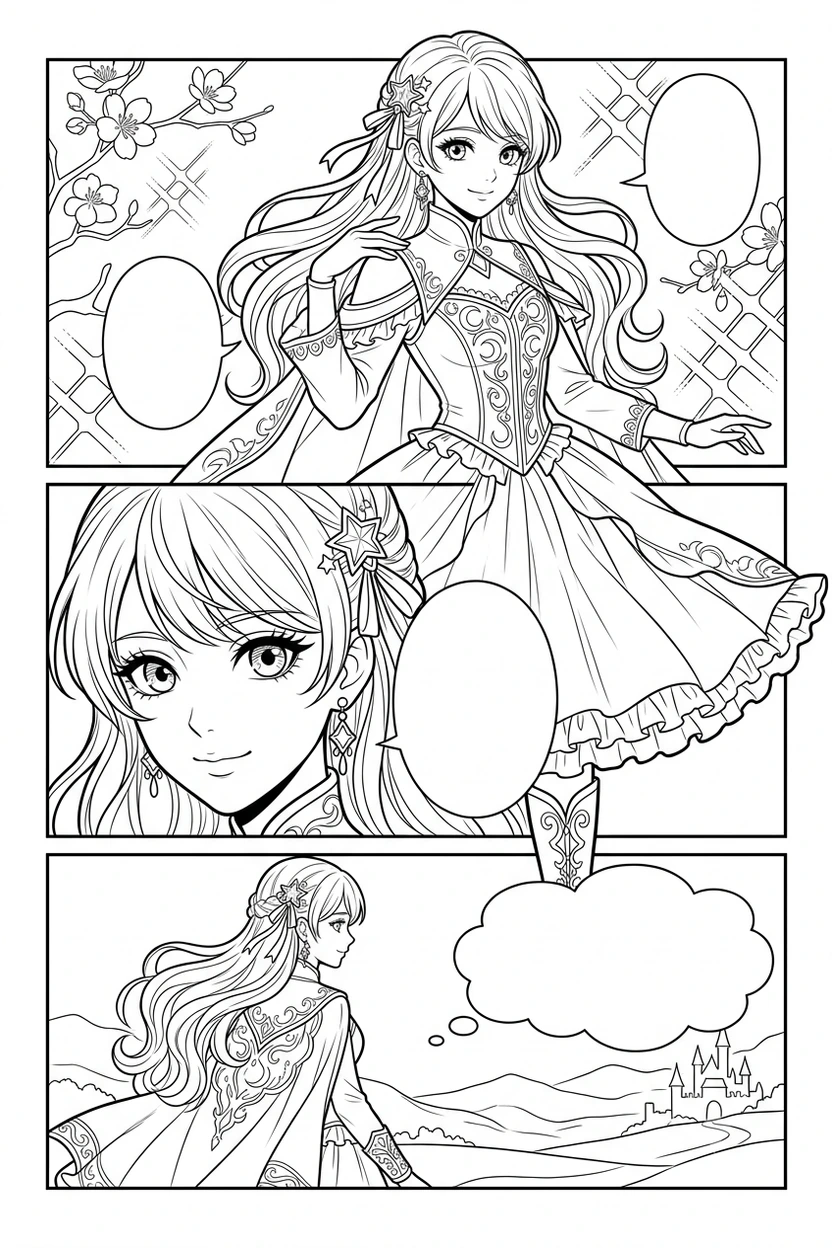
Colorize manga: prima e dopo

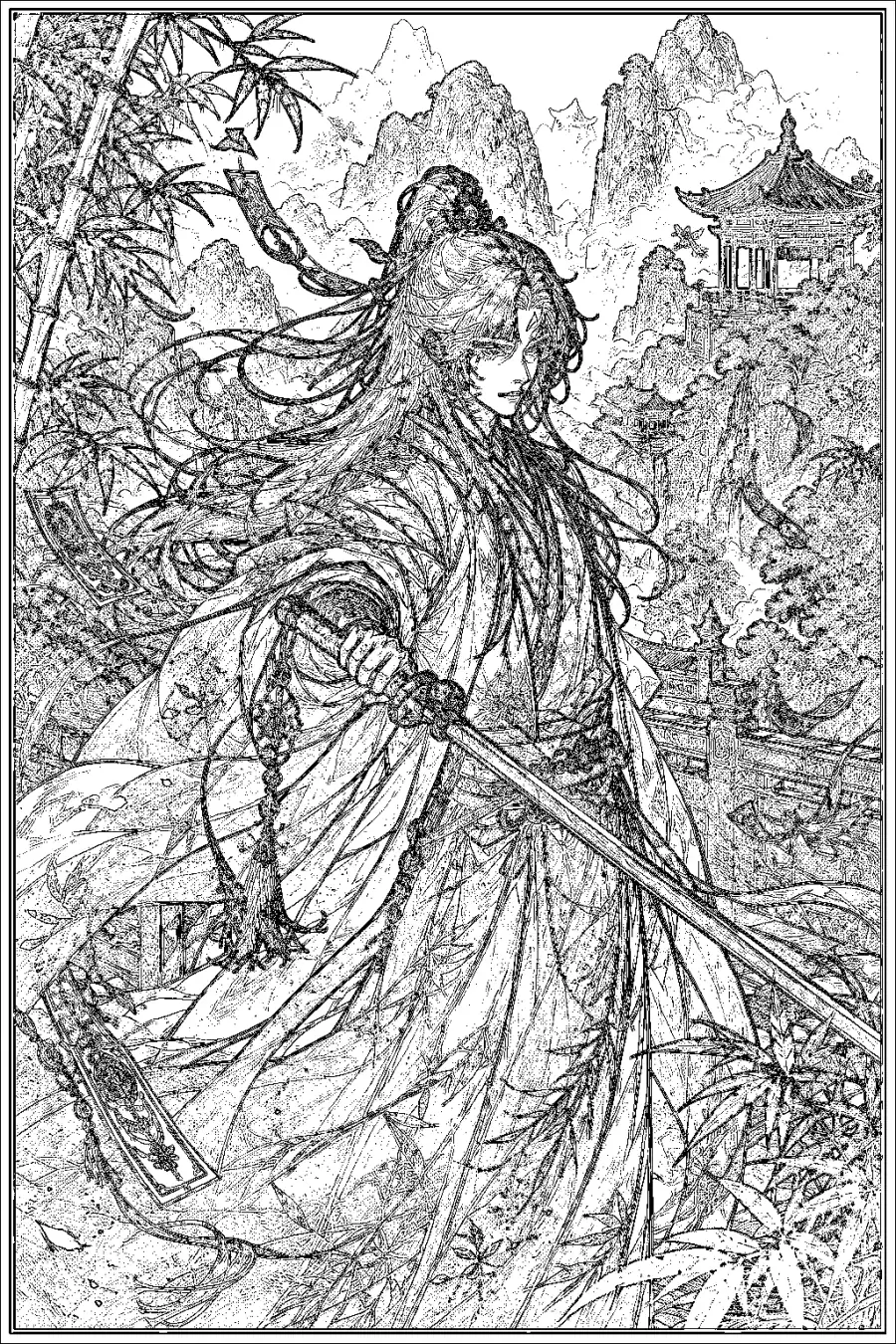
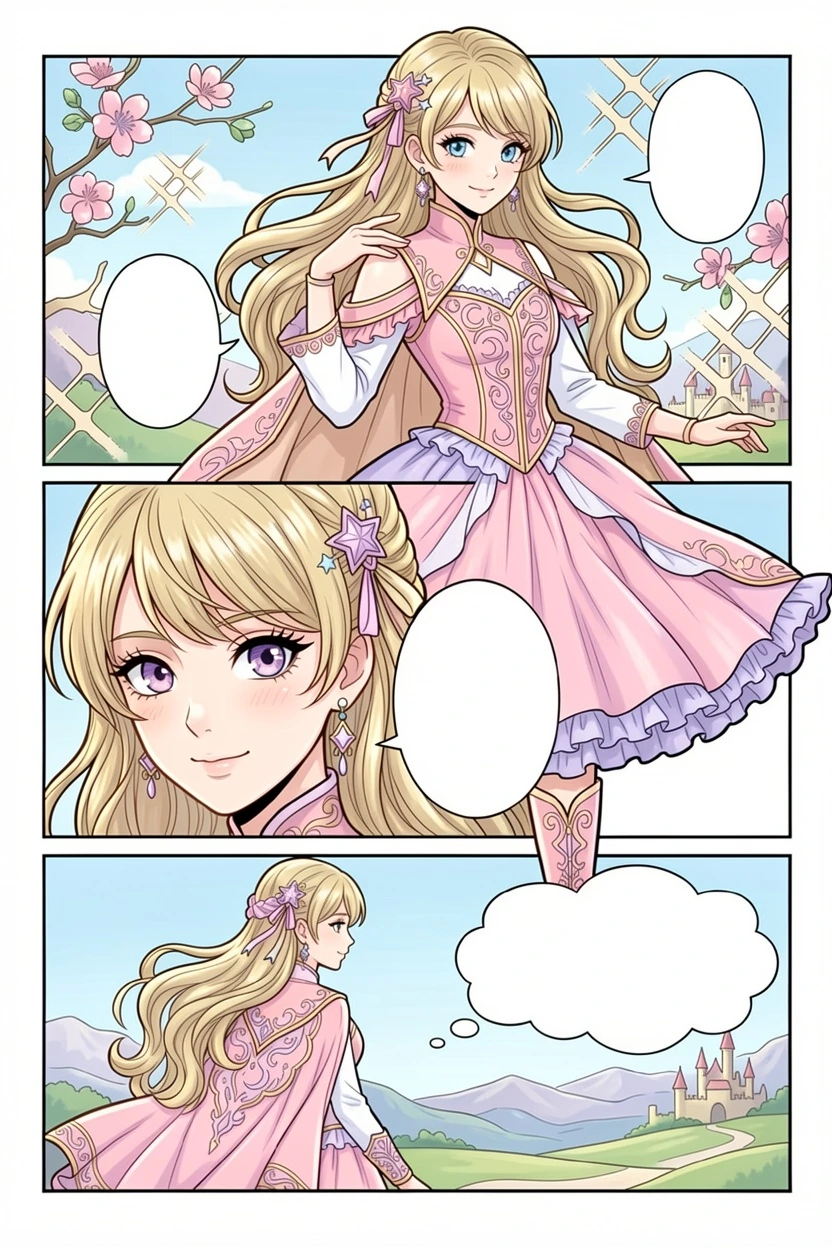
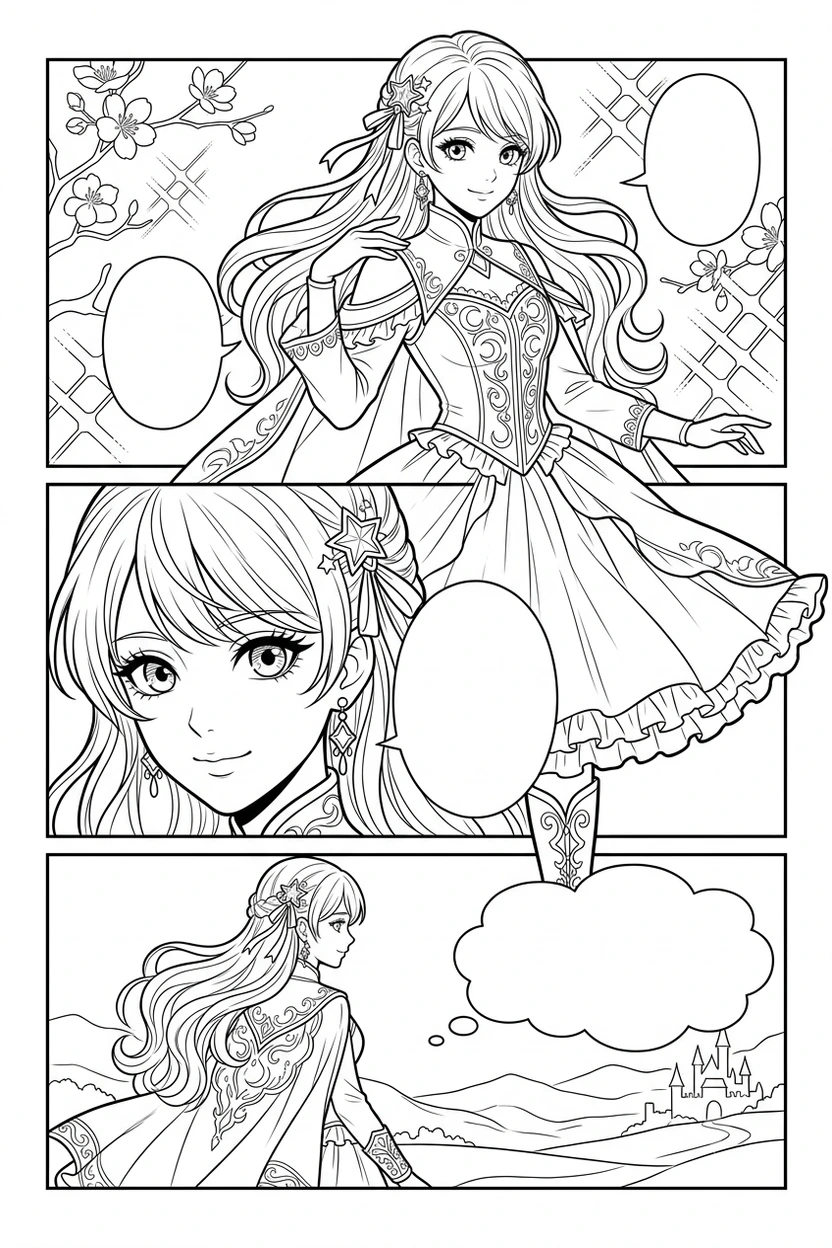
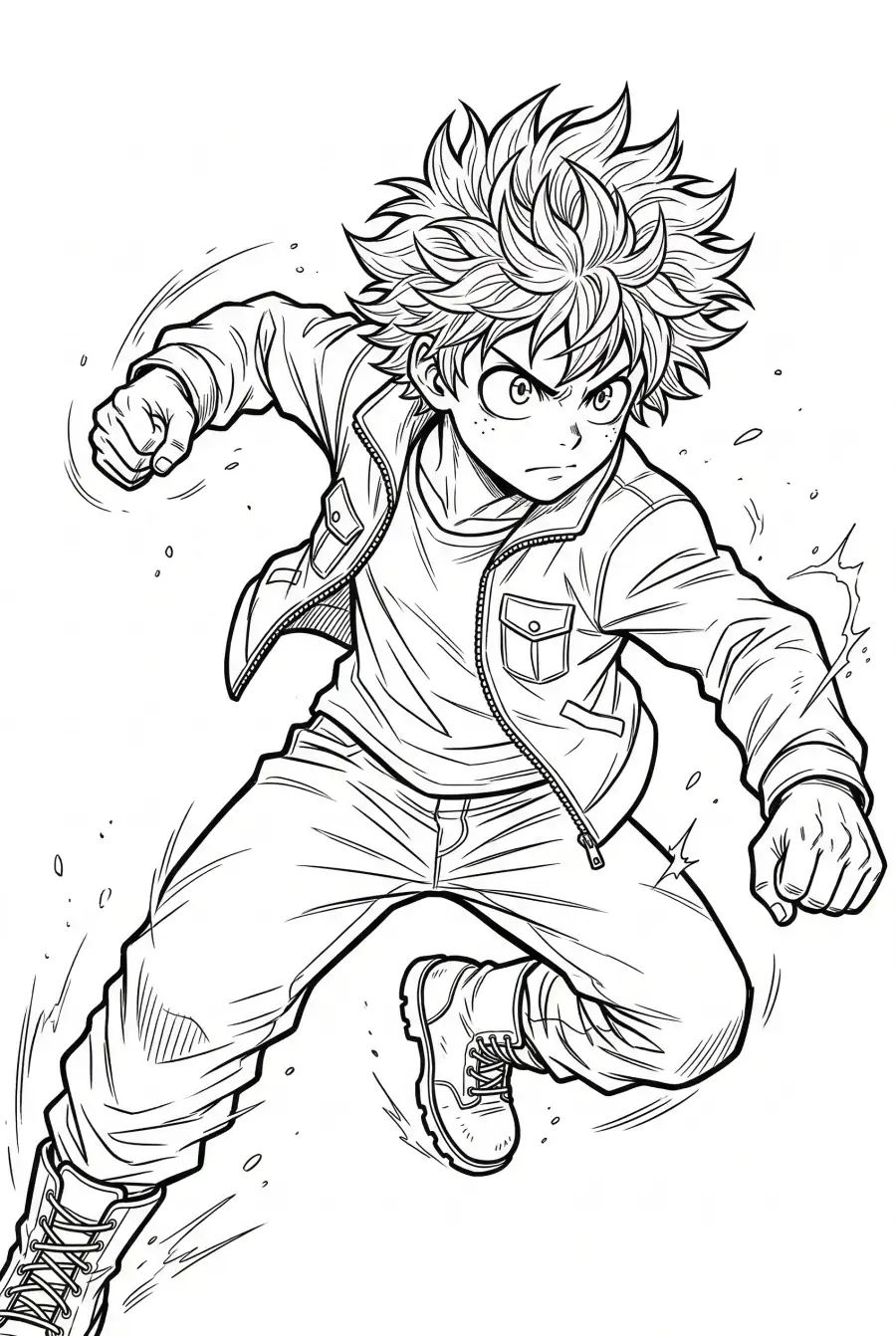
Guarda come VividManga protegge il tratto, legge le ombre e mantiene coerenti i colori dei personaggi.

Colorato
Originale
Colorato
Colorato
Originale
Colorato
Colorato
Originale
Colorato
ISPIRAZIONEGalleria di ispirazione

Galleria di ispirazione Manga Colorizer

Sfoglia una galleria di ispirazione per la colorazione manga approvata dagli admin. Confronta la pagina in bianco e nero con il risultato colorato dall'AI, poi prova lo stesso stile.

Vedi la galleria di ispirazione

Why Choose VividManga?

Our AI manga colorizer delivers results that generic tools can't match

Consistent Character Colors

Our AI remembers each character's color palette. Naruto's orange jacket stays orange on page 1 and page 500.

Instant Results

Carica una pagina e ottieni il risultato a colori in pochi secondi. Nessuna coda.

4K Quality Export

Download your colorized manga in high resolution. Perfect for printing or sharing.

Colorize Manga in 3 Simple Steps

From upload to download in minutes

Step 1

Upload Your Manga Page

Drag and drop any black and white manga image. Supports JPG, PNG, WebP.

Step 2

AI Colorizes Automatically

Our manga colorizer analyzes art style, characters, and scene context to apply perfect colors.

Step 3

Download Your Colored Manga

Get your vibrant, full-color result instantly. No watermarks on paid plans.

Who Uses VividManga?

Our manga colorizer serves creators and fans worldwide

Manga Fans

Finally see your favorite series in the colors you've always imagined.

YouTubers & Content Creators

Create eye-catching colored manga content for your videos and social media.

Scanlation Teams

Speed up your workflow with AI-powered colorization that maintains consistency.

Artists & Illustrators

Use as a starting point for your own coloring work, or for quick color studies.

Single-page guide

How to Get Better Manga Colorizer Results

Use the single-page manga colorizer when you need a fast, controlled test on one panel, cover, scan, or sample page before processing more manga pages.

01

Start with clean line art

A manga colorizer works best when the source page has clean black line art, readable speech bubbles, and enough resolution for the model to separate characters from backgrounds. Blurry or compressed scans can make the colored result look muddy.

02

Test a representative page

Before processing a whole chapter, choose one page with the main character, clothing, skin tones, shadows, and at least one background area. This gives you a realistic preview of the final color direction.

03

Match the style to the job

Natural color is safer for reading and archive use. Vibrant color works better for thumbnails, short videos, and social posts. Soft color keeps the original ink mood without making every panel look like a poster.

04

Review results in history

Use recent colorization history as a review workspace. Compare the original and colored page, download the version you like, or run another attempt with a different style before moving on.

05

In cosa è diverso dal workflow batch?

Switch to batch per capitoli manga only after one page looks good. The batch workflow is for ZIP or CBZ archives, credit review, page order, and chapter delivery.

06

Check text before downloading

Look closely at speech bubbles, captions, sound effects, faces, hands, and dark screen tones. If those areas stay readable, the single-page manga colorizer result is more likely to work in a longer workflow.

Use clear JPG, PNG, WebP, or SVG files
Keep speech bubbles and sound effects readable
Avoid tiny screenshots or heavily compressed scans
Test a page with the main character before batching
Try Natural first when reading comfort matters
Use Vibrant for thumbnails and short-video assets
Download good results from recent history
Move to batch mode when the style direction is approved

Domande frequenti

Practical answers about using the VividManga manga colorizer for one page, result quality, history, files, and when to switch to batch processing.

Colorare Manga con AI | VividManga