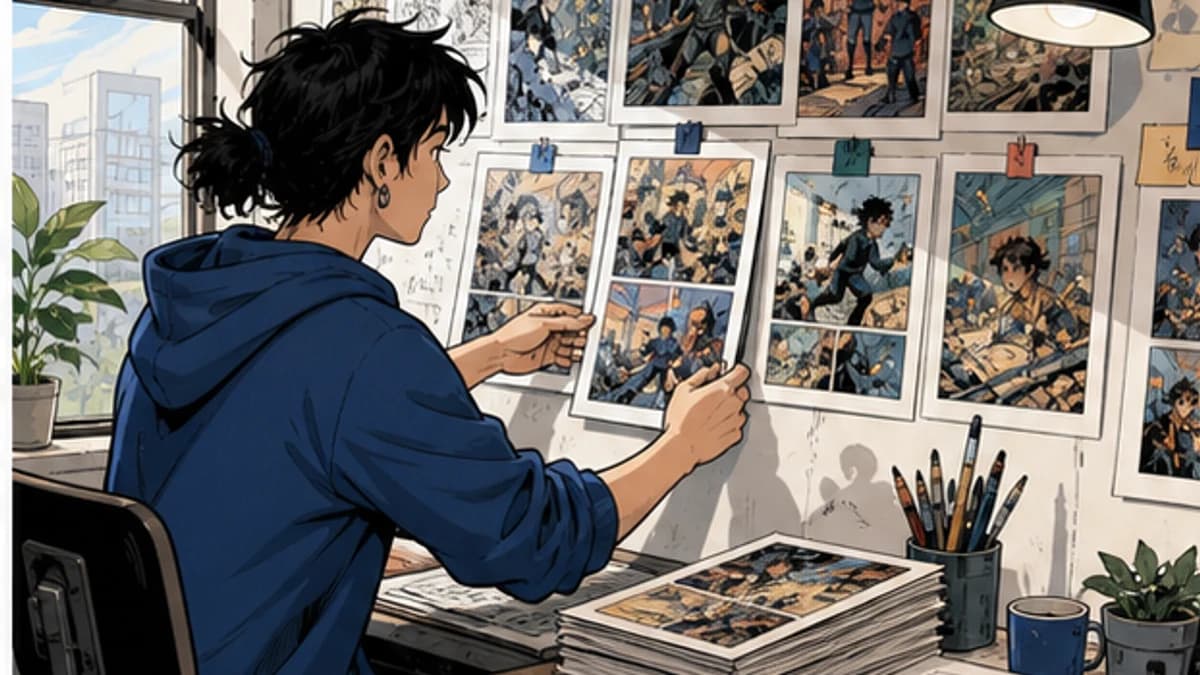
A comic buffer is not a heroic pile of finished pages. It is the distance between today's work and the next public deadline, measured in pages that have actually passed review. If the pages are colored but waiting on fixes, they are work in progress, not a buffer.
A comic coloring buffer therefore begins at approval, not at export. This distinction keeps the schedule honest when corrections are still moving through the pipeline.
Coloring often becomes the visible bottleneck because it sits late in production. A delayed script or background arrives at the color stage with the release date unchanged. The answer is not simply to color faster. It is to build a release system that protects a small reserve and shows where it is being consumed.
Measure the pipeline before choosing a target
Start with four recent updates. For each one, record how long the page or episode spent in line art, flats, rendering, lettering, review, and correction. The goal is not a perfect timesheet. You are looking for the slowest recurring stage and the amount of variation.
Then define your release unit. A weekly page, a vertical-scroll episode, and a monthly chapter need different buffers. “Three updates ahead” is more useful than “twenty pages” when update lengths vary.
Use three states:
- in production: someone is still drawing, coloring, lettering, or changing the page;
- ready for review: the creator or editor has not signed off;
- release ready: art, text, export, and platform checks are complete.
Only the last state counts. This stops a nearly finished stack from creating false confidence.
Pick the smallest buffer that changes your behavior
A buffer should absorb ordinary disruption: a difficult scene, a short illness, late feedback, or a week with less creative time. If the target is so large that it delays launch indefinitely, it is not helping.
Choose an initial reserve you can build and defend. For a solo weekly comic, that may be a few complete updates. For a team, it may be one approved batch beyond the batch currently scheduled. The right number depends on release frequency, page complexity, and how quickly the pipeline recovers.
Set two thresholds. Above the healthy line, normal production continues. Below the warning line, simplify nonessential work and stop adding experiments. At the floor, change the release plan before quality collapses. The exact thresholds matter less than deciding them while calm.
Community discussions about comic buffers repeatedly return to the same tension: a reserve helps with consistency, but building one can become another reason never to publish. A GlobalComix creator thread includes several approaches, from accumulating a few updates to working farther ahead by chapter. Treat the target as an operating range, not a gate that proves you are finally ready.
Batch decisions, not just pages
Batching works when it removes setup and repeated choices. It fails when a mistake spreads across the whole chapter.
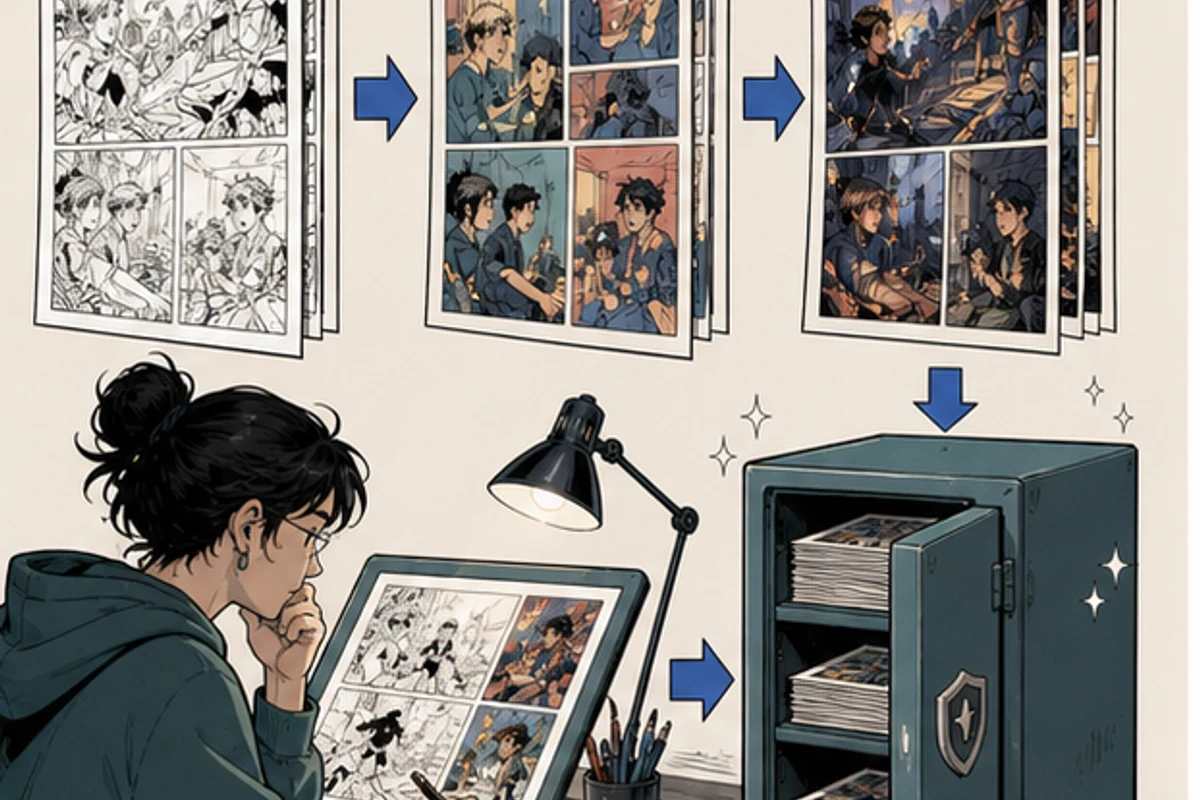
Good candidates for batching include importing and naming files, applying approved character flats, preparing recurring location palettes, exporting review copies, and running the same preflight checklist. More interpretive work, such as key lighting, emotional color changes, and complex effects, benefits from smaller batches and earlier review.
Use a representative page as a gate. Approve the palette, layer setup, and finish there before applying them to the rest. Then color a small batch and review it beside neighboring pages. If continuity slips, correct the process before the next batch.
The CLIP STUDIO PAINT colorization guide separates base color, shadow, light, and adjustment stages. Even if you use another editor, that separation makes batching safer because a repeated flat can be corrected without repainting the entire scene.
Put review time on the schedule
Creators often plan drawing and coloring but treat review as an invisible extra. Review then happens late at night, directly before upload, when the buffer is already gone.
Reserve a review block after each batch. Check line art and dialogue first, then leaks and missed regions, character colors, lighting, values, effects, and final export. Review at reading size as well as working size. Small faces and thin lines can fail on a phone while looking fine at high zoom.
Keep correction notes short and reusable. “Page 18, panel 2: coat flat drifted green under the station overlay; keep the slate flat and apply green only in the light group” can prevent the same error on later pages. “Colors look wrong” cannot. A PencilJack production discussion also makes a useful point: handoff quality changes the speed a team can sustain.
If another person reviews, agree on a response window. A page waiting three days for approval still consumes schedule even if the coloring itself took only an afternoon.
Build the reserve in a temporary season
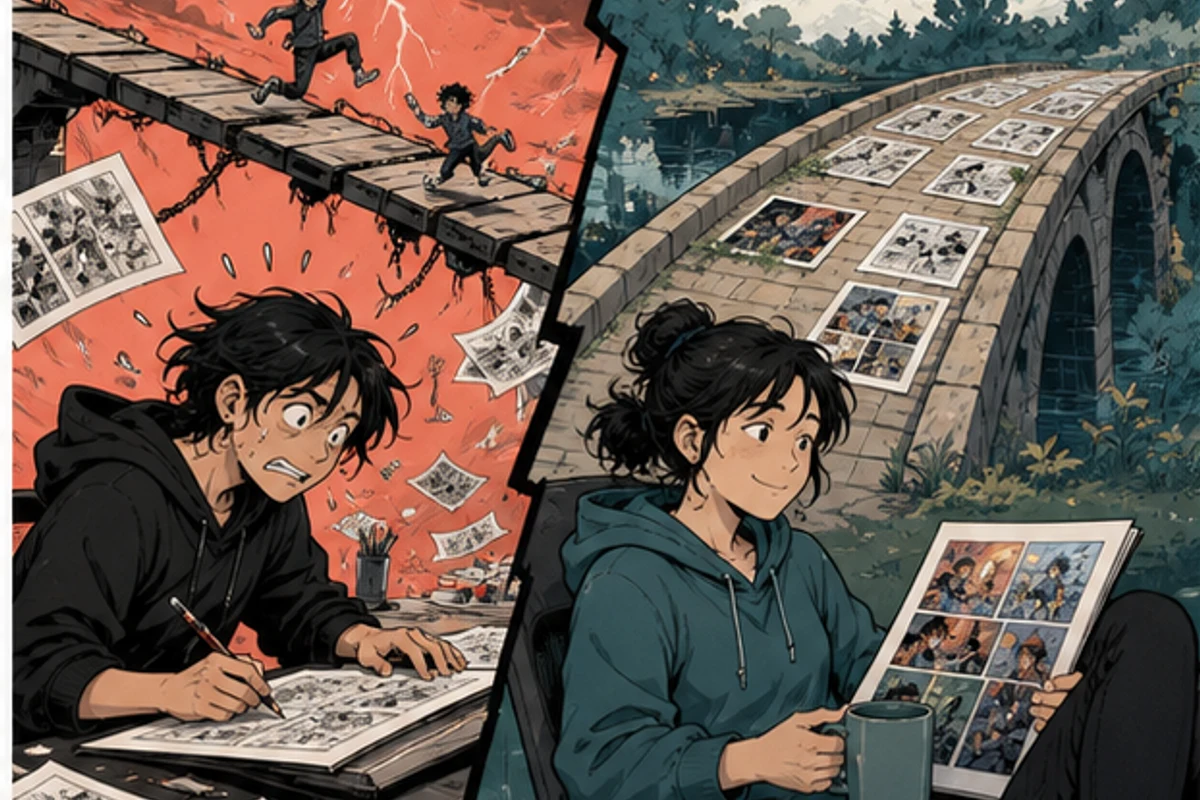
It is hard to create spare pages while producing at the exact rate you publish. Something must change for a limited period.
Possible levers include taking a planned break between chapters, publishing shorter updates, reducing optional rendering, completing scripts and thumbnails earlier, or temporarily slowing the public schedule. Choose the least damaging lever and give it an end date.
Do not quietly make every page worse. Write down which quality elements are fixed and which are flexible. Readability, line integrity, recurring colors, and story-critical effects may be fixed. Background detail on a transitional panel, decorative texture, or a complex light treatment may be flexible.
A short production season can use this rhythm:
- Lock scripts and thumbnails for the reserve batch.
- Approve one representative color page.
- Batch flats and recurring palette work.
- Render in small scene groups.
- Review and correct before counting pages as ready.
- Schedule releases only after the reserve passes export checks.
The reserve is created by finishing, not by starting more pages.
Know what to do when the buffer shrinks
A buffer is meant to be spent. The problem is continuing as if nothing changed after it falls below the warning line.
First identify the cause. A one-time difficult chapter needs a different response from an ongoing mismatch between update size and available hours. If the bottleneck is scripts, faster coloring will not fix the pipeline. If review is the delay, adding more unreviewed pages makes the queue larger.
Use a recovery order:
- stop optional experiments and new visual treatments;
- reduce the size of the next batch so feedback arrives sooner;
- move story-critical pages ahead of promotional extras;
- simplify flexible rendering while preserving readability and continuity;
- communicate a schedule change before missing the date;
- rebuild the reserve before returning to the old cadence.
Avoid borrowing from every future week. Repeated all-nighters can make one deadline while reducing the capacity needed for the next several updates.
Where an automated pass might fit
Automation is most useful when tested against a known production stage. It should not be added during a deadline crisis without measuring the correction cost.
VividManga currently produces a rendered WebP image, not layered working files, editable flats, or masks. Keep your original layered page and make final changes in your editor. Before uploading unpublished work, read the current Privacy Policy and Terms of Service. Use only art you own or are authorized to process, and check publisher, client, co-creator, or NDA restrictions.
Colorize one manga page here
Upload one black-and-white page, get a color result, then decide whether to process more pages.
PNG, JPG, or WebP under 5 MB works best.
Use this result to judge palette, line art, and speech bubbles before scaling.
Test the single-page manga colorizer on a representative page outside the critical path. Time the review and correction. If it saves useful work, try a small batch coloring workflow while the buffer is healthy, not on the night of release.
A weekly buffer check that takes ten minutes
At the same time each week, answer five questions:
- How many complete updates are release ready?
- How many are waiting for review or corrections?
- Which stage delayed the current batch?
- Is the reserve above the healthy line, below the warning line, or at the floor?
- What single change will protect the next update?
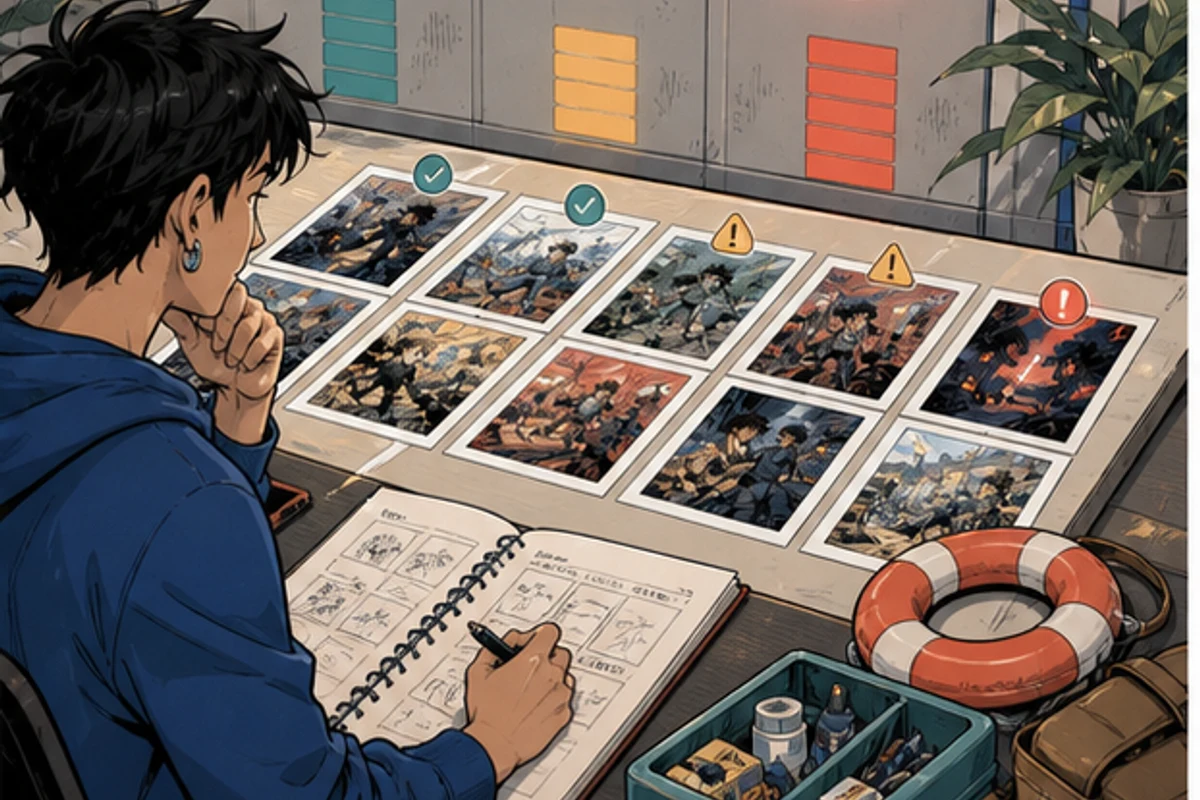
Keep the numbers visible. A simple board with columns for line art, flats, rendering, review, corrections, and release ready is enough. The board should expose queues, not decorate the workflow.
Should promotional art count toward the buffer?
No, unless it is the actual scheduled release. Promotional work competes for the same time and should be planned separately.
Can unfinished pages count partially?
Track them as work in progress, but do not convert them into buffer credit. A page awaiting review can still require substantial correction.
Does a hiatus automatically solve the problem?
Only if the time is used to repair the pipeline and finish approved updates. A break without a bounded production plan can end with the same bottleneck and no reserve.
What if the comic cannot sustain the current cadence?
Change the cadence. A slower schedule that preserves the story and the creator is more sustainable than a nominal schedule repeatedly rescued by exhaustion.
The goal is not the largest possible pile of pages. It is enough reviewed work to make ordinary life survivable, plus a clear response when the reserve begins to fall. Count only finished updates, review in small batches, and let the buffer tell the truth early.
Archive the weekly counts at chapter boundaries. They give you a real basis for changing episode length, release cadence, or team responsibilities instead of guessing from the most stressful week.
Note why pages left the reserve as well. A planned holiday, an emergency, late story changes, and repeated production overruns should not be grouped together. The cause determines whether you rebuild the same target or redesign the cadence.