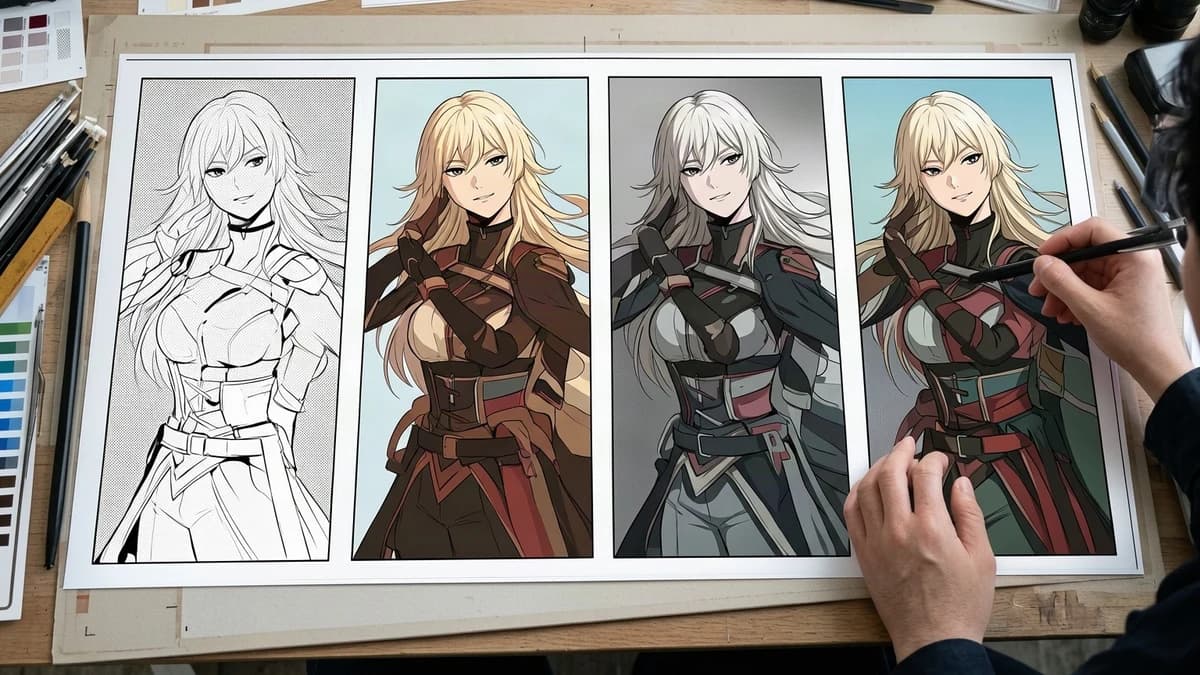
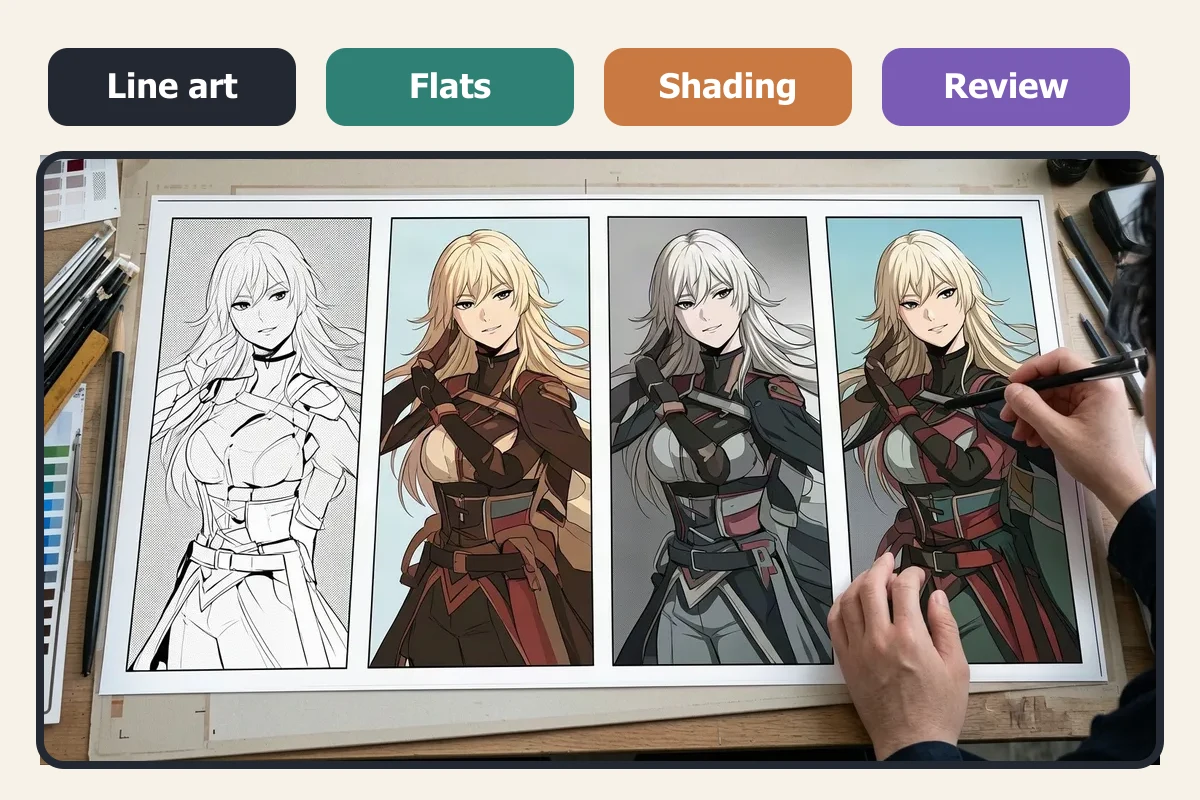
Flat colors and shading answer different production questions. Flats identify each region. Shading establishes the scene’s light, material response, and point of attention. Mixing those jobs too early makes a page harder to review and much harder to correct.
That distinction also gives you a sensible answer to the automation question. Repetitive setup can be assisted. Art direction cannot be delegated so neatly. A useful workflow does not ask whether software should color the whole page. It asks which decisions can be accelerated without hiding the decisions that still need an artist.
Check the page before rendering
Flat colors are uniform base regions placed beneath the line art. Hair, skin, a coat, a wall, and a speech balloon should be separable before any shadow or highlight appears. In a layered production file, clean flats make it possible to select and recolor an area without tracing it again.
The practical test is simple: hide every shadow, highlight, texture, and effect. Can you still identify each important material? Are narrow gaps filled? Did one skin region leak into the background? Are the eyes and mouth still readable? If the page fails here, extra rendering only hides the error.
The CLIP STUDIO PAINT coloring overview describes filling enclosed line art with uniform color on a layer below the lines, then adding shade and detail later. That sequence matters more than the choice of software. It creates a stable checkpoint.
Write down the light plan
Manga shading is not simply a darker version of every flat. A face near a window, a leather jacket under a streetlight, and fog behind a character react differently even when the light comes from one direction. Shadows also affect pacing. A quiet conversation may need broad, simple value groups. A reveal may justify a hard edge across the face. A comedy panel may work better with almost no modeled shadow.
Before shading, write a one-line light brief:
- main light direction and height;
- hard or soft edge;
- dominant temperature;
- darkest area that must remain readable;
- intended visual focus.
If the team cannot state the brief, it has not settled the scene direction yet. Choosing another brush will not answer that question.
What can be accelerated safely
Automation is most useful when the expected result is easy to inspect and cheap to reject. Across image editors and assisted workflows, candidate tasks include a first color pass, filling obvious enclosed regions, grouping repeated base colors, or producing a starting shadow suggestion that will be edited. These are general workflow examples, not a claim that VividManga exposes separate fill, grouping, or shadow-layer tools.
Research systems such as Comicolorization and MangaNinja treat reference use and color consistency across a page or character as explicit technical concerns. They do not remove the need for production review, and they are not evidence that a particular product will reproduce a character palette or a layered studio file.
Keep the scope narrow. An assisted pass may help you see a color direction sooner. It should not silently become the approved master. Compare it with the original line art, fix boundaries, and rebuild production layers in your editor when the project requires editable flats, masks, or material groups.
Assign the decisions software cannot verify
Four decisions deserve an explicit human owner.
First, choose the light logic. Software can propose a shadow shape, but it does not know whether the story needs comfort, suspicion, speed, or visual quiet. Second, decide how materials react. Skin, denim, metal, glass, and hair should not receive one blanket treatment. Third, protect the reading path. The face, gesture, balloon order, and important prop need deliberate contrast. Fourth, approve the final page beside its neighbors. A plausible panel can still break continuity across a sequence.
This does not mean every shadow must be drawn from nothing. Automatic shading can be a modifiable starting point. The artist still decides whether its light source is believable and whether the page says what the scene needs to say.
A reviewable handoff from flats to shading
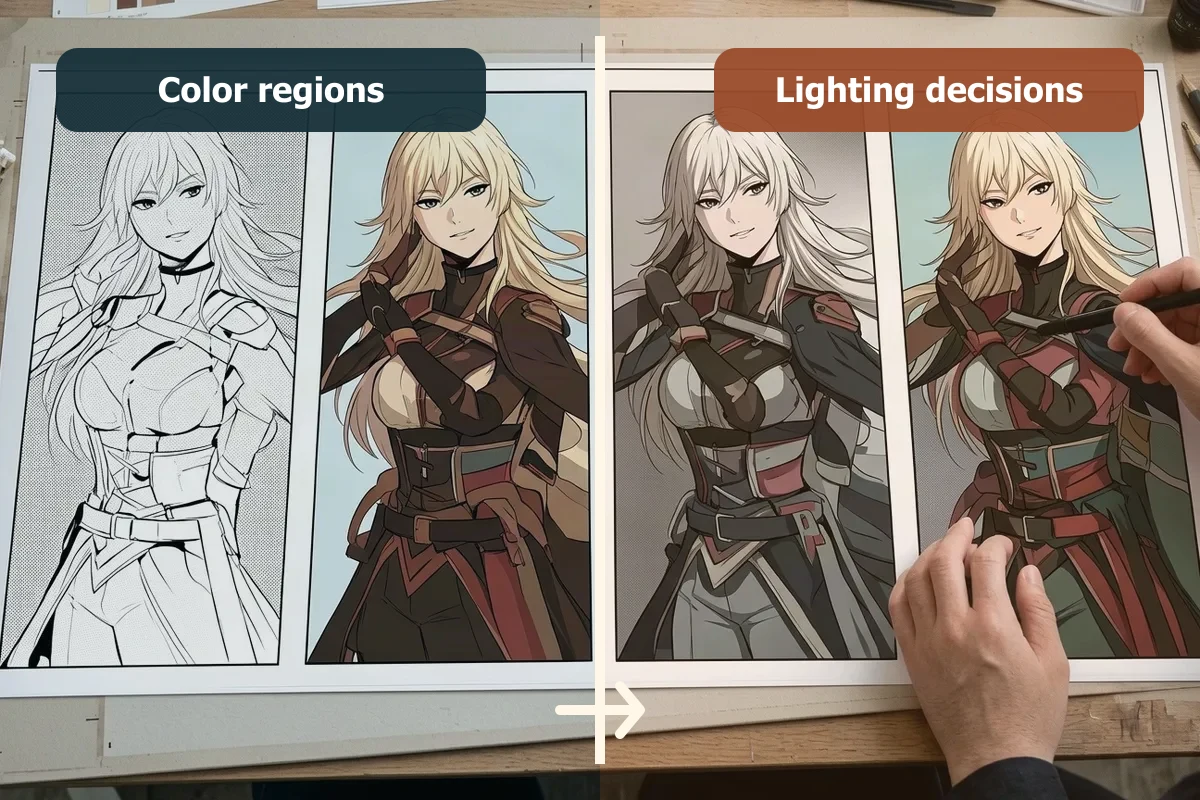
Use three checkpoints rather than one final reveal.
Checkpoint 1: line art and regions
Confirm that panel borders, facial lines, screentones, sound effects, and speech balloons remain intact. Mark open gaps that could cause fill leaks.
Checkpoint 2: approved flats
Review recurring character colors and separate nearby materials. Name groups by role, such as coat_flat or skin_base, rather than by vague appearance. Save the approval before lighting begins.
Checkpoint 3: lighting and focus
Add shadows, highlights, atmosphere, and effects. Check the page at reading size and in grayscale. If the focal action disappears, the value structure needs revision even if the colors are attractive.
A reviewer can now say which checkpoint failed. “The sleeve leaked at flats” is actionable. “The page feels wrong” is not.
For a solo release, keep the same order in a lighter record: preserve the original, write the light brief, test one difficult page, compare it with a manual baseline, classify each fix as local or structural, then record stop or continue. Save a new version at every checkpoint so the lighting pass cannot quietly replace approved flats.
For client or team work, use one sign-off table instead of relying on chat history:
| Checkpoint | Owner | Input and reference | Acceptance test | Output and status |
|---|---|---|---|---|
| Regions | Flatter or colorist | Source file and character sheet | No important leaks; line art and text intact | Version, open fixes, approval |
| Light and materials | Artist or art director | Approved flats and light brief | Direction, material response, face and gesture read correctly | Version, correction scope, approval |
| Delivery | Editor or client approver | Reviewed page and neighboring page | Continuity, agreed format, open items and deadline confirmed | Approver, status, next step |
Use a go or no-go record before a batch
“The corrections look manageable” is too vague for a production decision. Record four fields for every assisted task: the proposed output, the human check, the correction cost compared with a manual baseline, and the condition that stops expansion.
| Task | Acceptable first output | Human check | Stop condition |
|---|---|---|---|
| Region fill | Major enclosed regions are separated | Leaks, missed islands, eyes, mouths, balloons | Several important regions must be traced again |
| Color direction | A coherent palette worth discussing | Character identity, scene context, material separation | Core character colors conflict with the approved reference |
| Shadow suggestion | One readable light idea | Source direction, edge logic, face, gesture, materials | Shadows must be rebuilt across most focal areas |
| Multi-page trial | Similar correction types across a small set | Continuity, repeated props, neighboring pages | Every page introduces a different structural failure |
The table does not need invented time targets. Compare with one manual baseline page from the same artist or team. Note whether each correction is local, such as closing a small leak, or structural, such as repainting the light design across a character. Local edits may justify another test. Repeated structural rebuilding means the assisted route is not serving this material.
Keep the rejection rule visible before anyone uploads twenty pages. A useful example is: “Stop after the test set if two pages require rebuilding the focal character’s flats, or if text and line damage cannot be corrected locally.” The exact threshold belongs to the team, but it must be written before enthusiasm for a good-looking panel changes the standard.
Example revision log for one difficult page
Imagine a night station page with a character in a dark coat, hair crossing the collar, a metal ticket gate, and a speech balloon beside the face. The first pass looks attractive at thumbnail size. The log makes the real result less subjective.
- Boundary check: the coat color crosses a narrow hair gap near the neck. This is a local repair.
- Identity check: the character’s approved slate coat appears green because the whole figure received the station tint. Preserve the base identity, then apply green light separately.
- Material check: coat and metal gate share the same highlight. Redesign the gate with a sharper response while keeping the fabric broad and matte.
- Reading check: the eye on the shadow side disappears at phone size. Lift that value without flattening the full face.
- Line and text check: the balloon remains clean, but two thin hair lines have softened. Compare with the original before approval.
- Cost check: four corrections are local and one changes the lighting treatment. Record the same checks on two neighboring pages before choosing a batch.
The log separates a promising first pass from a publishable page. It also gives the next reviewer a stable vocabulary. If the following pages repeat the same green tint and metal treatment, a shared correction rule may solve them. If each page loses different facial features or needs a new light design, stop and return to the manual baseline.
Test automation on a page that can expose mistakes
Do not choose the cleanest portrait. Choose an authorized page with a small face, overlapping hair and clothing, at least two materials, a speech balloon near artwork, and one clear light source. Keep the original file. Evaluate the output as a rendered first pass, not as promised production flats or a final layered document.
VividManga currently returns a rendered WebP result. If you want to evaluate the visual direction, use the single-page manga colorizer, then compare the result with your line art and light brief. If the corrections are manageable, try a small multi-page workflow. A successful test means you understand the correction cost. It does not mean every future page is approved automatically.
Before uploading unpublished work, check the current Privacy Policy and Terms of Service. The uploaded image is sent to an external AI processing provider for colorization. Inputs, outputs, and technical job data may be stored to deliver the service, maintain history, provide support, prevent abuse, and improve reliability. The published information does not currently give a definite statement about training use, a fixed retention period, an exact deletion time, or a precise data location. Use public or non-sensitive test material, and upload only work you own or are authorized to send for that processing. For confidential projects, confirm that the client, publisher, co-creator, or NDA allows the test.
Before the CTA, record the policy version or date you checked, every rights holder’s permission, any client or co-creator approval, the confidentiality decision, and the agreed authorship or credit. If the project cannot accept the stated uncertainty about training use, retention, deletion, or data location, do not upload it. Use a public, non-sensitive, authorized page instead, or keep the workflow manual.
Colorize one manga page here
Upload one black-and-white page, get a color result, then decide whether to process more pages.
PNG, JPG, or WebP under 5 MB works best.
Use this result to judge palette, line art, and speech bubbles before scaling.
Test one authorized page as a first color pass
A compact decision checklist
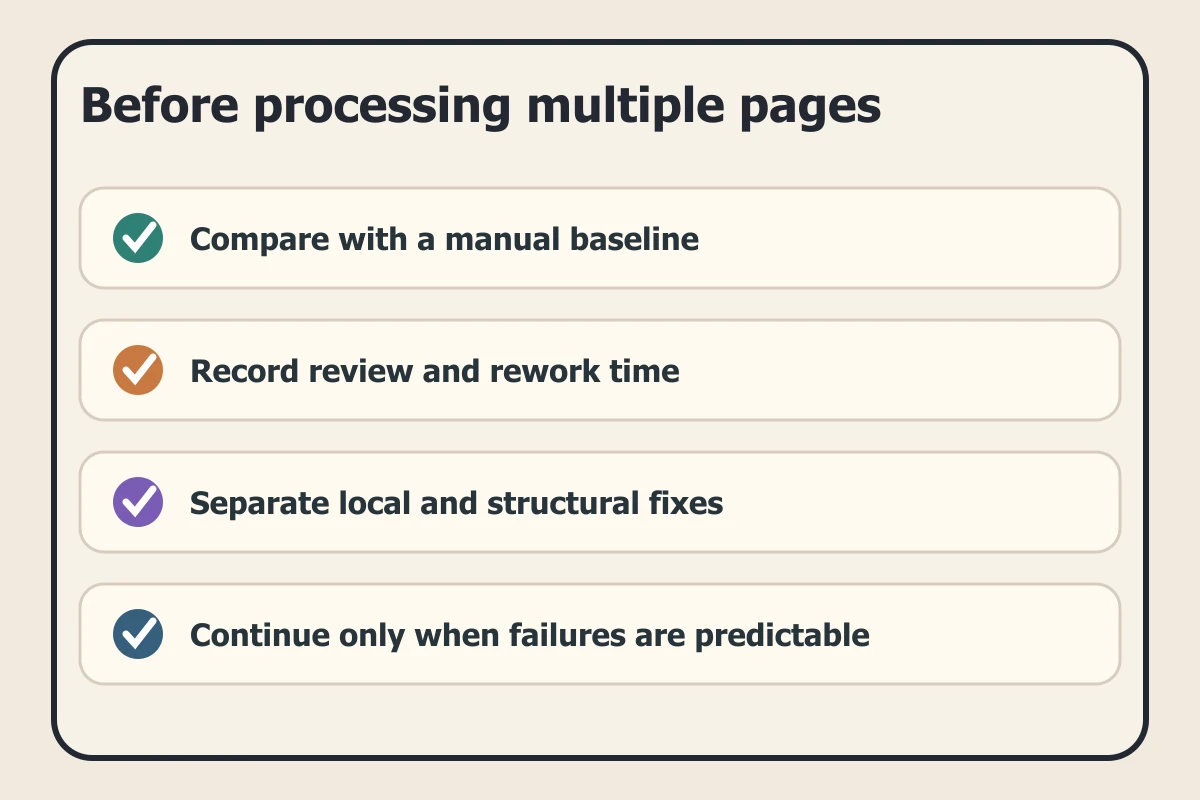
- Can the task be checked against a clear reference?
- Is rejection cheaper than doing the whole batch again?
- Are flats approved before shadows and effects?
- Does one person own light, materials, and visual focus?
- Is the rendered pass being mistaken for editable production layers?
- Has the page been reviewed at reading size and beside neighboring pages?
A repeatable setup task may begin with assistance when the result is easy to review. Story meaning, material logic, and final responsibility still belong to the artist and the production team.
Frequently asked questions
Are flat colors the same as cel shading?
No. Flats are uniform base regions. Cel shading adds deliberately shaped light and shadow, usually with harder edges. Approving flats first keeps later corrections controlled.
Can automatic shading be used in a finished manga page?
It can be used as a starting suggestion if an artist checks light direction, material response, readability, and continuity. Treat the reviewed page, not the raw suggestion, as the approved result.
Does VividManga export flat-color layers or masks?
VividManga currently provides a rendered WebP image. Keep or rebuild your editable production layers in your own editor when the project needs flats, masks, or layered handoff files.
Can VividManga generate flats and shading as separately editable passes?
No. It currently produces one rendered result rather than separately editable flat and shading passes. Use it to assess a visual first direction, then create or maintain the production separation in your editor.