Manga colorizer versus MangaColorizerPro is mainly a workflow comparison. MangaColorizerPro's store listing describes an extension that replaces manga panels while a reader browses websites. VividManga is a web upload workflow for owned or authorized files that users review, download, and optionally process as a batch. The right choice depends on the job.
Short answer
Choose a browser extension when the goal is in-place reading and the site's content and permissions allow it. Choose an upload tool when you control the source file and need a downloadable result, page-level review, or a multi-page job. Neither workflow grants rights to adapt or republish someone else's manga.
A five-step workflow
1. Start with the job, not the brand
A reading extension operates inside the browsing session. An upload workflow starts with a local file and produces a downloadable result. Those are different inputs, risks, and success criteria.
Write down whether you need temporary reading color, an editable production reference, a client handoff, or a chapter archive before comparing features.
2. Compare source control
With an upload workflow, you choose the exact owned or authorized file, crop, and page order. An extension acts on panels found on a website according to its own page detection and permissions.
Source control matters when the art is unpublished, confidential, high resolution, or part of a production project.
3. Compare the review loop
VividManga lets you inspect a rendered result, download it, and use a single-page test before a batch. A browser extension emphasizes in-place display while reading.
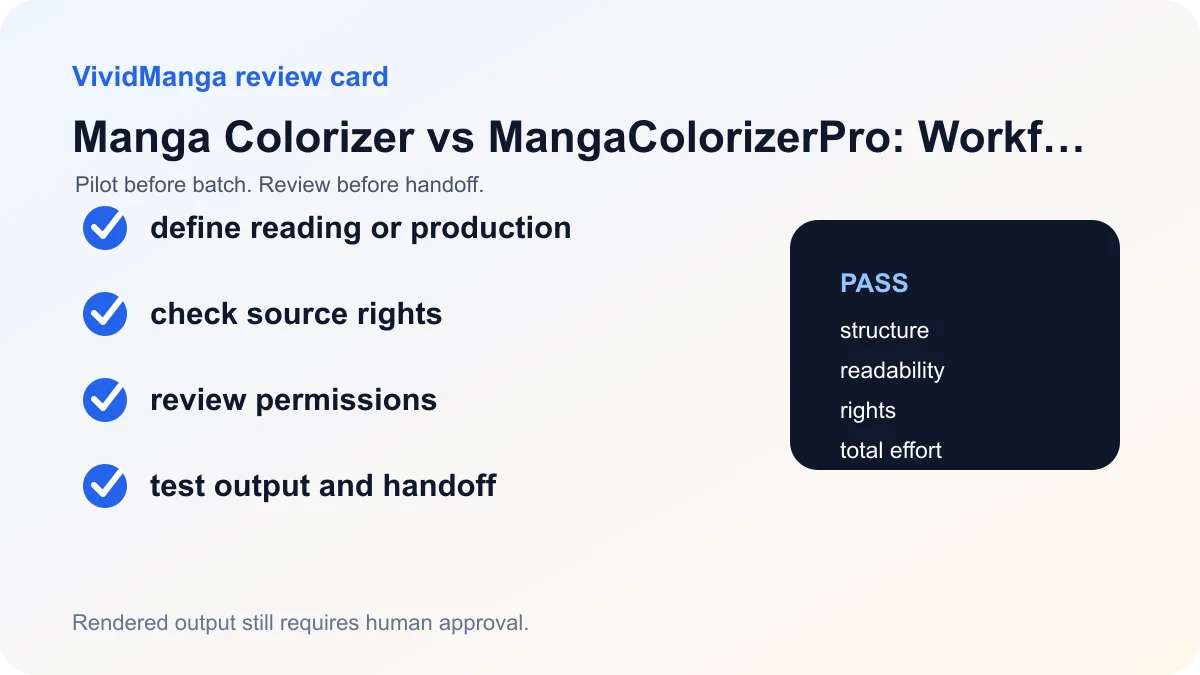
For production, ask whether you can preserve the source, compare versions, replace a failed page, and document which output was accepted.
4. Compare privacy and browser access
Read each service's current privacy statement and the permissions displayed by the browser store. Extension permissions and website behavior can change, so use the live listing rather than an old comparison screenshot.
For uploads, review retention, deletion, service providers, and whether external processing is acceptable for the artwork.
5. Compare rights and output limits
Neither product changes the copyright status of the source. Only process or display content in ways allowed by the rights holder, platform terms, and applicable law.
VividManga returns a rendered image rather than editable art layers. If layered delivery is required, keep the production work in drawing software or hire a colorist for that scope.
Decision table
| Decision | VividManga | MangaColorizerPro |
|---|---|---|
| Primary job | Owned-file upload and export | In-browser reading colorization |
| Input | User-selected local image or batch | Panels detected on websites |
| Review | Download, compare, retry, archive | Evaluate inside browsing session |
| Rights | User must own or have permission | Reader must still respect source and site rights |
Side-by-side comparison
Checked August 27, 2026. MangaColorizerPro is represented by its current Chrome Web Store listing; VividManga is represented by its live product, policies, and current implementation. "Not disclosed" means the cited listing did not provide the detail, not that the feature is absent.
| Decision | VividManga | MangaColorizerPro |
|---|---|---|
| Main job | Upload an owned or authorized image, review a rendered result, and download it | Color manga panels in place while reading supported websites in Chrome |
| Input | JPG, PNG, or WebP files; ZIP/CBZ and loose images for batch | Page content on websites accessed through the extension |
| Output control | Downloadable rendered image or batch ZIP; no layered PSD/CSP file | In-page display; downloadable production-file behavior not disclosed in the listing |
| Batch workflow | Multi-image and ZIP/CBZ chapter jobs for signed-in users with credits | Chapter production workflow not disclosed in the listing |
| Free boundary | One free page without signup and three after signup; paid exports are described as HD and watermark-free | Price or free-use limit not disclosed in the listing |
| Browser access | No extension permission; files are uploaded to the web service | Listing requests permission to read and change data on all websites |
| Data statement | Inputs/outputs may be stored and outside processors may receive limited data under the Privacy Policy | Listing says it does not collect browsing history; broader handling should be checked in the extension's current privacy disclosure |
| Best fit | Creators or teams that need a file-based, reviewable result | Readers who want automatic color displayed inside the browser |
The permission row is a material difference, not a claim that one model is universally safer. A website upload exposes selected files to the service and its processors. A browser extension with broad site permission can interact with pages the user visits. Choose the exposure model that fits the task, then read the current policy and permission prompt before installing or uploading.
Which one should you choose?
Choose MangaColorizerPro when the job is reading convenience and the extension supports the sites you use. Test whether it changes layout, loading, or readability on those sites, and inspect the current Chrome permission prompt. Do not assume an in-browser colored panel becomes a downloadable or editable production asset unless the current product explicitly provides that feature.
Choose VividManga when you control the source file and need to compare the result with the original, download a rendered image, or assemble a batch ZIP. Test a single page before spending credits on a chapter. Keep the layered master elsewhere because VividManga does not return line, flat, shading, or text layers.
Choose a manual colorist or drawing workflow when the deliverable requires authored palette decisions, layered files, extensive revisions, prepress, or contractual handling that either automated service cannot document. Tool choice does not change the copyright or permission status of the source.
Evidence and unknowns
The MangaColorizerPro Chrome listing supports the extension's stated reading use, website interaction, permission request, and browsing-history disclosure. VividManga's Privacy Policy, Terms of Service, single-page tool, and batch tool support the rows on its workflow and boundaries. Neither citation demonstrates comparative image quality, so this guide makes no winner claim.
Colorize one manga page here
Upload one black-and-white page, get a color result, then decide whether to process more pages.
PNG, JPG, or WebP under 5 MB works best.
Use this result to judge palette, line art, and speech bubbles before scaling.
If your job is file-based, test one authorized page with VividManga. If your job is in-browser reading, review MangaColorizerPro's current Chrome listing and permission prompt before installation.
Run a fair test before deciding
Define one reading task and one production task. For reading, use a supported website page and judge setup time, page responsiveness, panel coverage, text readability, and whether disabling the extension restores the original cleanly. For production, use an owned source file and judge upload, source comparison, download, dimensions, correction path, and whether the output format fits the brief. Do not score one product on a job it does not claim to perform.
Record the browser version, extension version, product date, source type, and observed behavior. Volatile details such as prices, site support, permissions, free limits, and update status should be rechecked at the time of use. If the public listing does not disclose a feature, write "not disclosed" instead of treating it as unavailable. If you did not test it, write "not tested."
For privacy review, list what the tool can access and what leaves the device. The Chrome permission prompt and the provider's privacy disclosure answer different questions. Likewise, VividManga's file selector limits what the user chooses, while its policy describes storage and processors after upload. VividManga returns a rendered image, not a layered art file. The comparison should end with the task and exposure model that fit the reader, not a universal winner.
Recheck after an extension update
Chrome extension permissions and listing text can change between versions. Review the listing's updated date, permission prompt, and privacy link again after an update, especially if the extension asks for new access. For VividManga, recheck free limits, prices, upload notices, and policies before a paid or confidential project.
Keep screenshots or notes with the test date, but link readers to the live sources. Historical evidence explains what was tested; it should not be presented as the current state forever. Update or remove a row when it can no longer be verified.
References used for this guide
- MangaColorizerPro Chrome Web Store listing: The listing positions MangaColorizerPro as an in-browser reading extension that replaces panels on websites, which is a different job from uploading owned files for review and export.
- U.S. Copyright Office AI initiative: The Copyright Office separates questions about AI output copyrightability, training, and digital replicas, so a coloring workflow should not turn a tool result into a blanket rights promise.
The Chrome listing supports the extension facts attributed to MangaColorizerPro. VividManga rows come from its current product and policies. Neither source supports a universal quality ranking, so this comparison names no winner.
FAQ
Is VividManga a browser extension?
No. It is a web workflow where users upload owned or authorized images, review rendered results, and download single-page or batch output.
What does MangaColorizerPro do?
Its current Chrome Web Store listing describes in-place colorization of manga panels on websites. Check the live listing for current features, permissions, ratings, and privacy information.
Which option is better for creators?
An upload and download workflow is usually easier to audit when you control source files and need versioned review. The decision still depends on output needs, policy, correction effort, and rights.
Can either tool give me permission to republish colored manga?
No. Tool access does not grant adaptation or publication rights. Confirm permission with the rights holder and review platform rules before sharing the result.