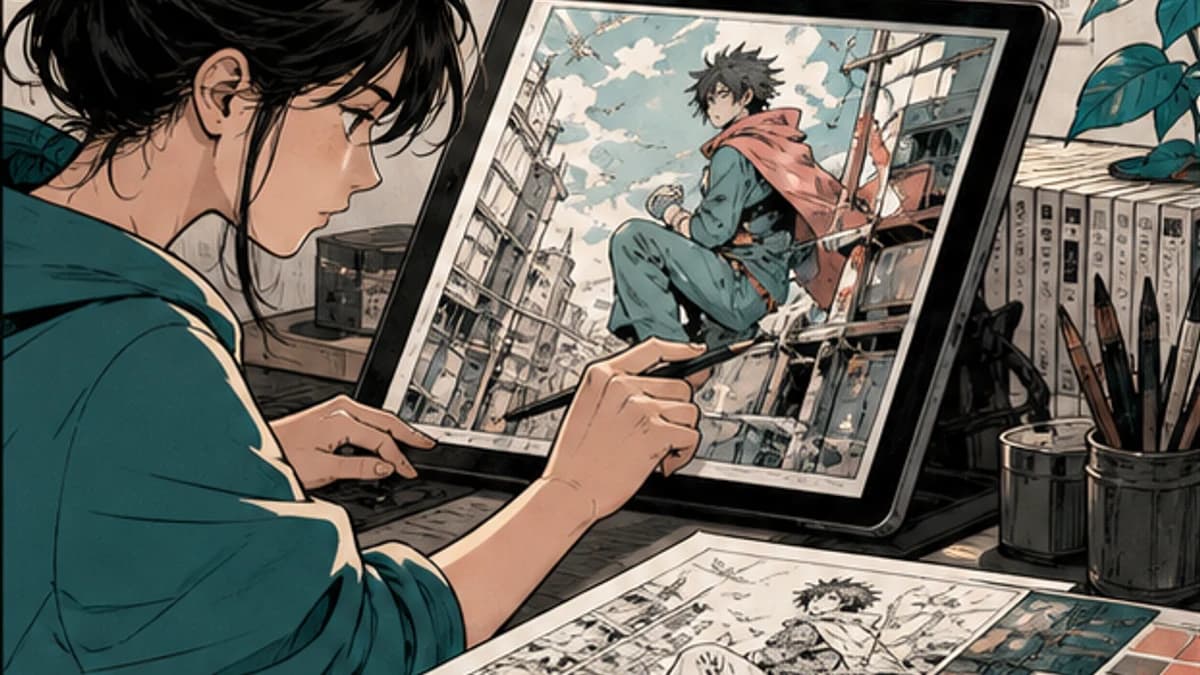
“AI colored the page” hides every decision that matters. Who owned the line art? Who chose the palette? Was external processing permitted? Could the result be edited? Who checked the speech bubbles, skin tones, and story lighting? Who decided that the page was finished?
An artist-controlled AI manga coloring workflow makes those decisions visible. The tool may offer a first pass, but the artist defines the source, references, checkpoints, corrections, and final approval. If those controls are missing, speed is not the main problem.
Start with permission, not the upload button
Use only artwork you own or are authorized to process. Ownership of a copy is not the same as permission to upload it to an external AI service. Fan scans, publisher pages, client work, collaboration files, and art covered by an NDA may carry restrictions that prevent processing.
Check four things before uploading:
- Who owns the line art and characters?
- Does the agreement allow external or AI processing?
- Does every collaborator know how the page will be used?
- Are storage, deletion, confidentiality, and portfolio rules acceptable?
If any answer is unclear, stop and use a public-domain, self-created, or non-sensitive test instead. Do not treat a technical ability to upload as permission.
Platform policies show why this boundary matters. GlobalComix's AI policy distinguishes platform use and emphasizes creator rights and transparency. Individual creator communities may set stricter rules, including bans on generated work or on using members' art for AI processing. Check the rules where the work will be published, not just the tool being tested.
Keep an editable source of truth
The original layered file should remain the source of truth. Save the line art, flats, palette, lettering, and approved references separately from any generated result. Never replace your sole working file with a flattened output.
VividManga currently returns a rendered WebP image. It does not return a layered PSD, editable flat selections, or production masks. That means the result can be reviewed as an image, but corrections and final production layers must be made in your own editor.
This limitation is not a footnote. A convincing preview can still be expensive to use if hair, skin, clothing, and background colors cannot be isolated cleanly. Measure correction time, not just generation time.
Define the palette before asking for a pass
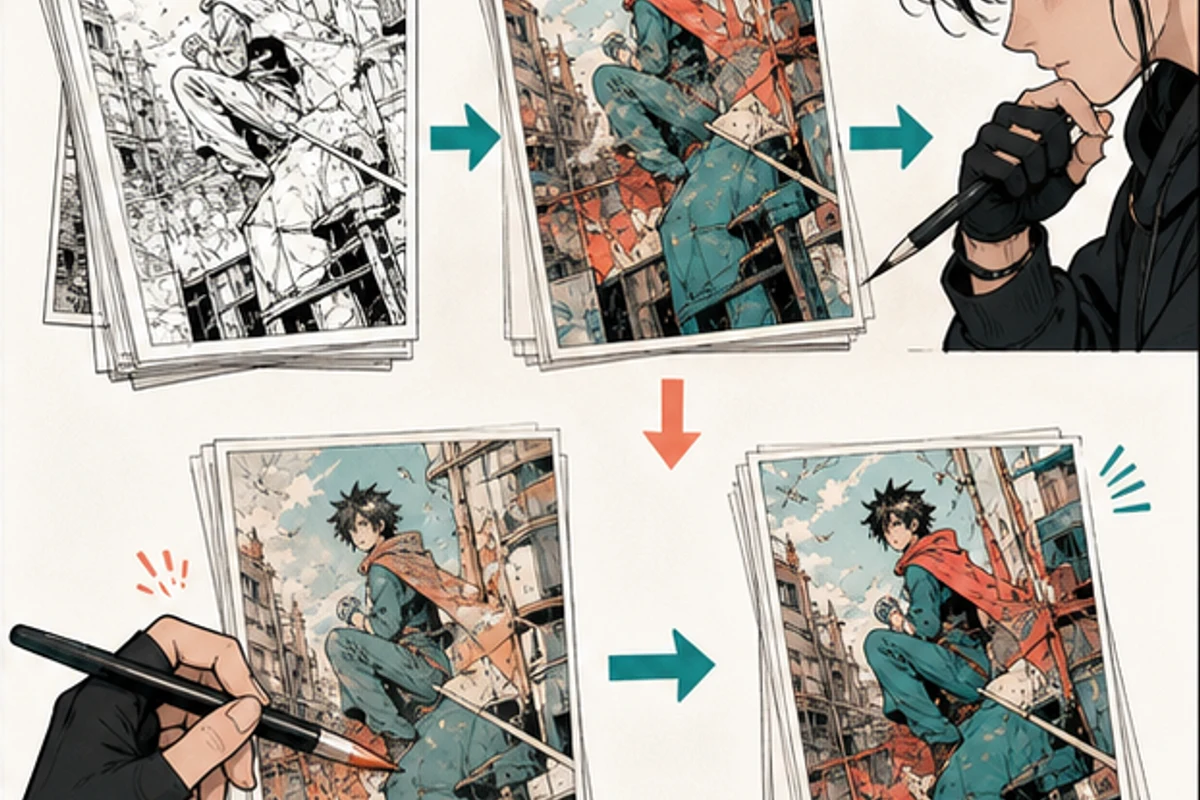
AI colorization is underdetermined. Black-and-white line art usually does not contain a single objectively correct color for hair, clothing, props, or light. The artist has to supply or enforce the story decisions.
Create a compact reference sheet with canonical character flats, recurring props, location colors, and one approved lighting example. Separate identity colors from scene colors. A blue coat can look warm under sunset while remaining the same canonical garment color beneath the lighting treatment.
Name the swatches by role. “Blue 3” is easy to confuse. Ari_coat_flat or archive_room_night records what the color is for. The official CLIP STUDIO PAINT colorization guide demonstrates why keeping base color, shadow, light, and adjustments in separate stages makes later correction easier.
Do not evaluate the tool only on an isolated pretty panel. Choose a page with a recurring character, small facial features, screentones, dialogue areas, and a difficult light. The test should expose failure modes before they spread.
Use fixed checkpoints
Review every test in the same order.
1. Rights and source check
Confirm the page is authorized and the submitted file is a duplicate. Remove hidden notes, unrelated layers, and confidential material that the test does not need.
2. Line art and text
Inspect faces, fingers, hair strands, panel borders, screentones, sound effects, and speech bubbles. If the process damages the drawing or tints dialogue areas, stop before judging the palette.
3. Flats and region boundaries
Look for leaks, missed islands, merged materials, and colors crossing line art. A plausible overall image can conceal many small region errors.
4. Character continuity
Compare skin, hair, eyes, clothing, and props with the reference sheet and neighboring pages. A color that looks good in one panel may still be wrong for the character.
5. Light, value, and story focus
Check whether the light direction supports the scene. Preview in grayscale and at reading size. The face, gesture, and dialogue path should remain clear.
6. Correction cost
Record how long it takes to turn the first pass into an approved production page. Include rebuilding layers and selections. If repair costs more than the original workflow, the test did its job by revealing that early.
Expand in small batches
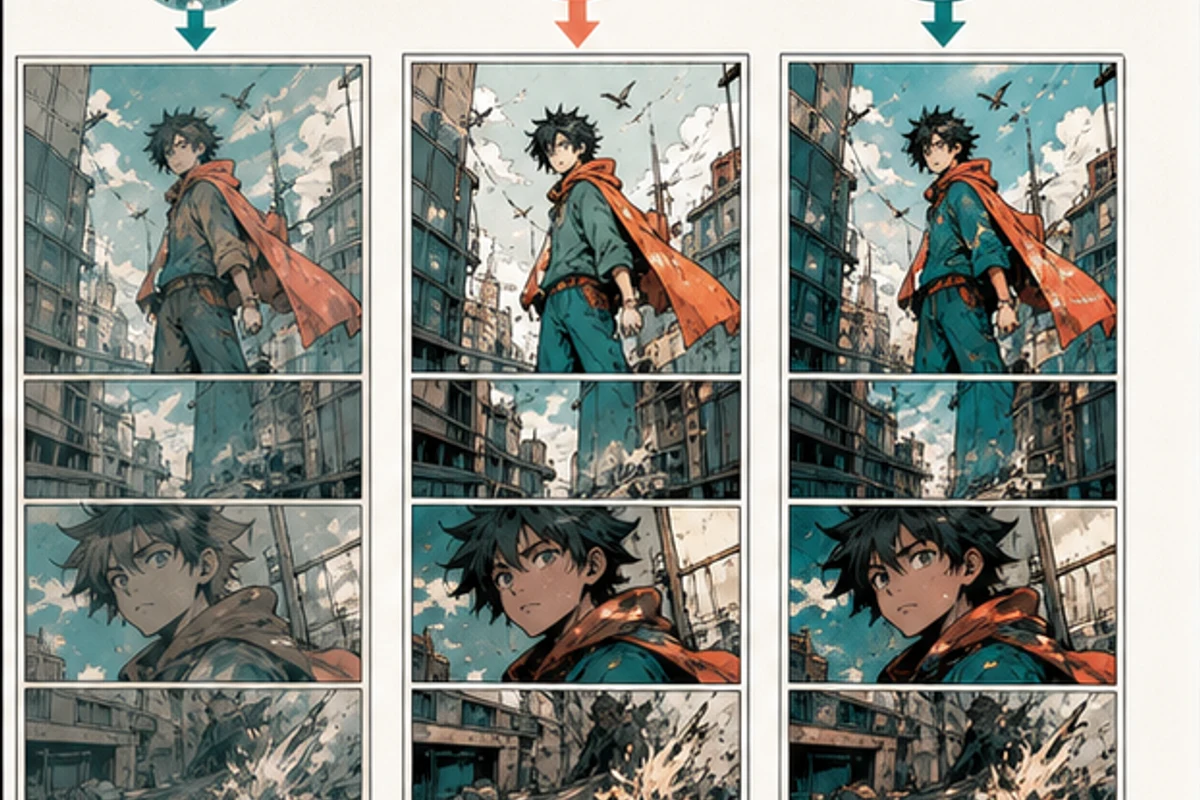
One good page does not prove chapter-wide consistency. The next test should be a small scene group that repeats a character, location, or light condition. Review the pages together and beside the approved reference.
Use an acceptance rule before generating the batch. For example, line art and dialogue must remain intact, recurring identity colors must match the palette, and manual correction must fit the allotted review time. Write down any non-blocking issues instead of letting “mostly fine” become the standard.
If the batch fails, narrow the role of the tool. It may be useful for ideation but not production, or for some page types but not others. Manual coloring remains the better choice when the project depends on precise separations, unusual materials, complex effects, strict continuity, or a contract that prohibits external processing.
Do not erase the colorist from the story
Community research found that AI resistance often appeared beside concerns about unpaid work, hidden substitution, copied identity, and disrespect for creative labor. A workflow described as “no artist needed” creates a different social and contractual problem from a tool openly used by the artist.
If a human colorist, assistant, or editor contributes, agree on credit and disclosure. Do not use their palette sheets or working files in another process without permission. If a publisher or platform asks how a page was made, answer accurately.
Artist-controlled also means the artist may reject the output. The tool is not owed a place in the pipeline. A manual page that preserves intention and remains editable is better than a fast pass that creates uncertainty or hidden repair work.
Read the current VividManga policies directly
VividManga's Privacy Policy says inputs, outputs, and job metadata may be stored for features such as history, support, abuse prevention, and service reliability, and that service providers may support storage and AI processing. It does not justify a blanket claim that every upload is immediately deleted or never used to improve services.
The Terms of Service require users to have the necessary rights. They also explain that AI output may be imperfect, inconsistent, or unsuitable, and that the user must review it. Policies can change, so check the current pages before every sensitive project.
For confidential work, the safest question is not “Is the tool secure?” in the abstract. Ask whether the specific contract and team's risk tolerance allow this specific data flow. If not, keep the page local.
Colorize one manga page here
Upload one black-and-white page, get a color result, then decide whether to process more pages.
PNG, JPG, or WebP under 5 MB works best.
Use this result to judge palette, line art, and speech bubbles before scaling.
With authorized, non-sensitive art, the single-page manga colorizer can be used for a representative test. Keep the layered original, record every correction, and move to the multi-page workflow only after the first page and its policy checks pass.
A short approval record
Keep this beside each evaluated batch:
- source owner and permission confirmed;
- external processing allowed by contract and platform;
- policy pages checked on the test date;
- original layered file preserved;
- character palette version recorded;
- line art, text, and screentones intact;
- continuity checked against neighboring pages;
- correction time recorded;
- final human approver named;
- disclosure and credit handled where required.
Is an artist-controlled workflow automatically ethical?
No. Control helps, but rights, consent, labor, attribution, privacy, and platform rules still need separate answers.
Can a rendered result replace flats?
Not necessarily. A flattened image does not provide editable selections or named material layers. If the production needs flats, they may still have to be created or repaired manually.
Should AI use always be disclosed?
Follow the contract, client, collaborator, contest, and platform rules that apply. When someone reasonably relies on knowing how the work was produced, transparency is safer than concealment.
What is a successful test?
A successful test is not merely attractive. It preserves the drawing, follows the palette, fits the story, remains within rights boundaries, and takes less acceptable correction effort than the alternative.
The practical promise is deliberately limited: an authorized first pass, reviewed and corrected by the artist. That may help some workflows. It should never be used to blur ownership, hide substitution, or skip the judgment that turns a colored image into the right page for the story.
Write the decision down after the test. Future collaborators should be able to tell which tool was used, which page became the approved reference, and which parts were repainted by a person. A small production record is easier to trust than a vague assurance made months later.
Retest when the visual language changes. A new lead character, location, rendering style, or delivery format can invalidate the old result. Approval belongs to the tested conditions, not to the tool in every future situation.
Keep rejected tests too. They document damaged line work, continuity drift, excessive cleanup, or a rights restriction that made the process unsuitable. A failure archive prevents the team from repeating the same experiment under deadline pressure and calling it new evidence.