A free manga colorizer online is useful as an evaluation environment, not proof that an entire chapter will be production ready. A meaningful free test checks source compatibility, drawing preservation, text cleanliness, palette control, download format, retention terms, and the paid cost of the next realistic batch.
Short answer
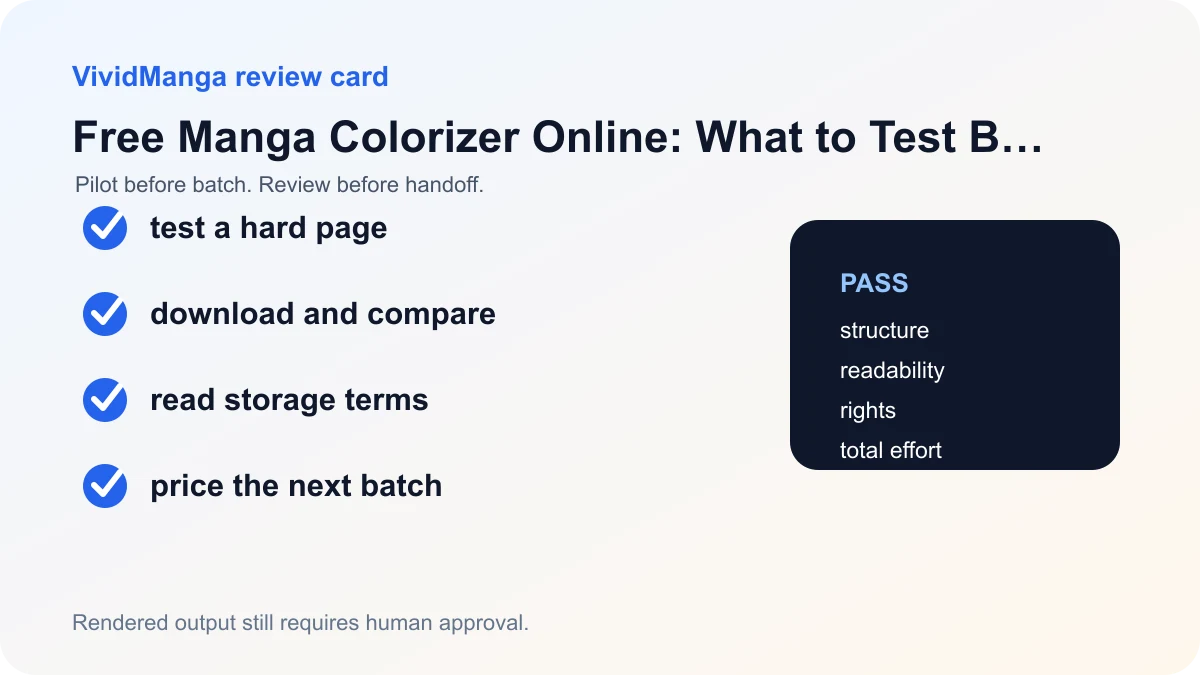
Spend the free test on a difficult, representative page. Download the result and compare it with the source at full size and reading size. Before paying, confirm which features require credits, whether output is rendered or layered, how long files are stored, and whether the service terms fit your rights and confidentiality needs.
A five-step workflow
1. Use the trial to answer a real question
Choose a page from the work you expect to process later. A random portrait can test novelty, but it cannot tell you whether the tool will handle your lettering, screentone, panel density, or recurring cast.
Define a pass condition before upload. For example, require clean bubbles, unchanged ink, a usable character palette, and a downloadable file that fits your editing workflow.
2. Check what the free result includes
Confirm input formats, output resolution, visible marks, download access, history, and whether reruns use additional allowance. Read the current interface rather than relying on an old review or screenshot.
A rendered image can be useful for reference or a first pass, but it does not replace editable flats, shading, or correction layers.
3. Measure correction work
Time the review and the fixes you would actually make. A quick generation can still be expensive if every face, bubble, or recurring costume needs repainting.
Compare the same page with your normal manual baseline. The relevant cost is generation plus inspection plus correction, not generation alone.
4. Read the data and rights terms
Check storage duration, deletion controls, service providers, and permitted uses before uploading unpublished or client work. If a policy leaves a material question unanswered, use non-sensitive test art or ask the provider.
Also confirm that your permission covers outside AI processing. General coloring permission and external processing permission are not always the same.
5. Estimate the next real job
Use the current pricing page and the detected page count to price a small scene before a chapter. Include failed-page retries and manual correction in the decision.
Pay only when the test result is repeatable and the next batch has a clear stop rule. A free preview should reduce uncertainty, not create pressure to process more files.
Decision table
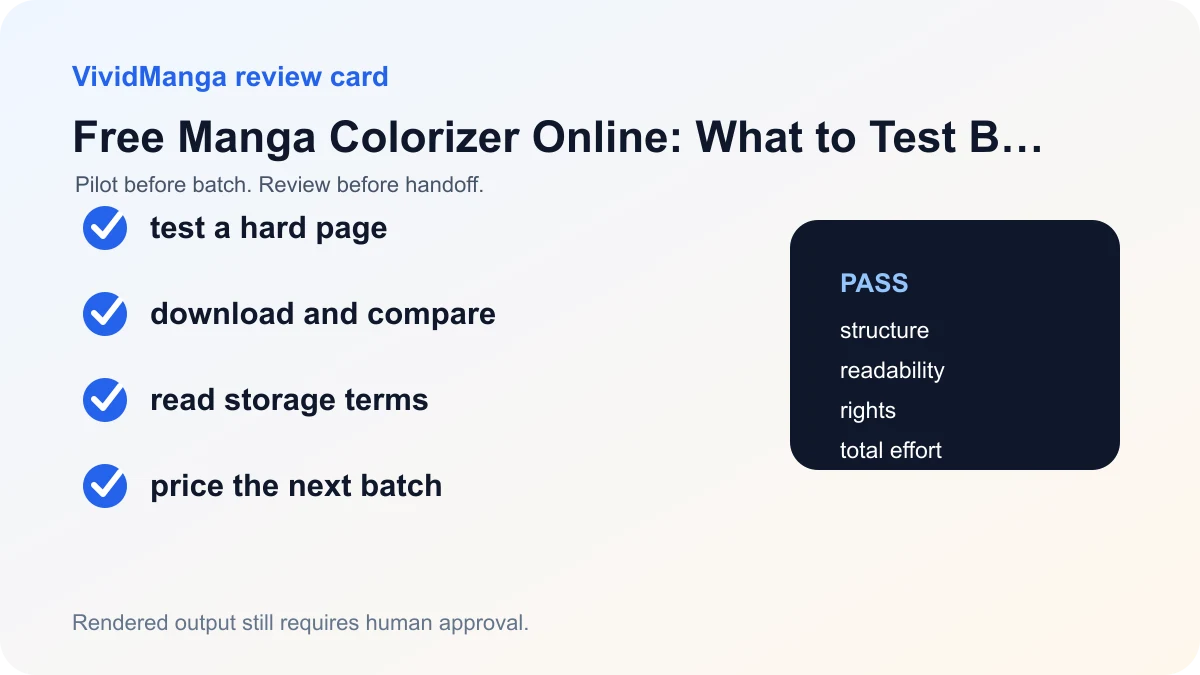
| Check | Pass condition | If it fails |
|---|---|---|
| Quality | Ink, text, and identity survive review | Reject the workflow |
| Editing | Rendered output fits the planned handoff | Keep the task manual |
| Policy | Storage and processing terms fit the source | Use non-sensitive art or stop |
| Cost | Small-batch total beats the manual baseline | Do not scale |
What is free on VividManga today
Checked August 27, 2026: the public product offers one free page without signup and three free pages after signup. After the displayed free allowance, continued generation requires credits. This article does not infer whether the offer resets or how sample-image runs are counted because those details are not stated on the public product page.
Free results can be downloaded for evaluation. The public product states that paid exports are HD and watermark-free, but it does not publicly specify the free file's exact dimensions, encoding, or mark implementation. The product returns a rendered image, not a layered PSD or Clip Studio file. Input supports PNG, JPG, and WebP under the single-page upload limit shown by the tool.
This is a dated product disclosure, not a permanent promise. Check the live Manga Colorizer and pricing section if a limit is important to a purchase decision.
Use the three checks for different questions
The no-signup run should answer compatibility: does the service accept the source, preserve the drawing, keep text readable, and provide a file you can open? If the result is promising, use the next two checks after signup because that is how the public three-page offer is presented. Record the allowance and history actually shown by the account instead of assuming that anonymous work transfers.
Use the second run on a different kind of page, not a rerun of the easy portrait. Choose dense screentone, small effects, or an indoor scene. Use the third on an adjacent page with the same character. This separates single-page appeal from continuity. If one page fails structurally, do not spend the remaining check repeating an unchanged request. Repair the source or choose a different workflow question.
| Free check | Question | Stop condition |
|---|---|---|
| 1, no signup | Does the source and download workflow work? | Broken ink, unreadable text, unusable file |
| 2, registered | Does a difficult page remain editable enough? | Correction exceeds the manual baseline |
| 3, registered | Do identity and palette survive an adjacent page? | Recurring colors or forms drift beyond the brief |
Know the boundary before uploading client work
The free tier is not a privacy exception. The current Privacy Policy says uploads and outputs may be stored for history, support, abuse prevention, and product reliability, and that hosting, storage, analytics, and AI processing providers may receive limited data to provide the service. It does not promise that every upload disappears immediately, so do not infer a retention period that the public policy does not state.
Permission to color a client's page may not include permission to send it to an outside AI provider. Use your own non-confidential test art when the agreement is unclear. The Terms of Service also state that results may be imperfect or inconsistent and require the uploader to have the necessary rights.
When paying makes sense
Move to credits only when the free checks answer a repeatable production question. One paid single generation costs one credit. Batch jobs also use one credit per detected page. Add review and correction time to the credit price, and compare equivalent deliverables. A layered colorist file includes work that a rendered automated output does not.
Test your manga color direction
Upload one page, compare the before and after result, then batch your chapter when the style is ready.
PNG, JPG, or WebP under 5 MB works best.
Use this result to judge palette, line art, and speech bubbles before scaling.
Start with the free Manga Colorizer. If the second and third checks pass, calculate the next scene with the batch cost guide before buying credits.
What the free check does not establish
Three successful pages cannot establish a chapter-wide retry rate, long-scene palette consistency, batch archive behavior, support response, or total project cost. They also do not prove that a chosen style will behave similarly on another artist's inks. Treat the free allowance as a small sample with deliberately different page conditions.
Download every test result before moving on. Record the source dimensions, returned dimensions, any visible mark, style, and whether the file opens in the intended editor. Time the inspection and correction you would actually perform. A free output that needs forty minutes of repainting can be less useful than a paid method that returns a controllable file. Conversely, a lower-resolution or marked result, if provided, may be entirely adequate for a private palette discussion.
Avoid uploading the most sensitive page first. Use owned demonstration art until you understand the account, storage, download, and deletion controls. If the service behavior or policy changes after this article's checked date, the current interface and legal pages control. Send factual product questions to support before using a confidential commission rather than relying on an old screenshot or review.
Write the result before the offer changes
At the end of the test, record the checked date, allowance observed, account state, file dimensions, any visible mark, download format, quality label if shown, and remaining quota displayed by the interface. This turns a fleeting free offer into a useful internal test record. It also prevents an old assumption from being copied into a future budget.
If a later interface shows different terms, use the newer product evidence and update the worksheet. A changed allowance does not invalidate the quality observations, but it changes the cost and onboarding conclusion. Separate stable page findings from volatile commercial facts.
References used for this guide
- Clip Studio Paint Smart Tools guide: Clip Studio Paint describes automatic colorization as a server processed preview that creates a raster color result and still benefits from a hint layer and review.
- U.S. Copyright Office AI initiative: The Copyright Office separates questions about AI output copyrightability, training, and digital replicas, so a coloring workflow should not turn a tool result into a blanket rights promise.
The external links frame automatic color previews and AI rights questions. The dated allowance, supported inputs, and paid HD and watermark-free boundary come from VividManga's public product page and can change.
FAQ
What is the best page for a free test?
Use a page that represents the real job and contains at least one likely failure point: small text, dark tone, detailed hair, overlapping clothing, or a recurring prop.
Is free usage enough for a chapter?
It is usually better treated as a quality and workflow test. Chapter work also needs predictable page cost, retries, exports, continuity review, and adequate permission for every source file.
Can I get a layered file?
The current VividManga result is a rendered image, not a layered PSD or Clip Studio project. Keep editable production layers in your own art software.
What policies should I read?
Read the current Privacy Policy and Terms of Service. Check storage, deletion controls, AI processing providers, and the service's rights language before using unpublished or client art. Do not infer a retention duration that the public policy does not state.