Colorize Manga Online
Test a manga page, inspect the rendered result, then use the batch workflow for a longer chapter.
1 page free without signup · 3 free after signup · then 1 credit per page.
Colorize
Upload B&W manga line art. Try 1 page without signup, then get 3 free colorizations with an account.
Interactive Preview

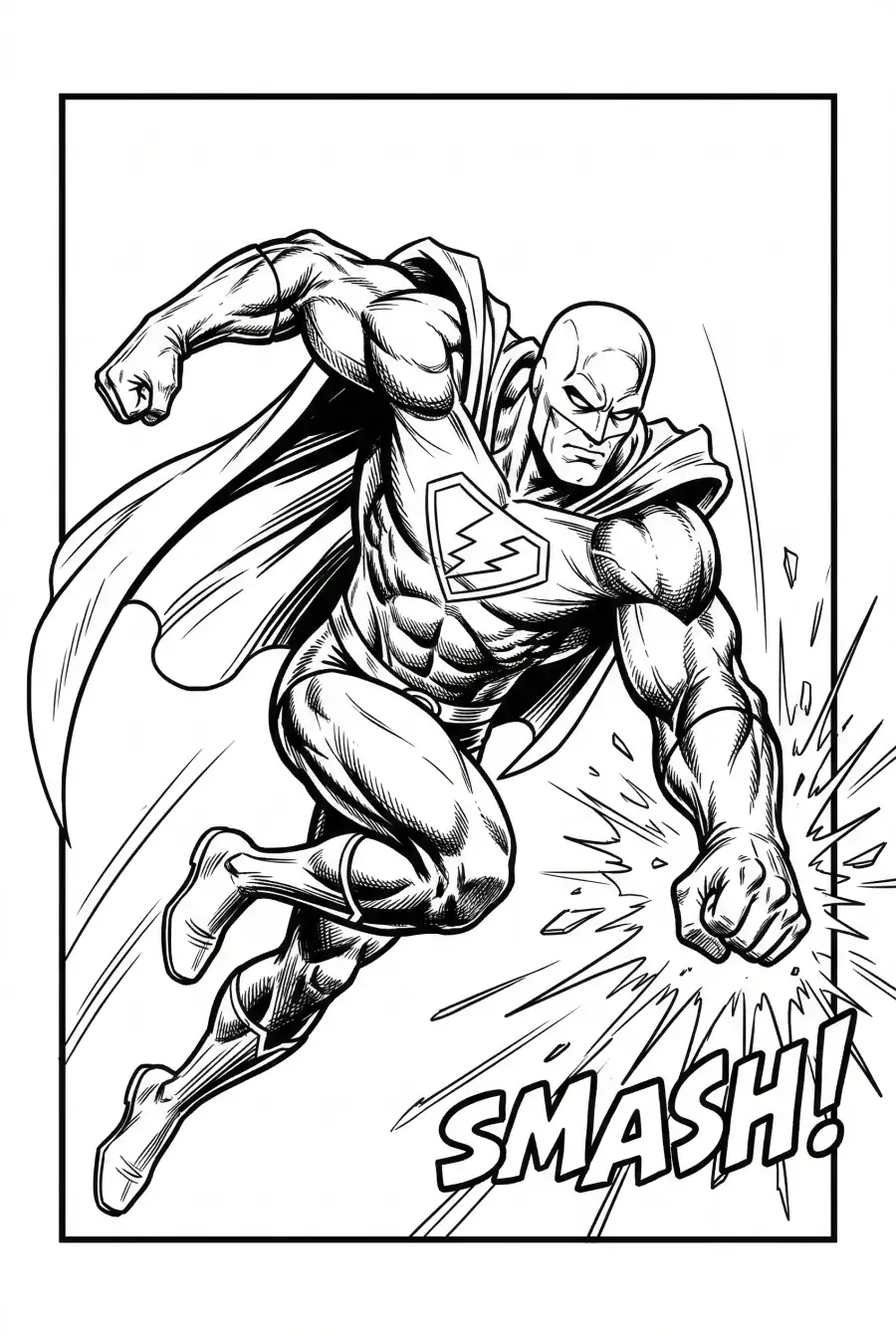
Interactive Demo
A Faster Way to Colorize Manga
Colorize one page for a quick test, or upload multiple manga page images when you need a chapter workflow. ZIP/CBZ import remains available when your pages are already packaged.
Review Character Colors Across Pages
Choose a shared style, then compare recurring hair, clothing and props against your reference. Matching settings do not guarantee identical colors, so review neighboring outputs before delivery.
Save a Reference
Review the palette before scaling so recurring characters have a clearer color direction.
Check for Drift
Color review helps reduce page-to-page drift when you colorize manga with VividManga.
Read in Sequence
Chapter workflow keeps page order, style review, and export together instead of treating every file as a one-off task.
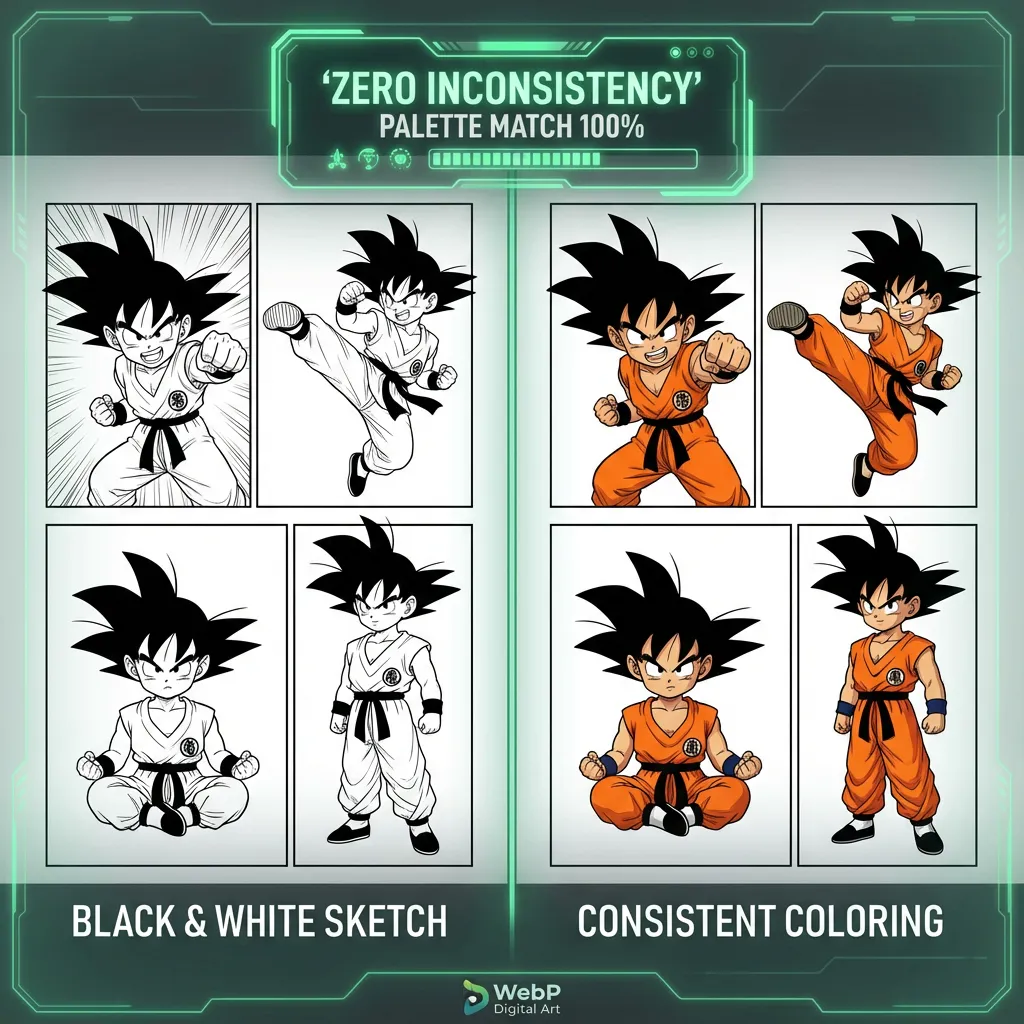
Batch Volume Processing with VividManga
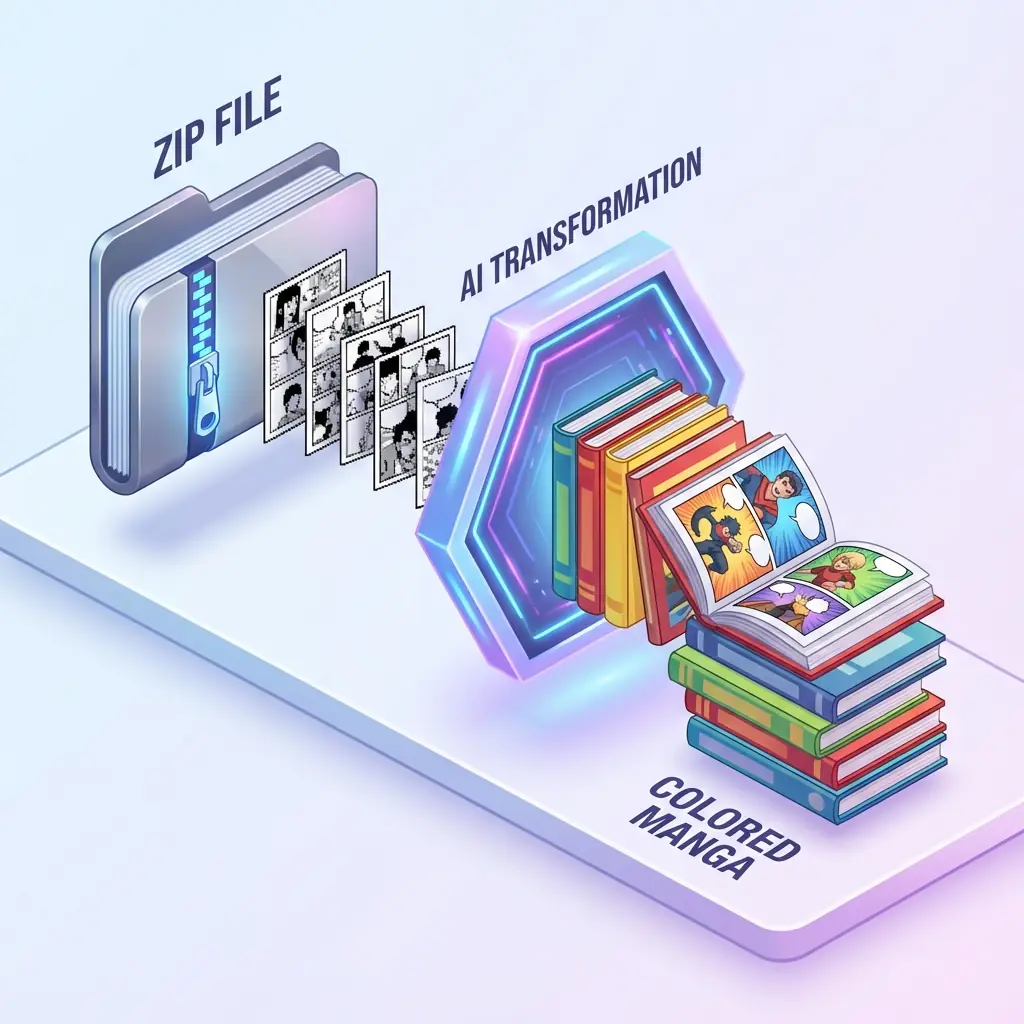
Stop rebuilding a workflow page by page. Upload multiple images directly, or import ZIP/CBZ when the chapter is already packaged. VividManga helps count pages, review cost, process the job, and export finished pages together.
Bulk Upload
Drag and drop multiple page images, with ZIP/CBZ import available for packaged chapters.
Fast Pipeline
Background processing keeps large jobs moving without forcing a manual page-by-page loop.
Auto-Extraction
Preflight checks help validate files, count pages, and keep output organized before processing starts.
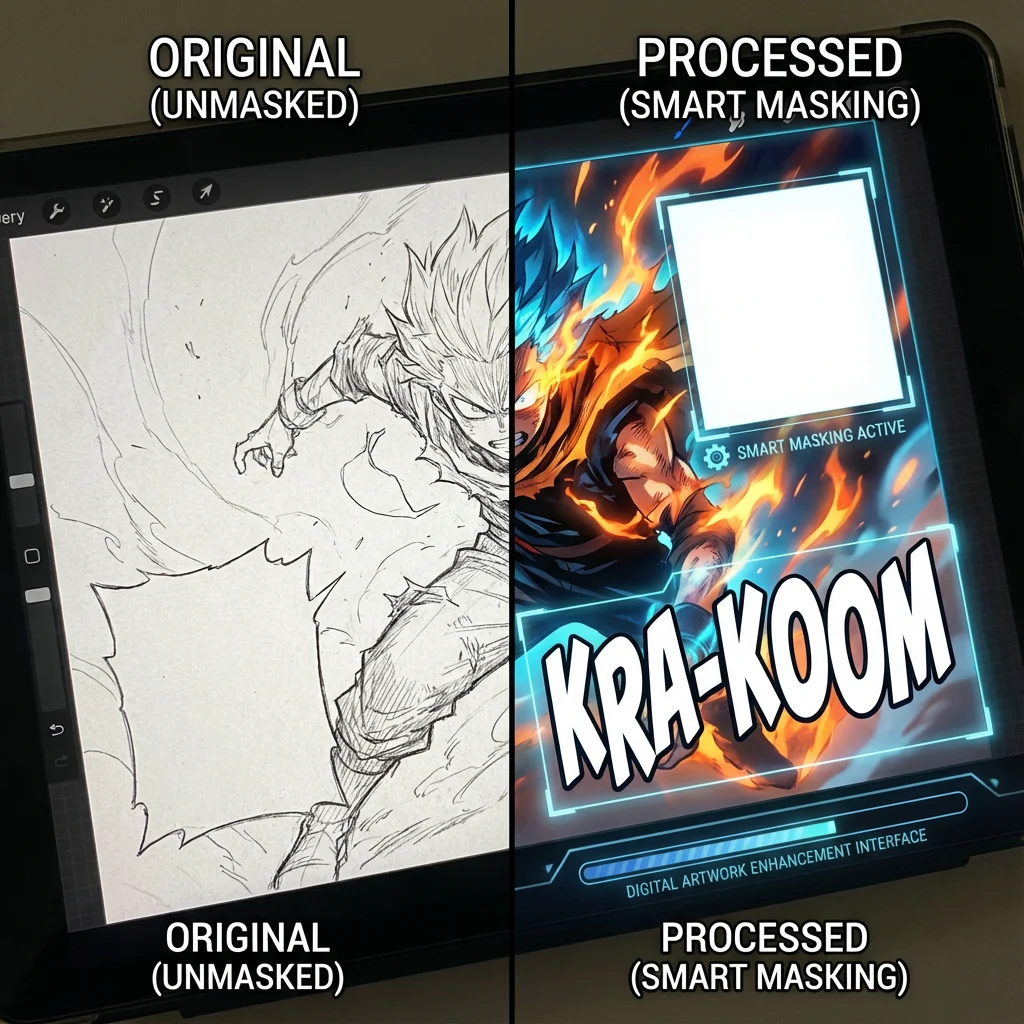
Review Text and Line Art
Inspect speech bubbles, sound effects and narration in the generated output. Clear source scans help, and small text or dense ink may still need manual correction.
Text-Aware Review
Review bubbles and captions after colorization so important story text stays readable.
Inspect Small Text
Check lettering at reading size and zoom in on dense or shaded panels.
Multi-Language
Clean text regions are easier to preserve across languages when the source scan has enough contrast.
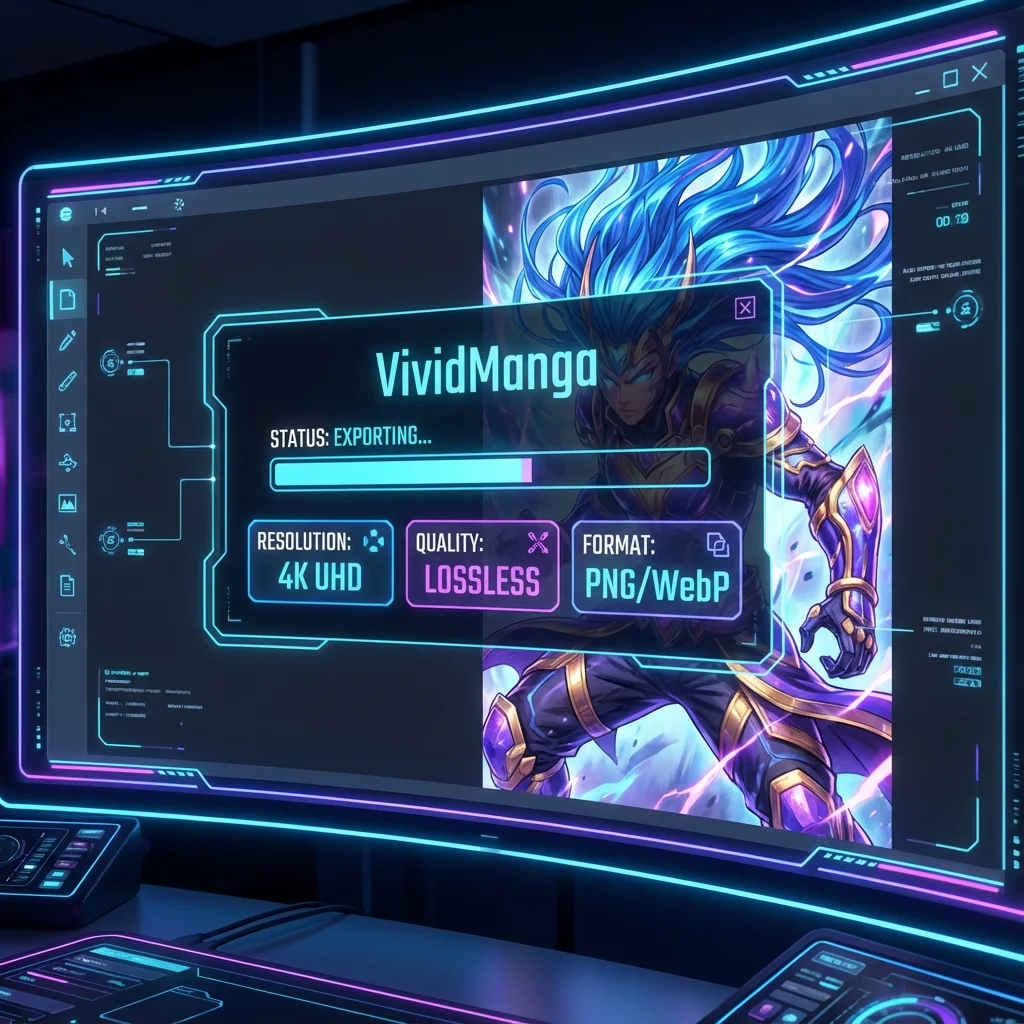
Export-Ready Results
Download colorized pages for review, editing, archiving, or creator handoff. Output quality depends on the source page and current plan, so start with clean scans and inspect the result before publishing.
Clean Source Matters
Higher-quality input gives the manga colorizer more detail to preserve during export.
Creator Handoff
Download results for retouching, video editing, layout checks, or archive review.
Batch ZIP Export
Finished pages can be packaged together so long chapters remain organized.
How to Colorize Manga with VividManga
From upload to download, VividManga turns manga colorization into a simple workflow. No professional coloring experience is required to create a clean first result.
Upload Your Manga Page
Drag and drop one manga page for a quick test, or use ZIP/CBZ archives when you need to colorize manga pages in batch. The system keeps page order and chapter continuity clear.
Choose a Color Direction
Pick a style and review the first result before processing more pages. This keeps hair, clothing, shadows, and background color closer to the direction you want.
Let AI Apply Manga Color
Click start and VividManga analyzes line art, panels, characters, and text-heavy areas before applying color. Single pages finish quickly, while longer batches run in the background.
Download the Colored Manga
Download the finished manga color result for review, editing, sharing, or archiving. Batch jobs return a packaged archive so long chapters stay organized.
Why Choose Our Manga Colorizer?
Many coloring tools can color line art. VividManga focuses on the manga workflow: one-page tests, readable text, character color review, multiple page images, and organized export.
A Review Step Before the Full Chapter
Generate a representative page, inspect lettering and recurring colors, and choose a style before submitting the remaining pages. Compare the completed batch against that reference.
Reduce Repetitive Page Work
Instead of uploading, downloading, renaming, and organizing every page by hand, VividManga separates the workflow into upload, estimate, style review, processing, history, and export. That makes longer manga coloring jobs easier to manage.
Reviewable Output Quality
The right promise is control, not magic. Use clean source pages, inspect line art and speech bubbles, compare style results, and export the version that fits your reading, editing, or creator workflow.
Frequently Asked Questions
Practical answers about using VividManga for one-page tests, multi-image manga coloring, ZIP/CBZ compatibility, rights, credits, and output review.
Regions
Choose your language
Switch to the VividManga edition built for your region.